
Pick a prompt, fill what you need, and choose your reference images. The prompt on the right stays live the whole time. Attach your reference images in ChatGPT first, then click Copy prompt last and paste it in. (Copying an image replaces whatever is on your clipboard, so copy the prompt as your final step.)
Save the current prompt and its choices so you can load the same setup again later. Saved on this computer.
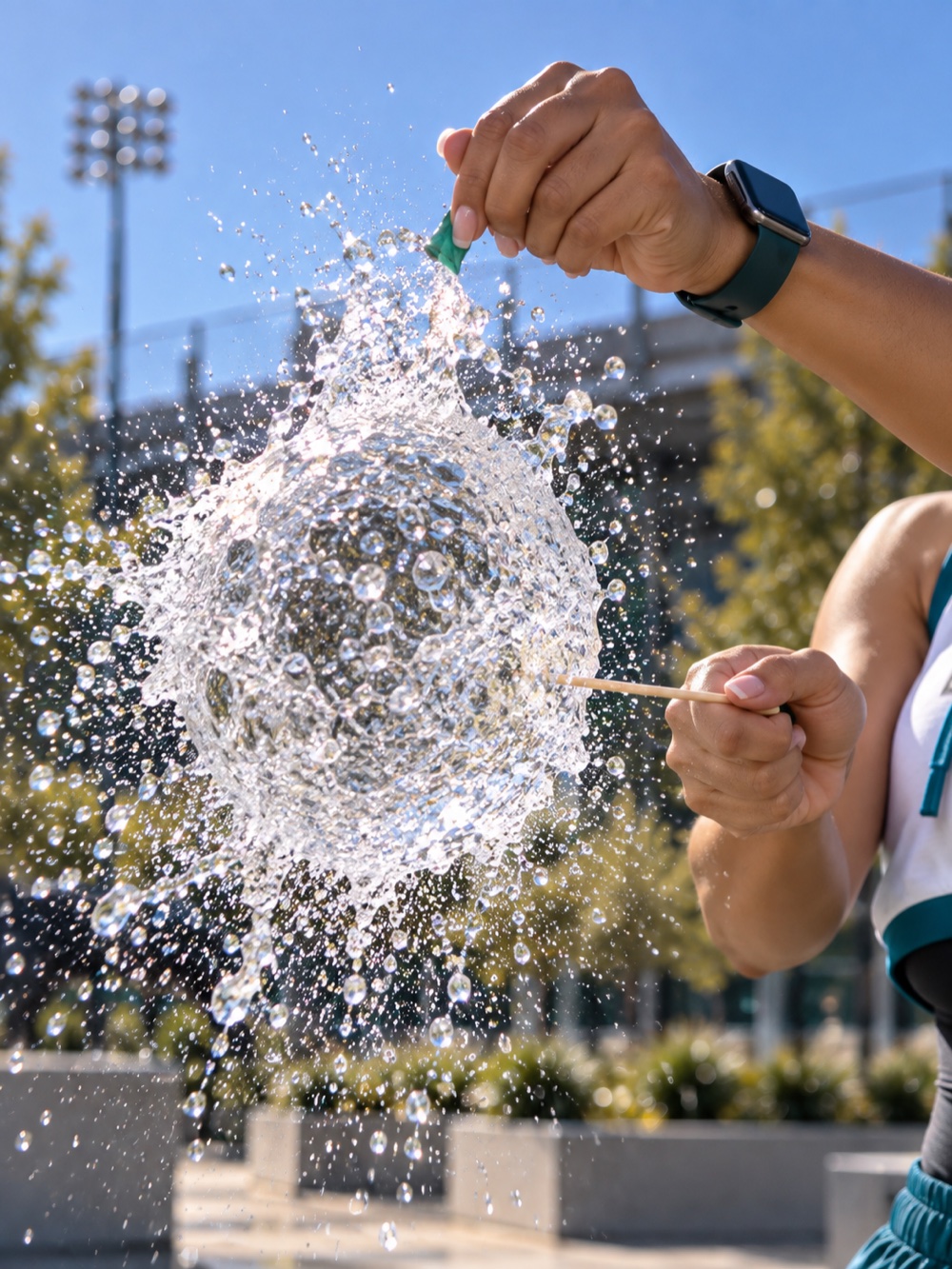
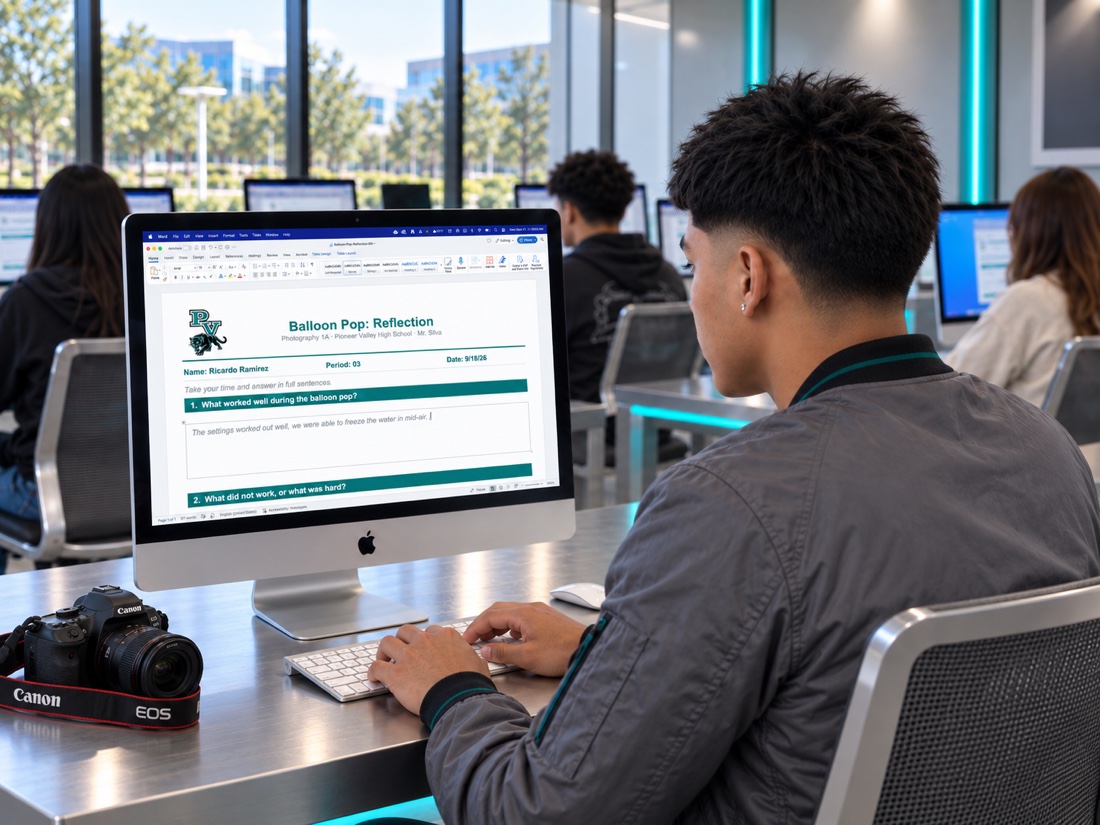
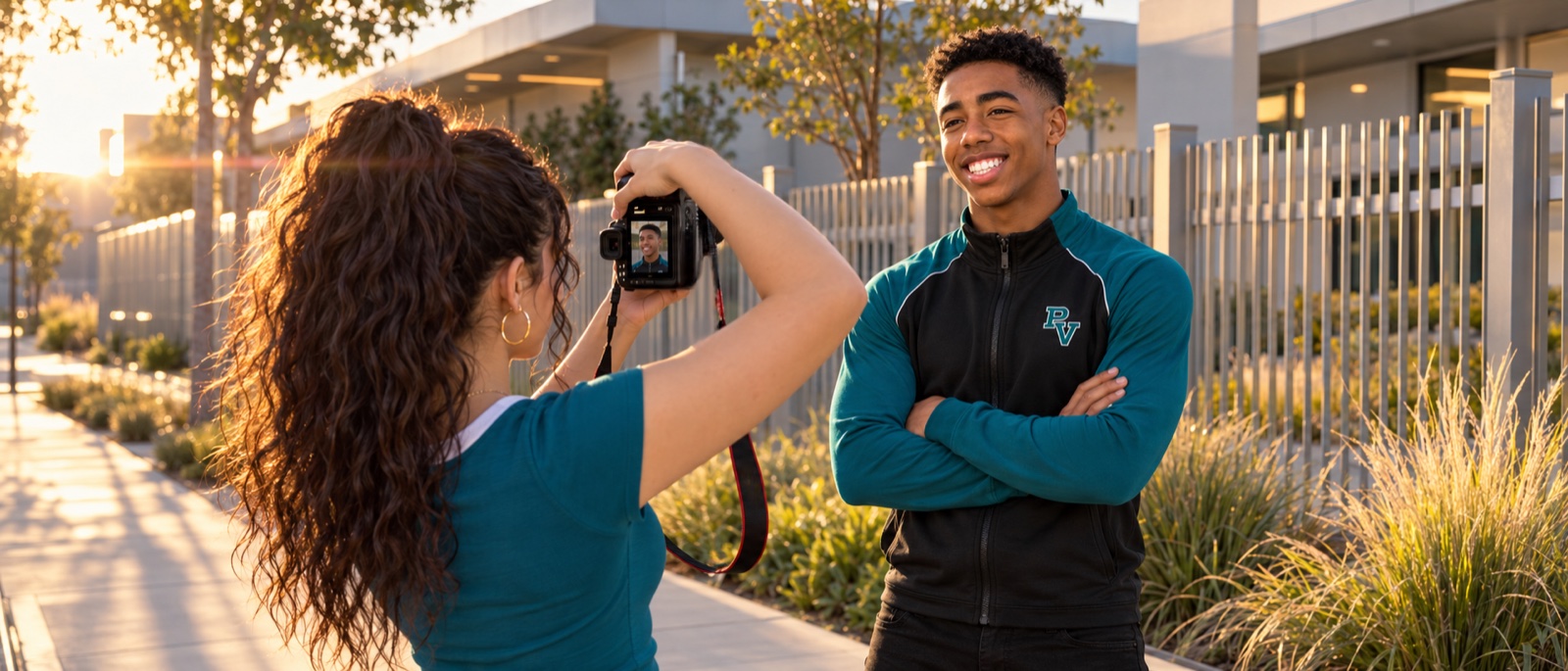
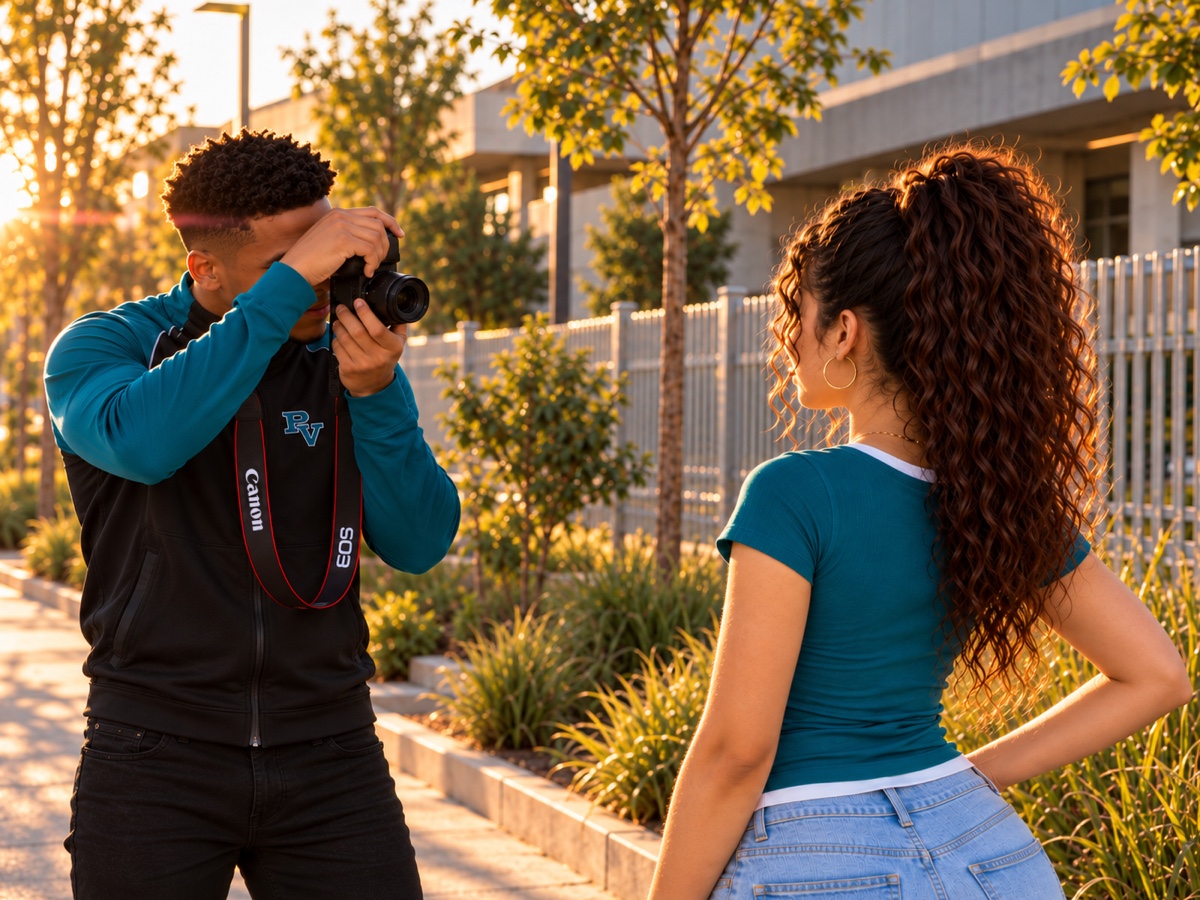
Every hosted image used across your live course modules, grouped by course. Click any image to enlarge, or use Download to save the full-size file. These are the same reference files you attach while building a prompt.
Course Home & Overview (6)
Digital Arts 1A (18)
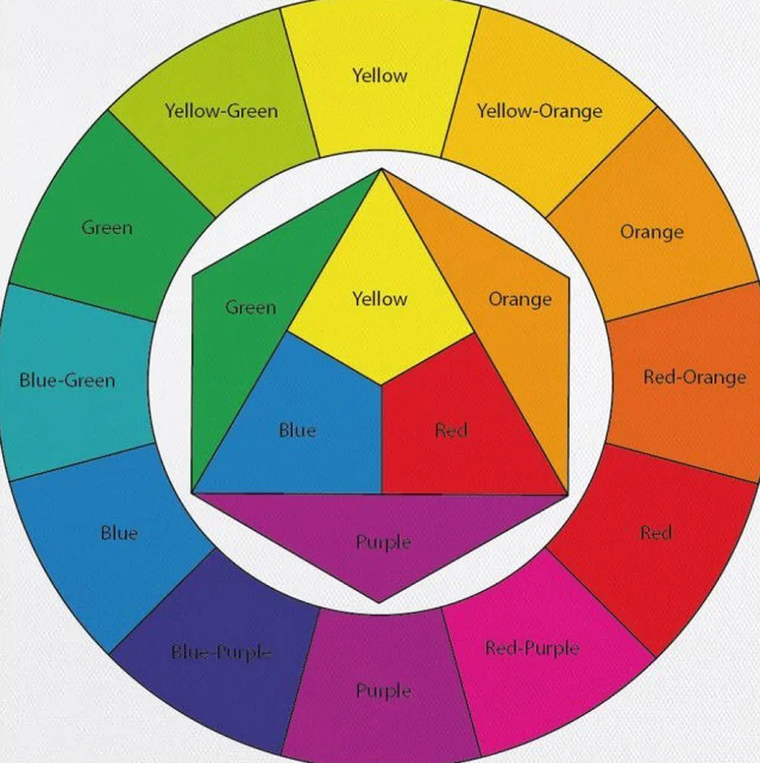
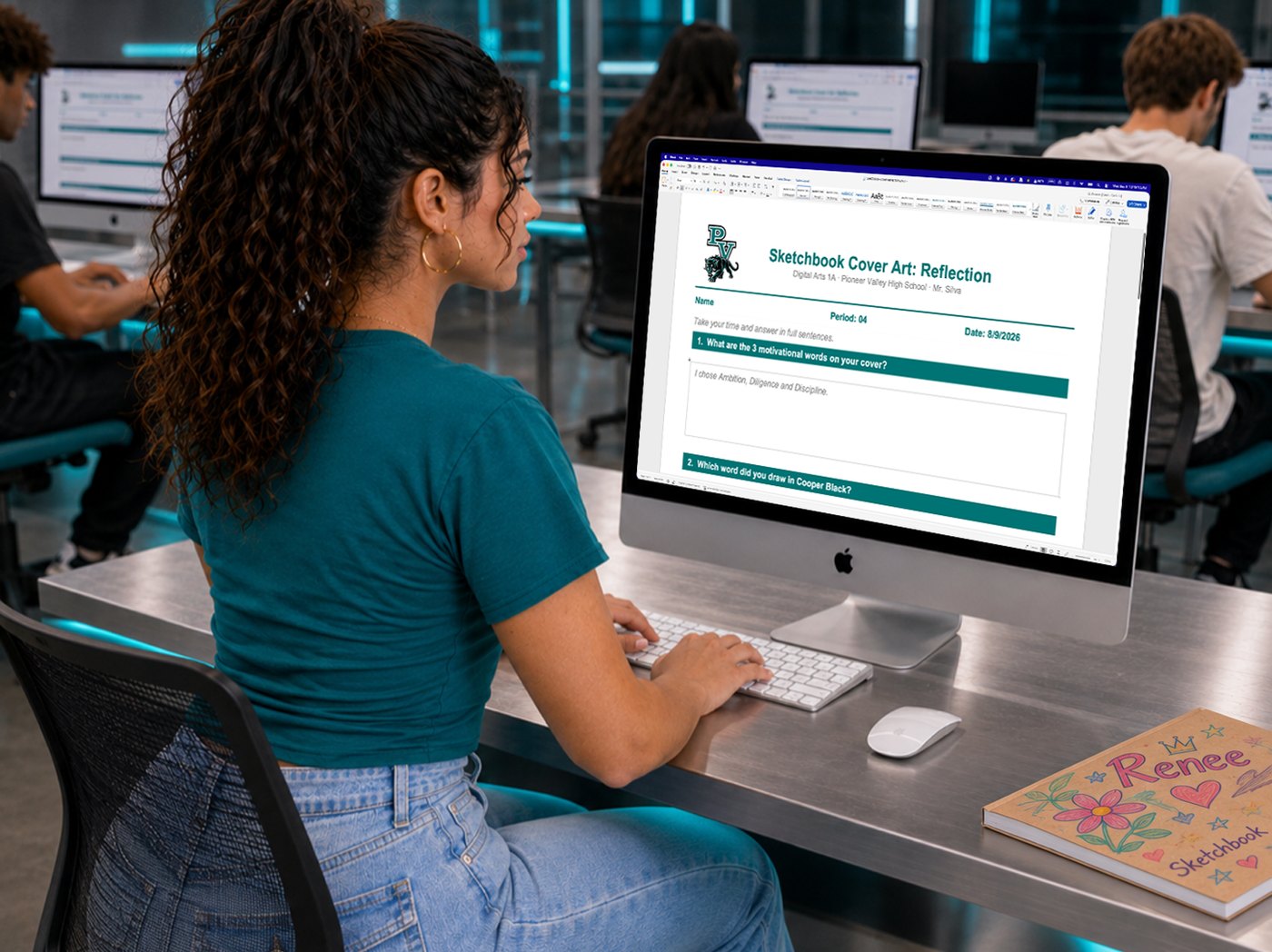
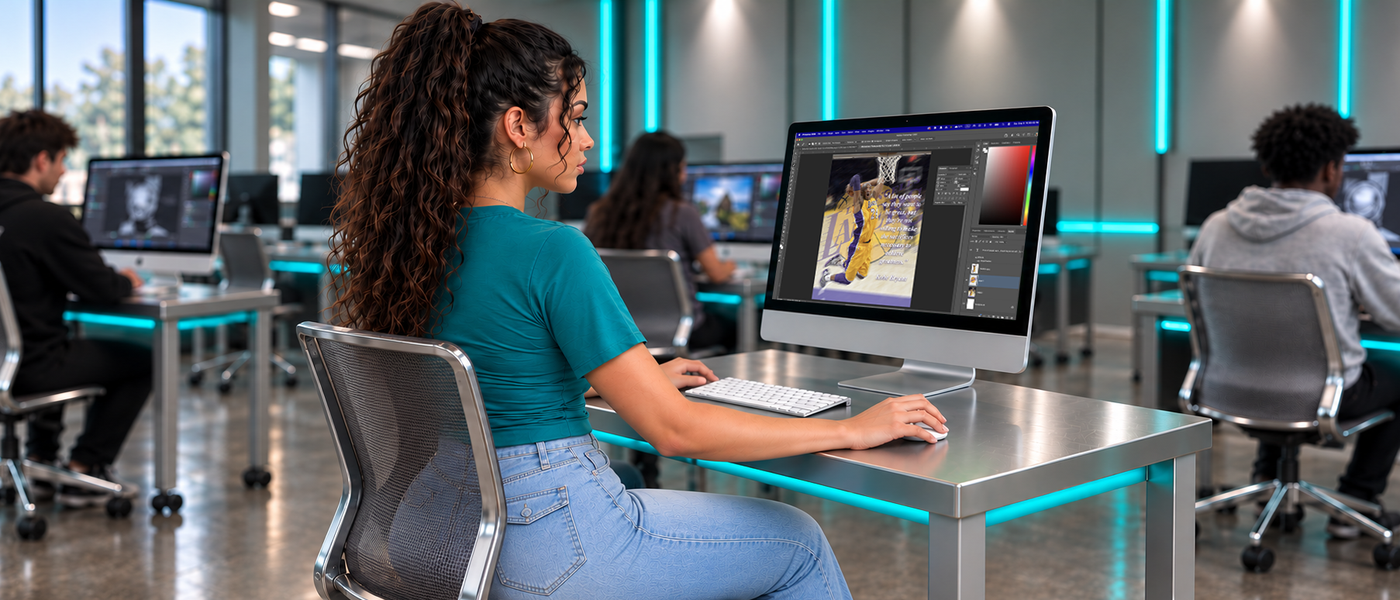
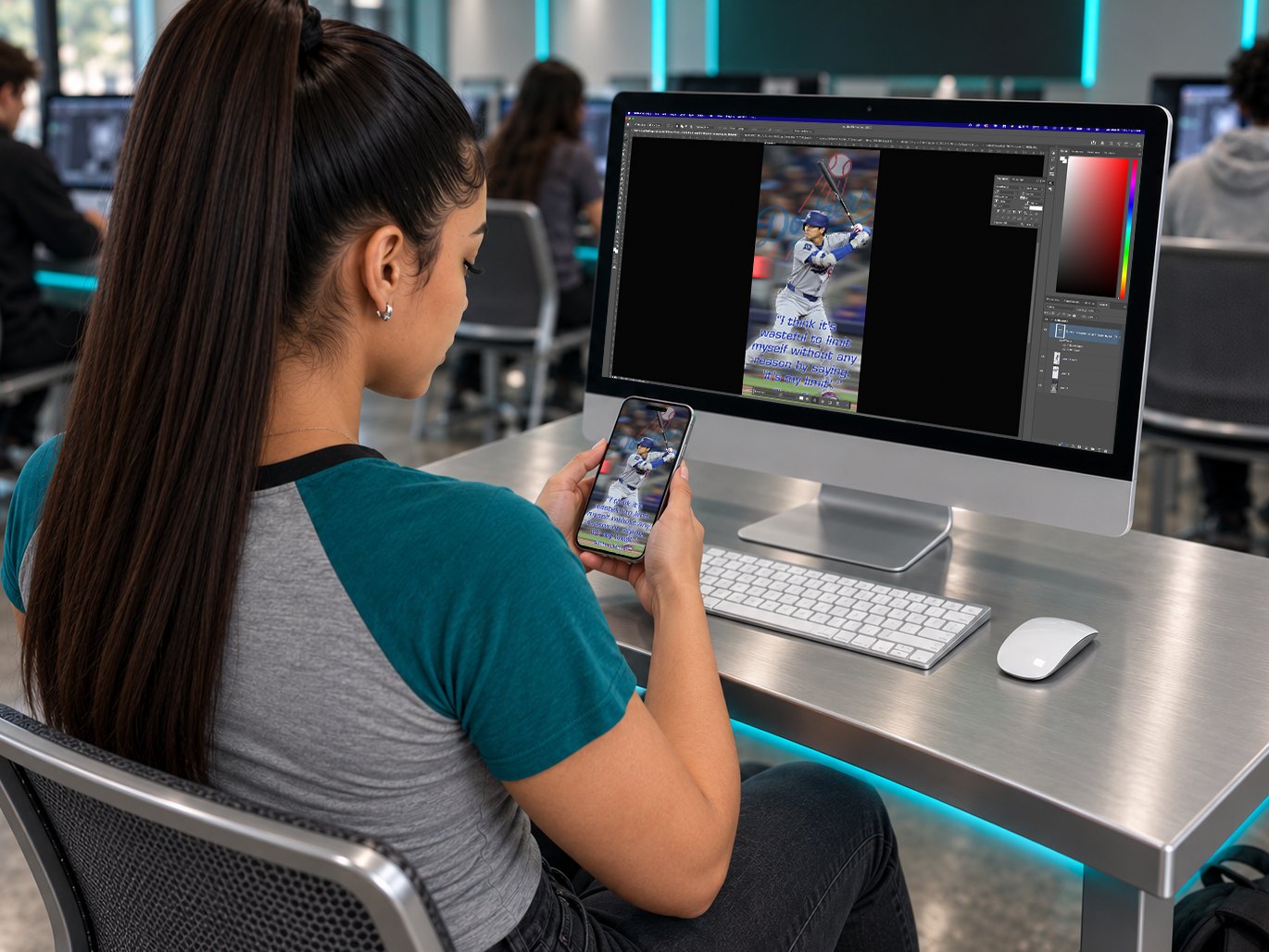
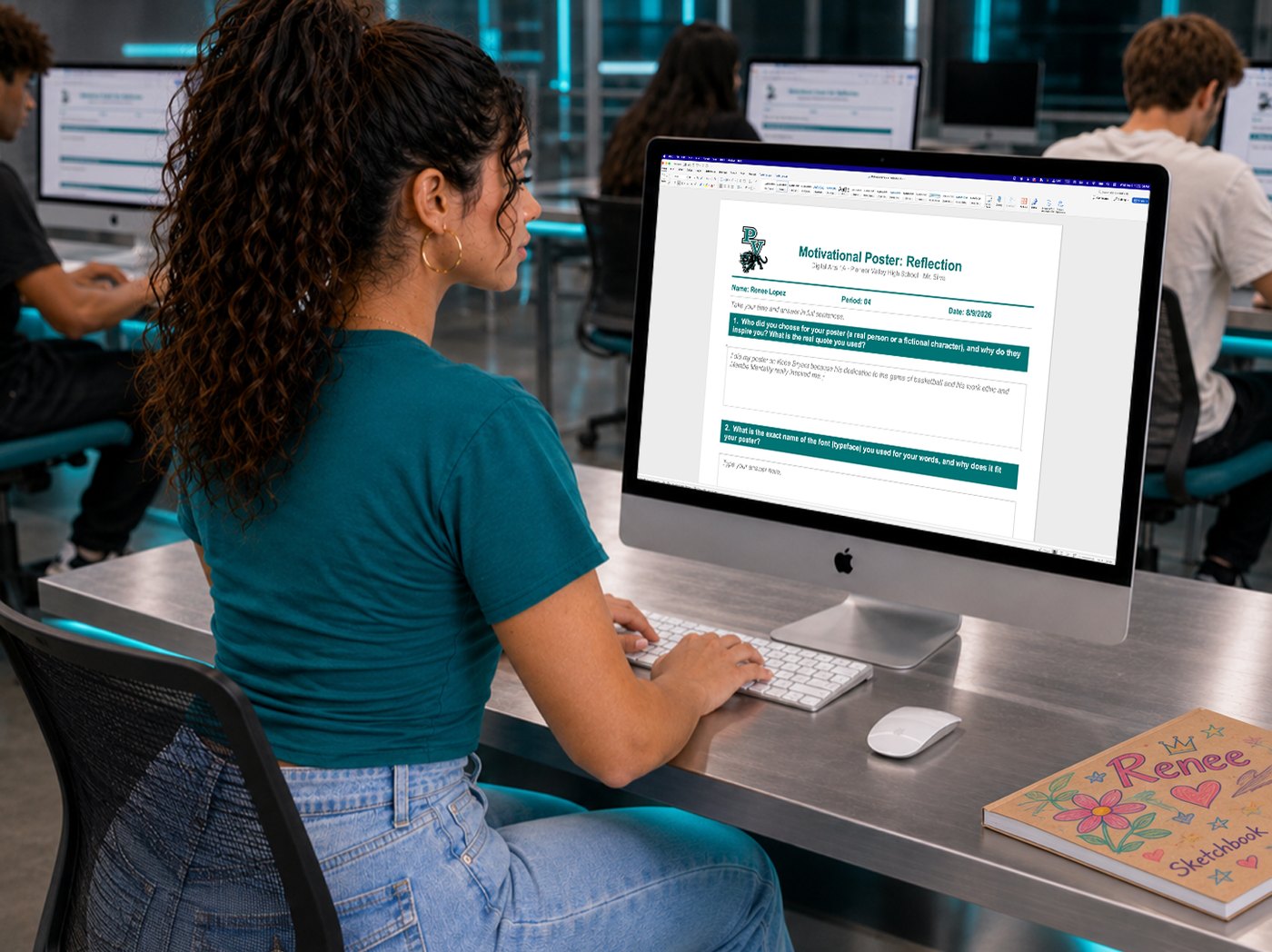
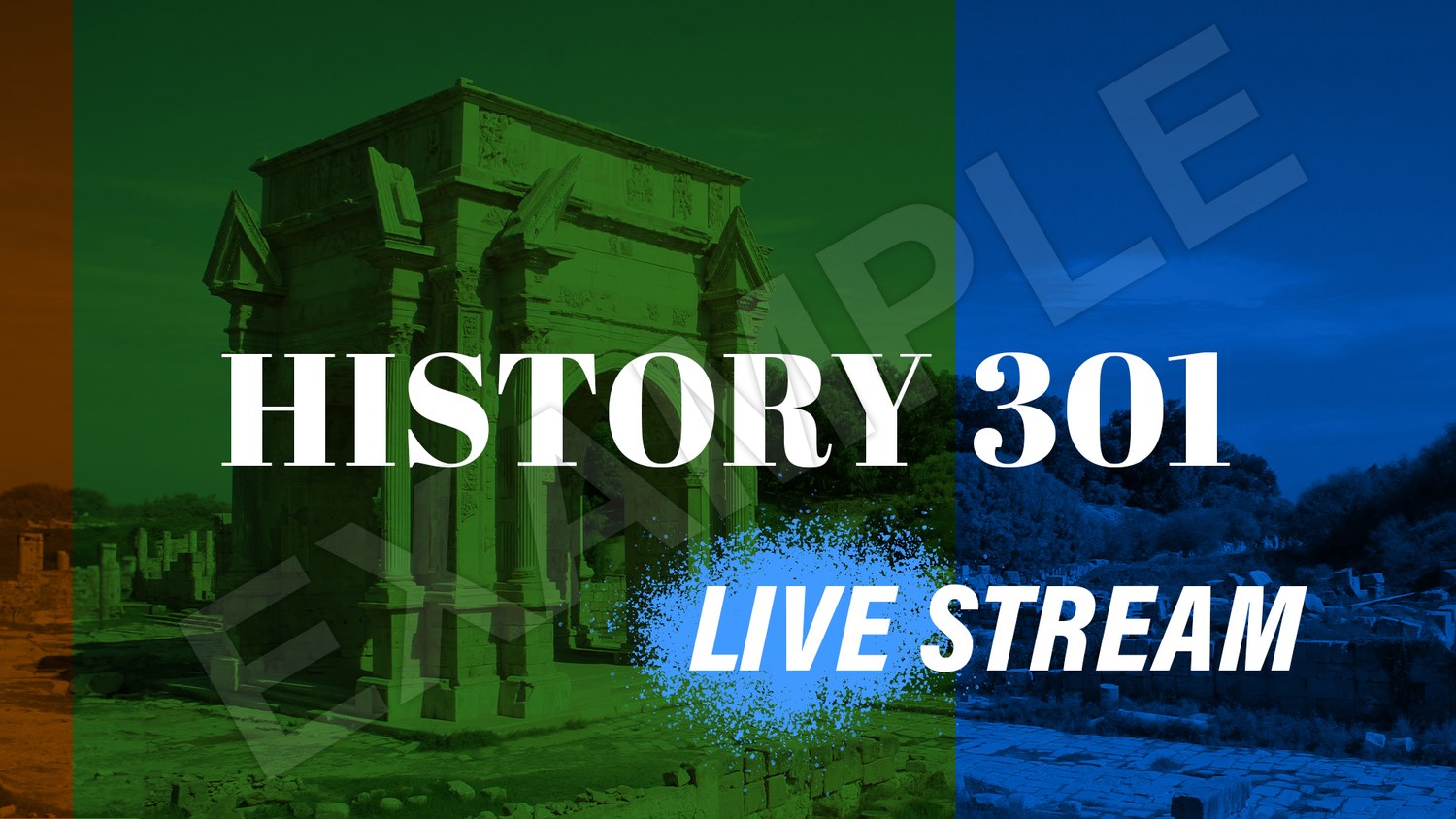
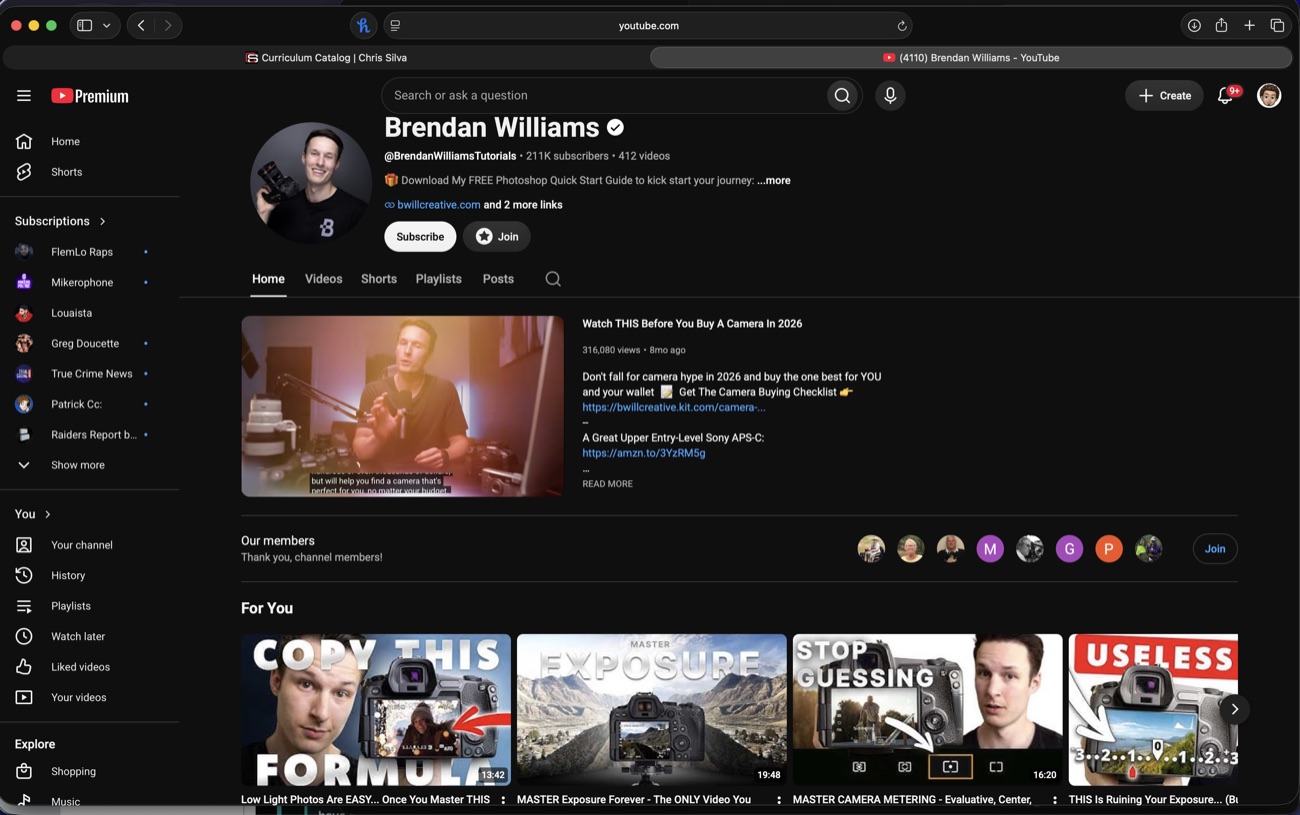
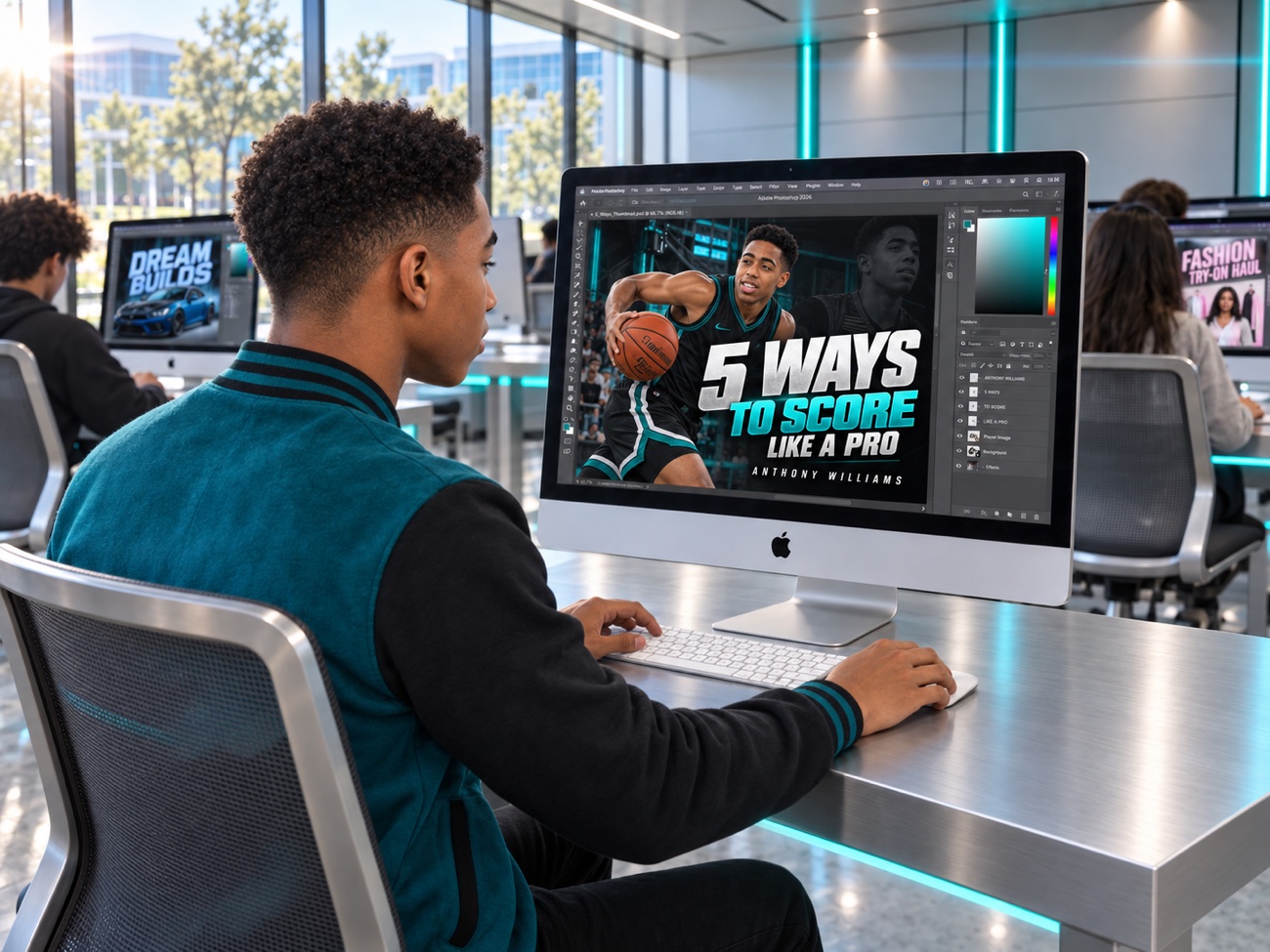
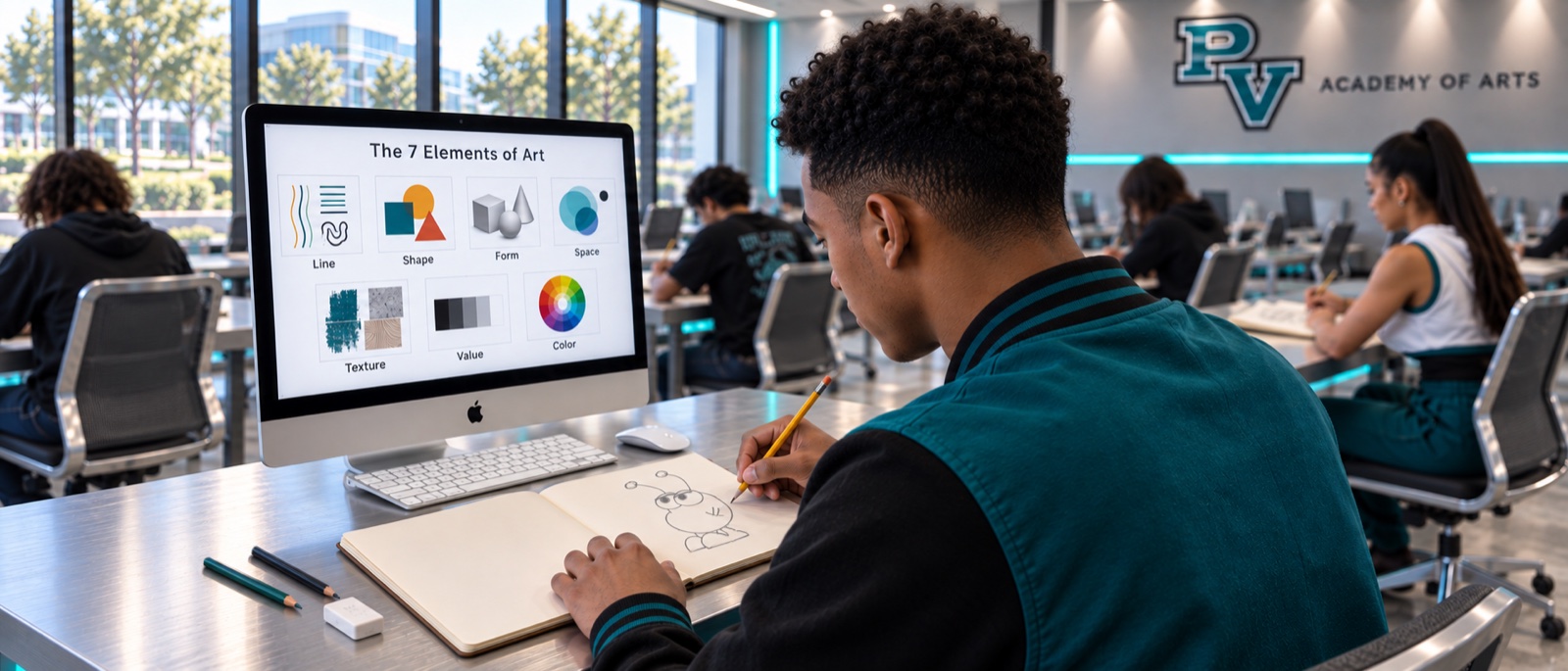
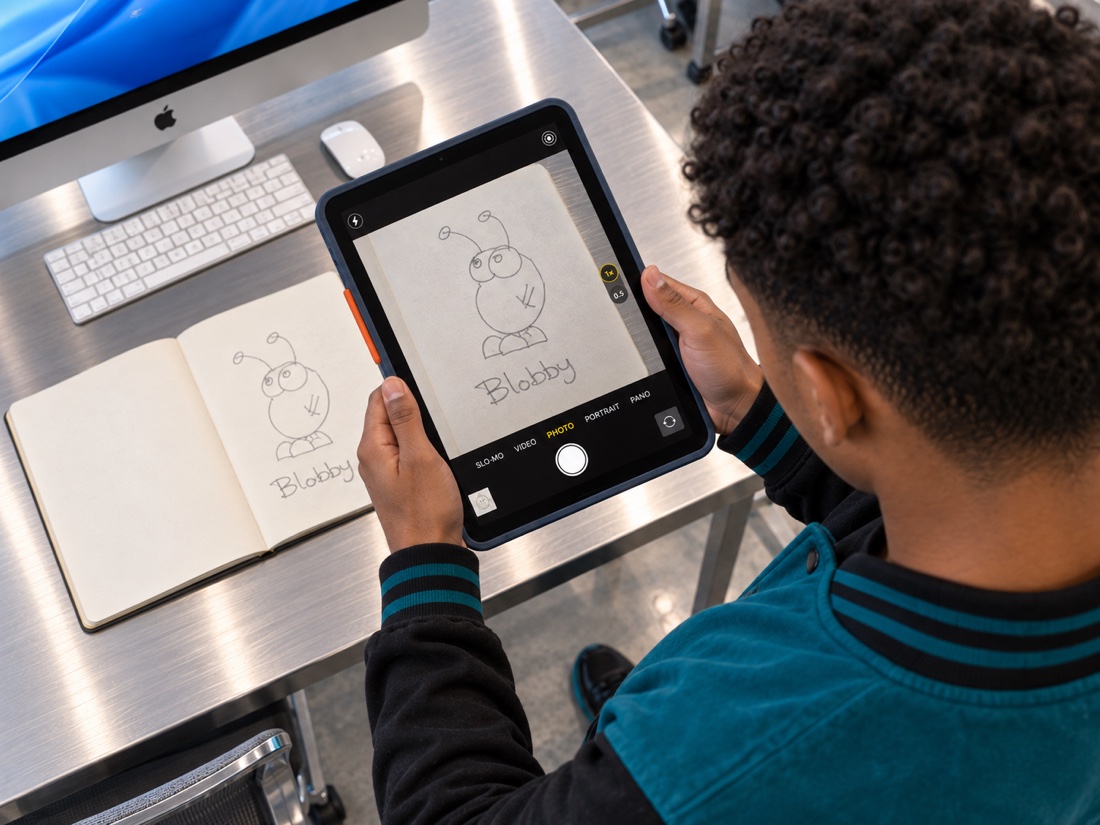
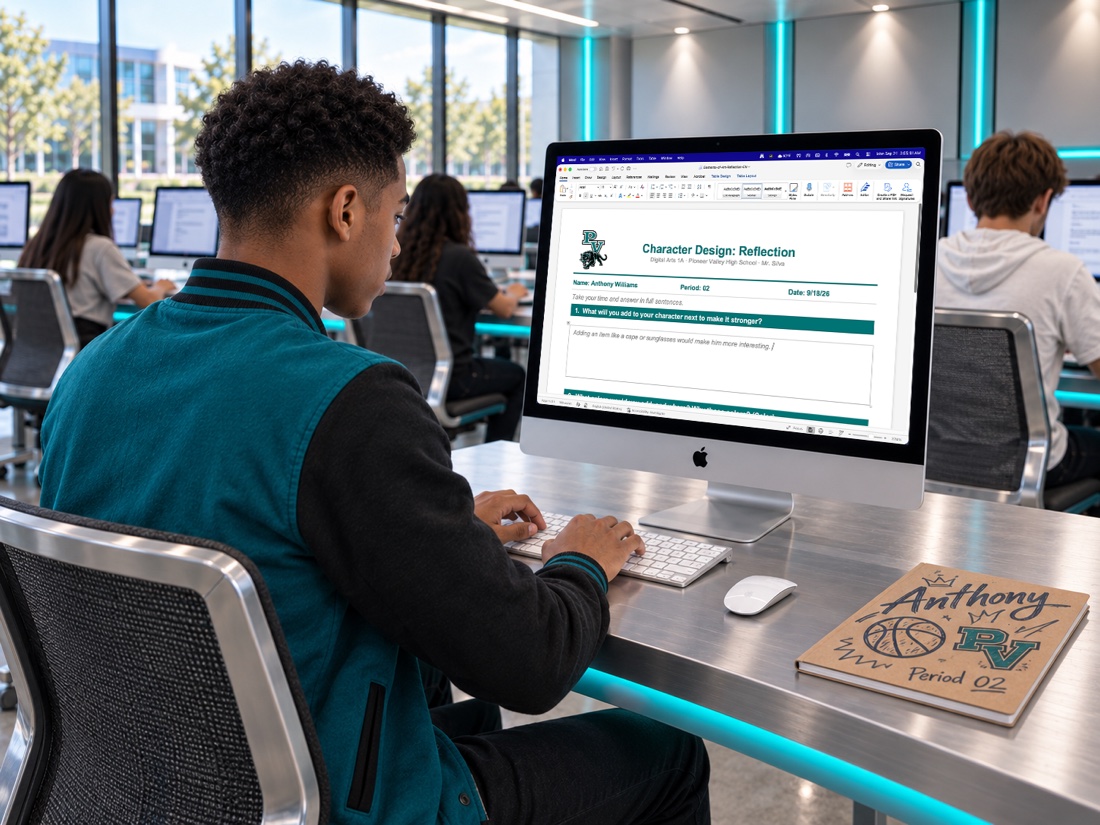
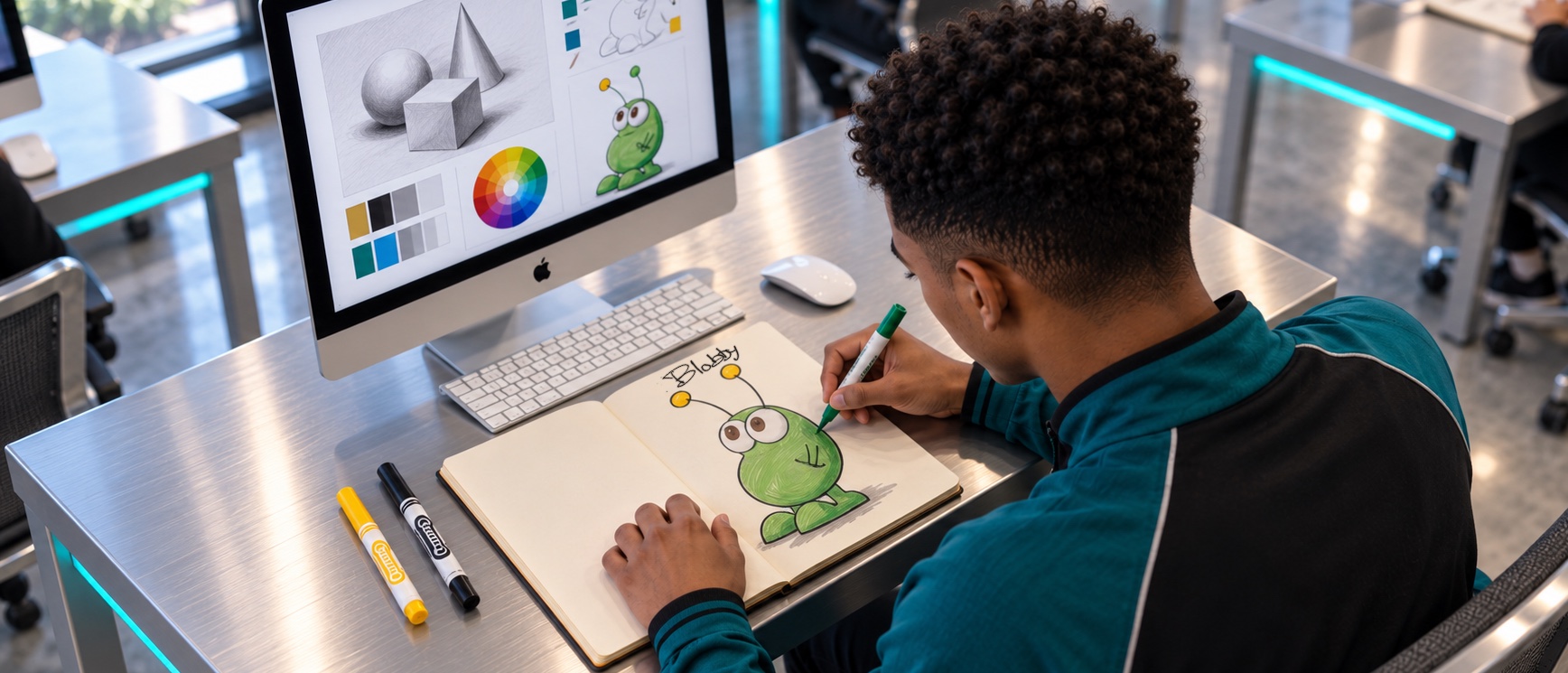
Photography 1A (31)
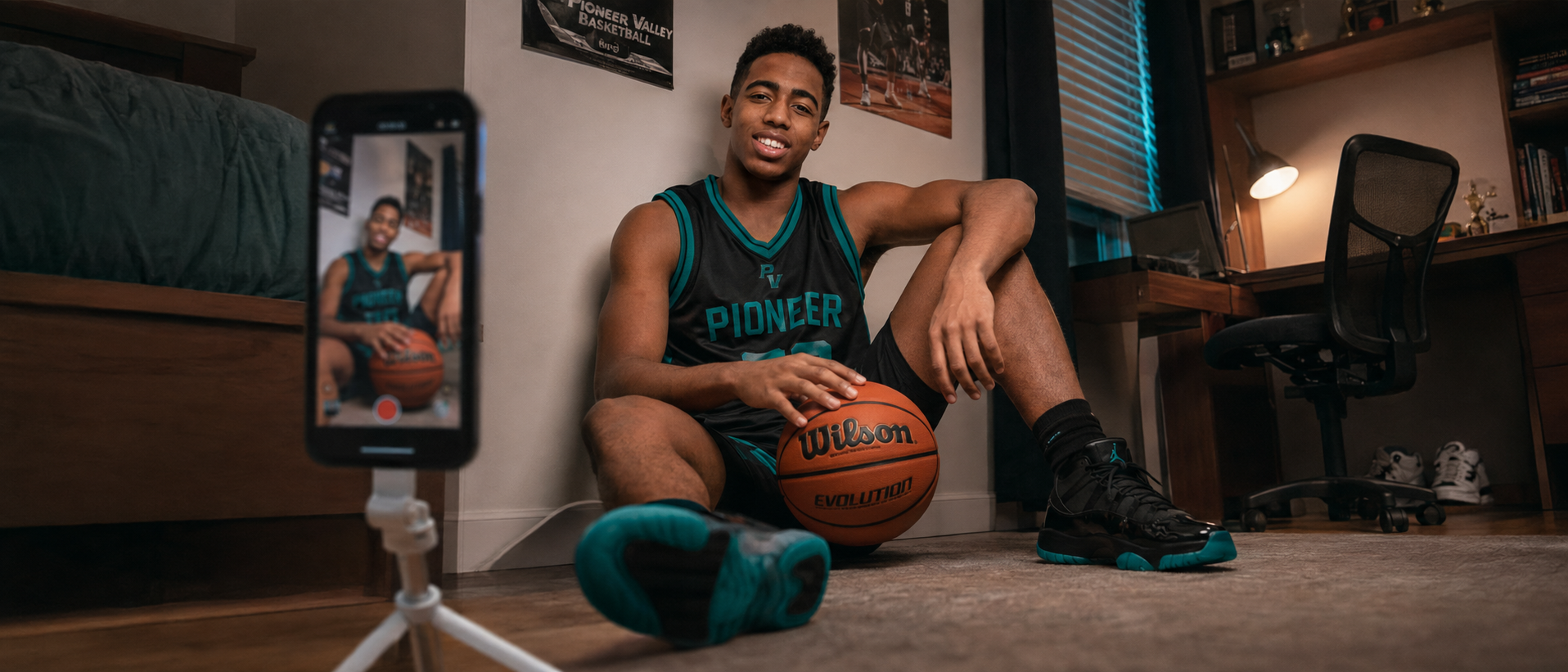
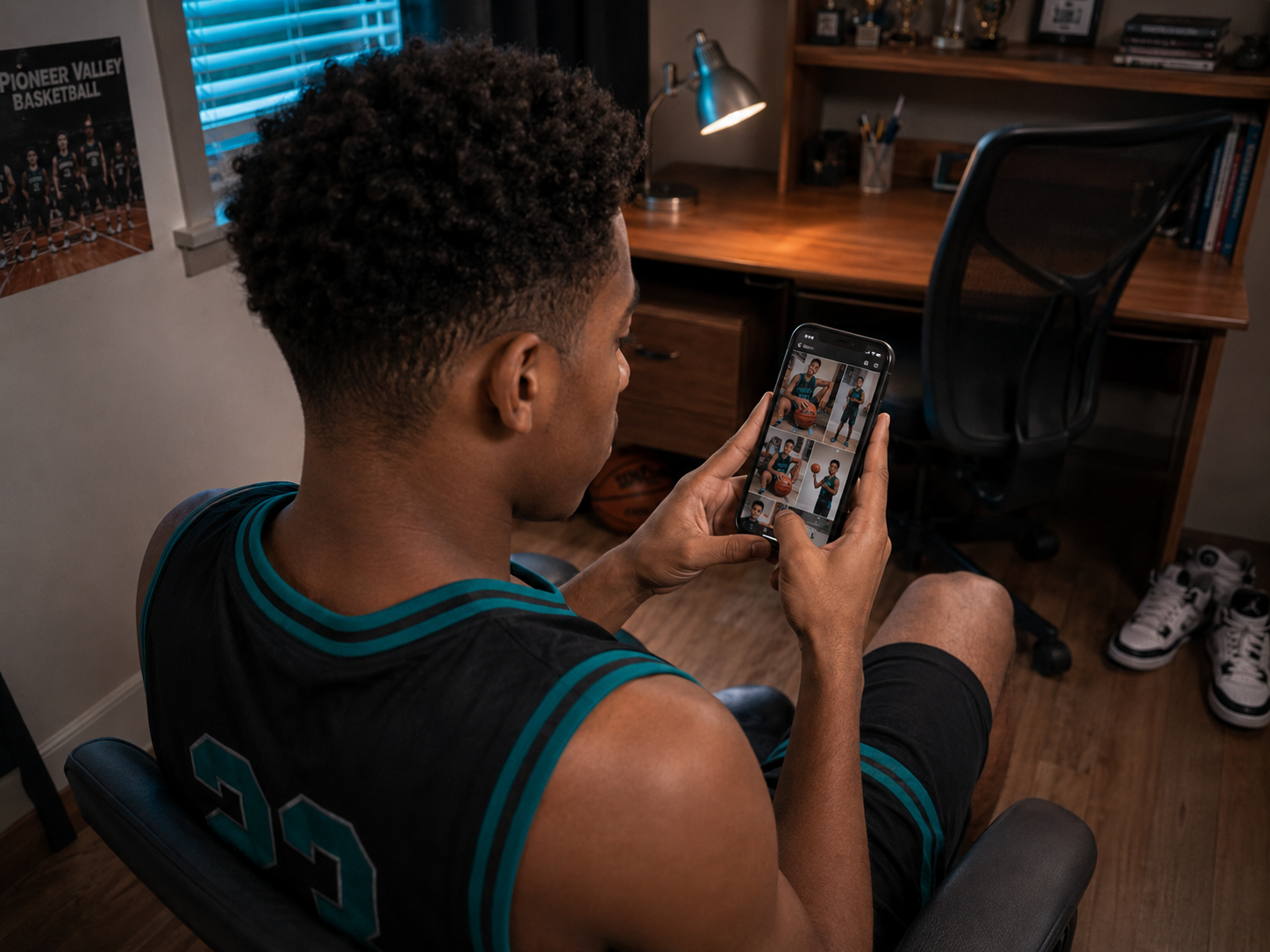
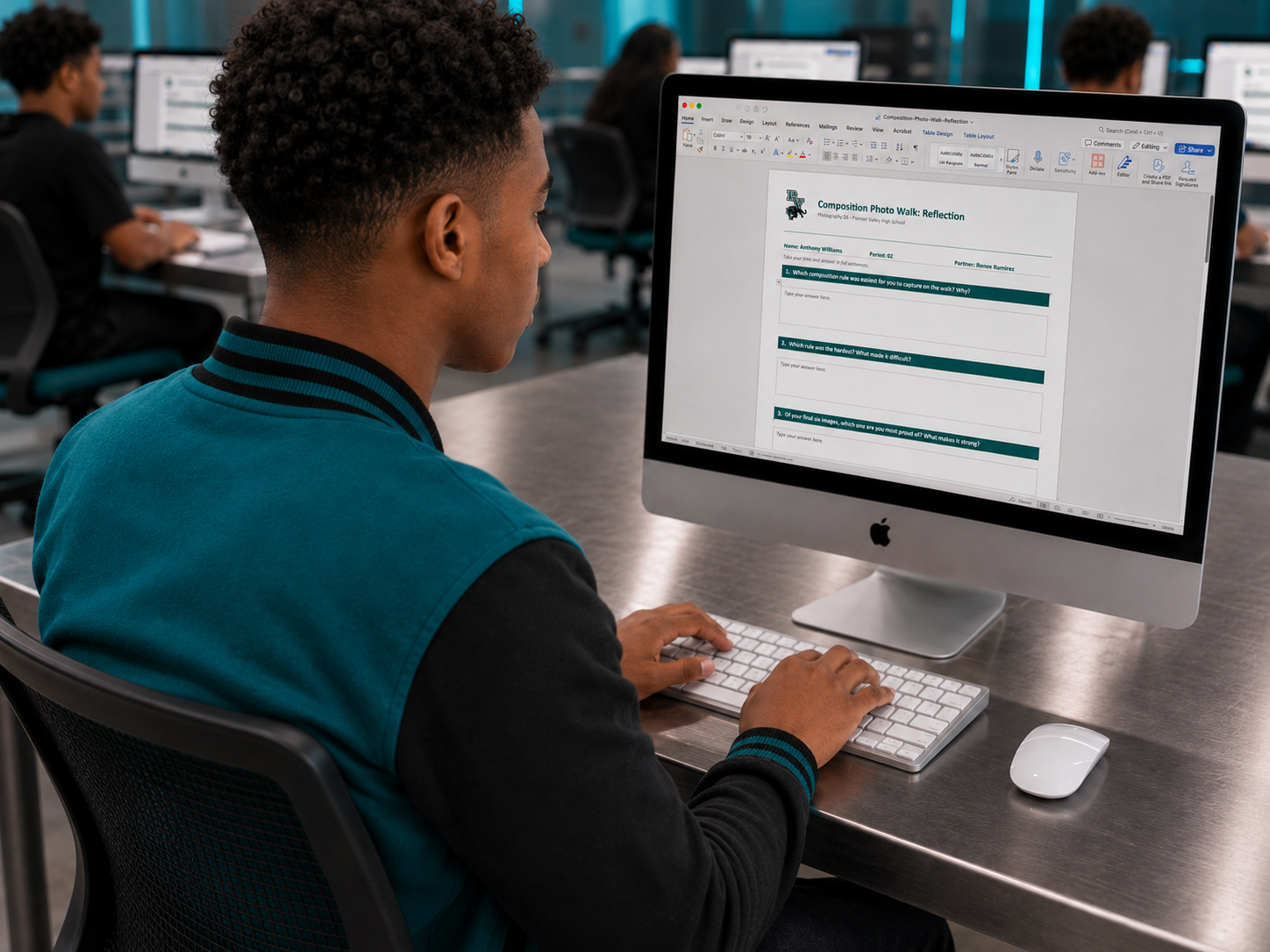
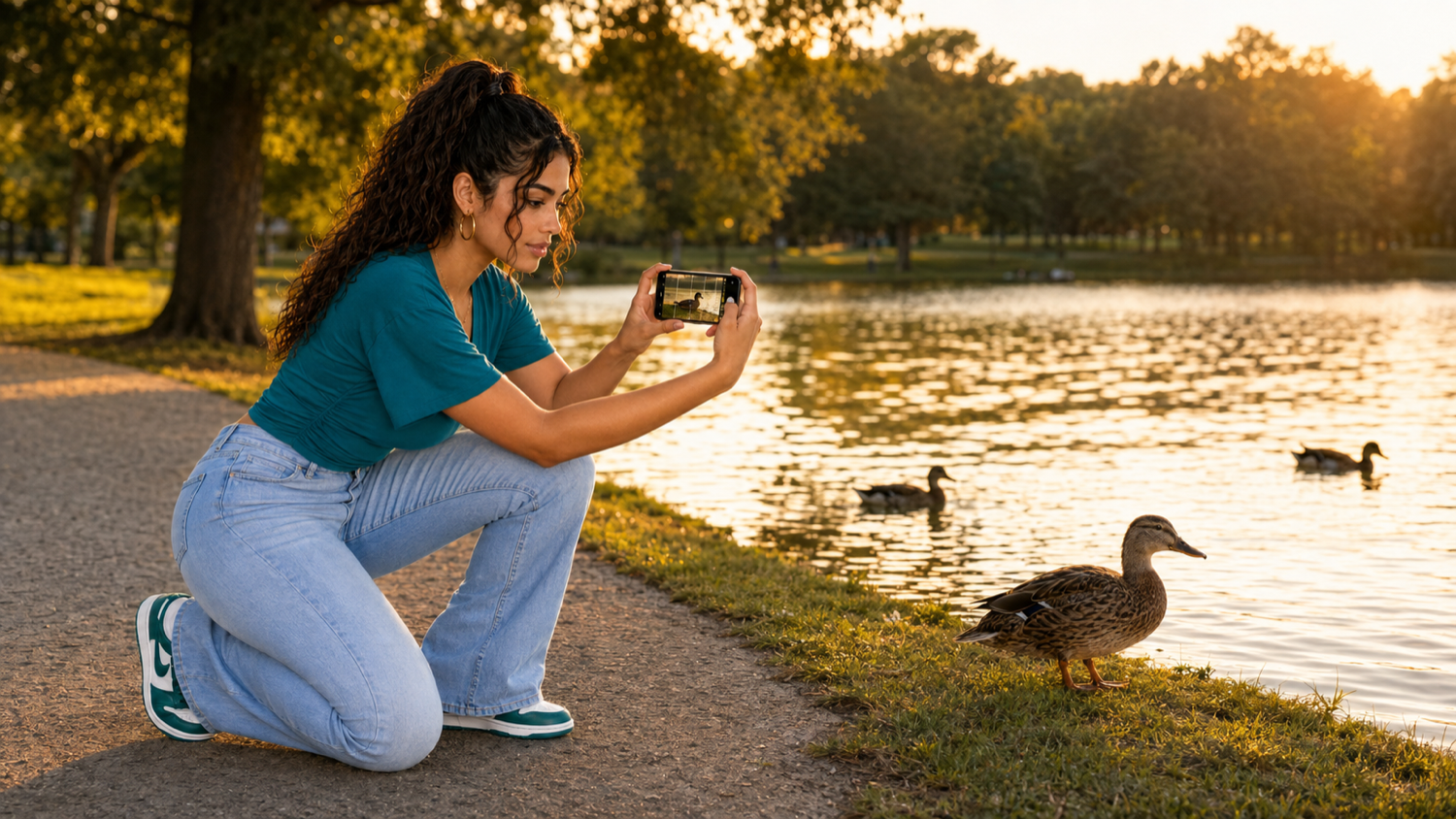
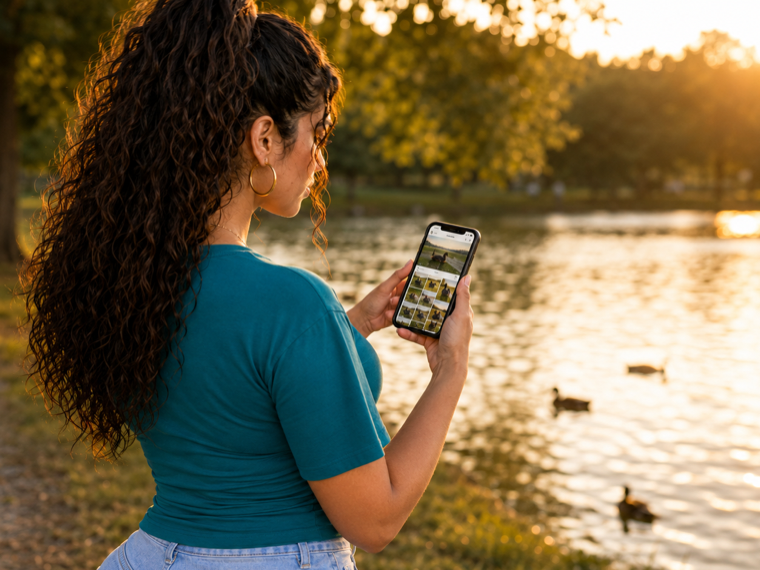
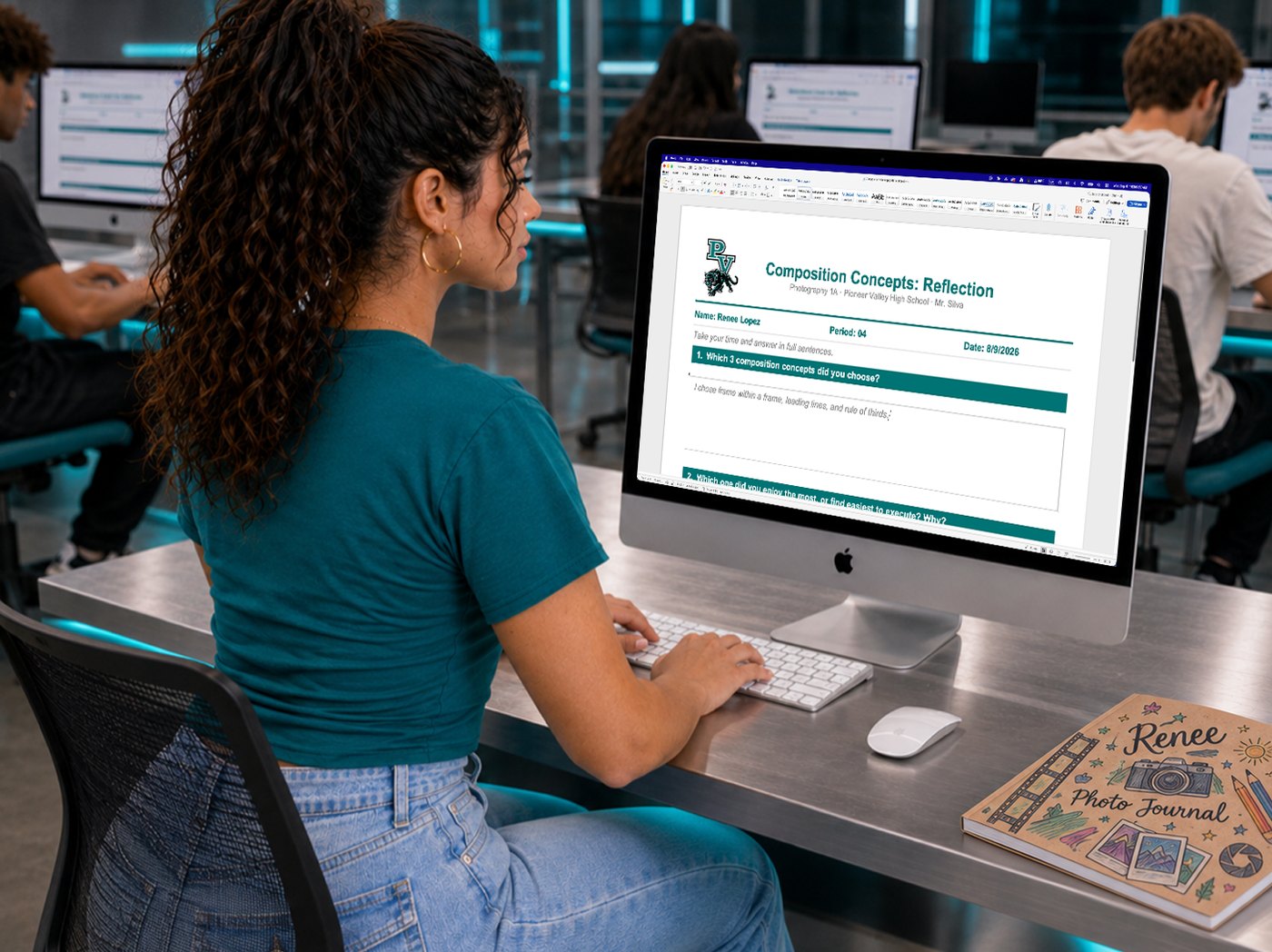
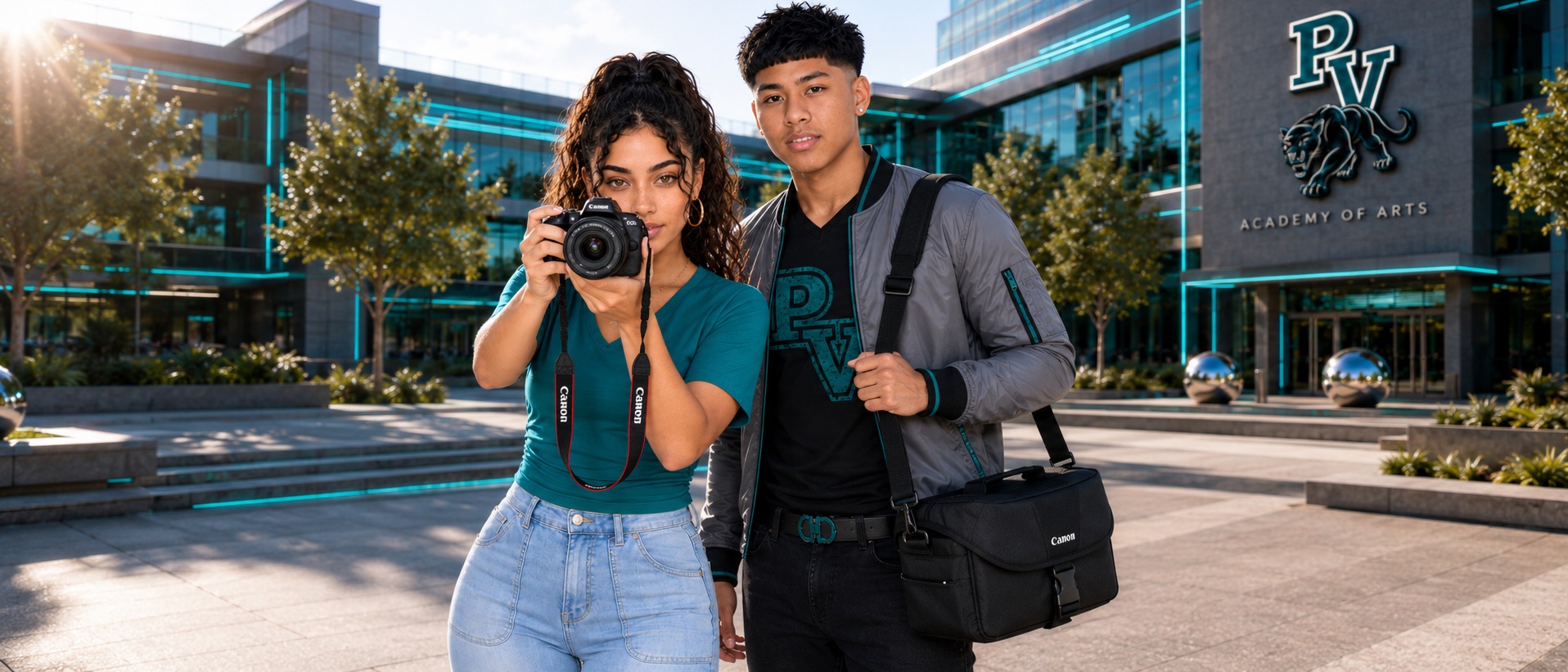
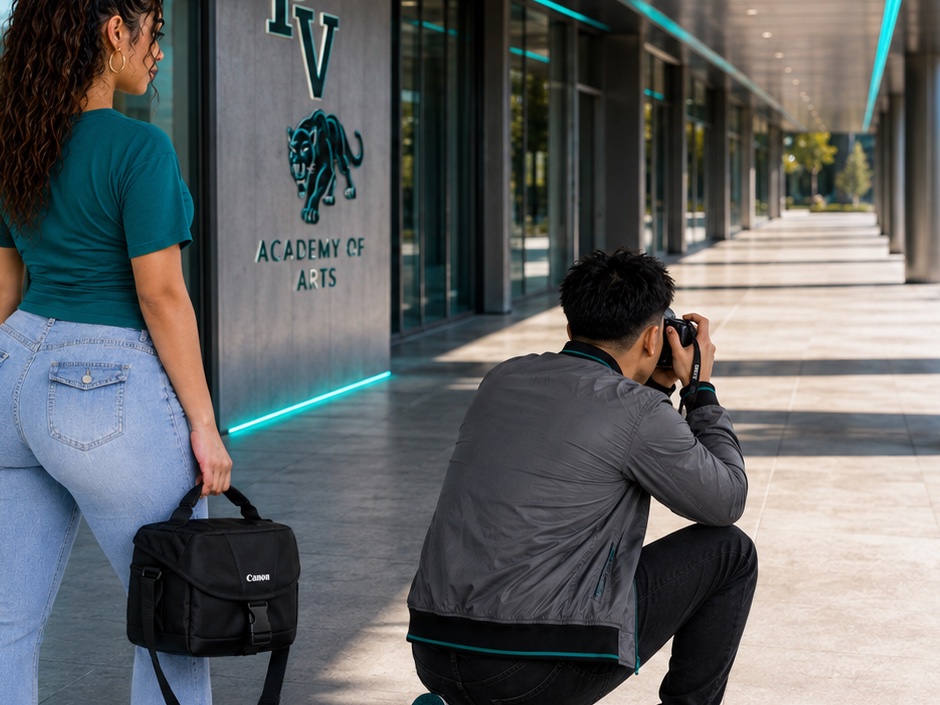
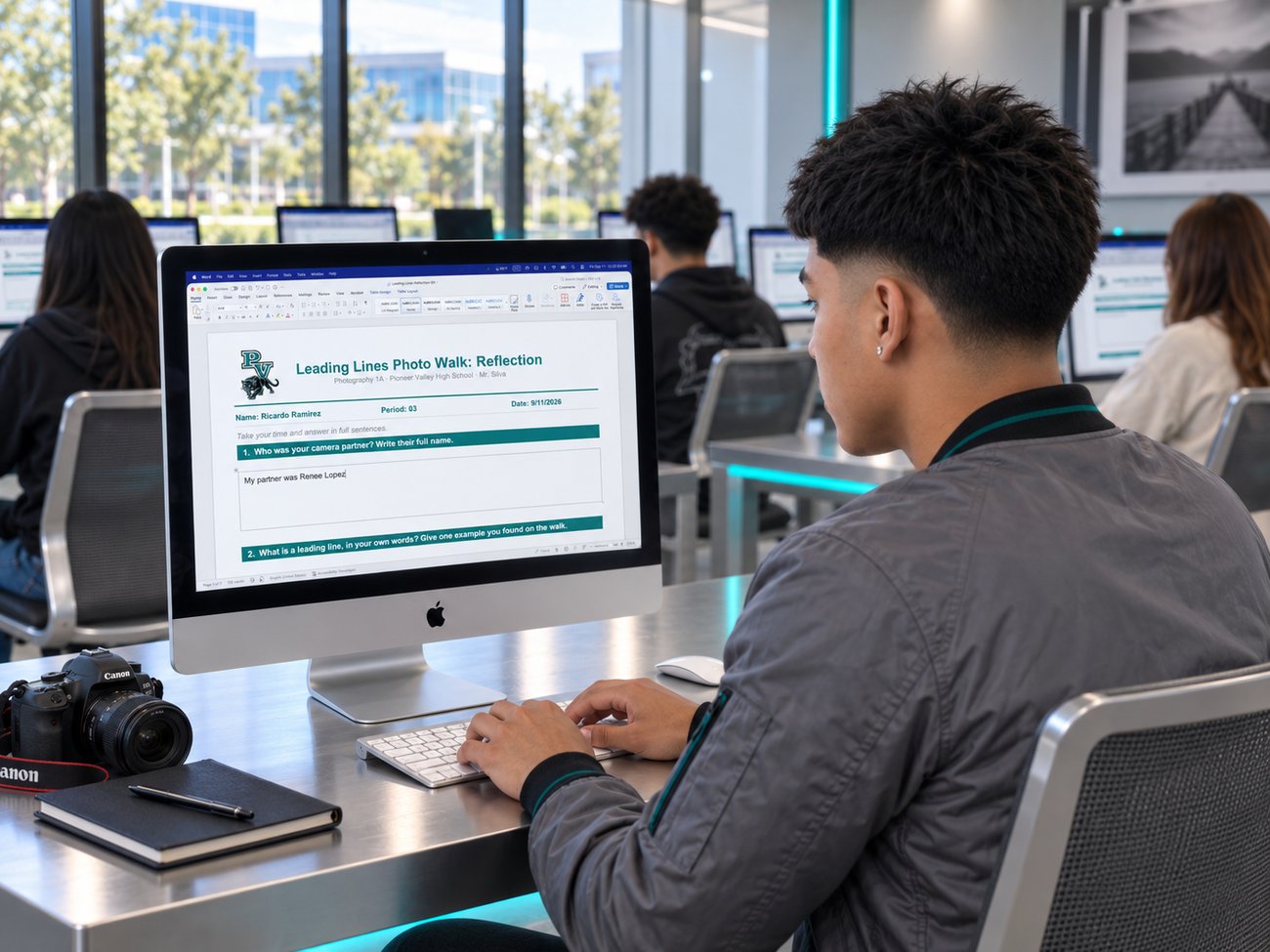
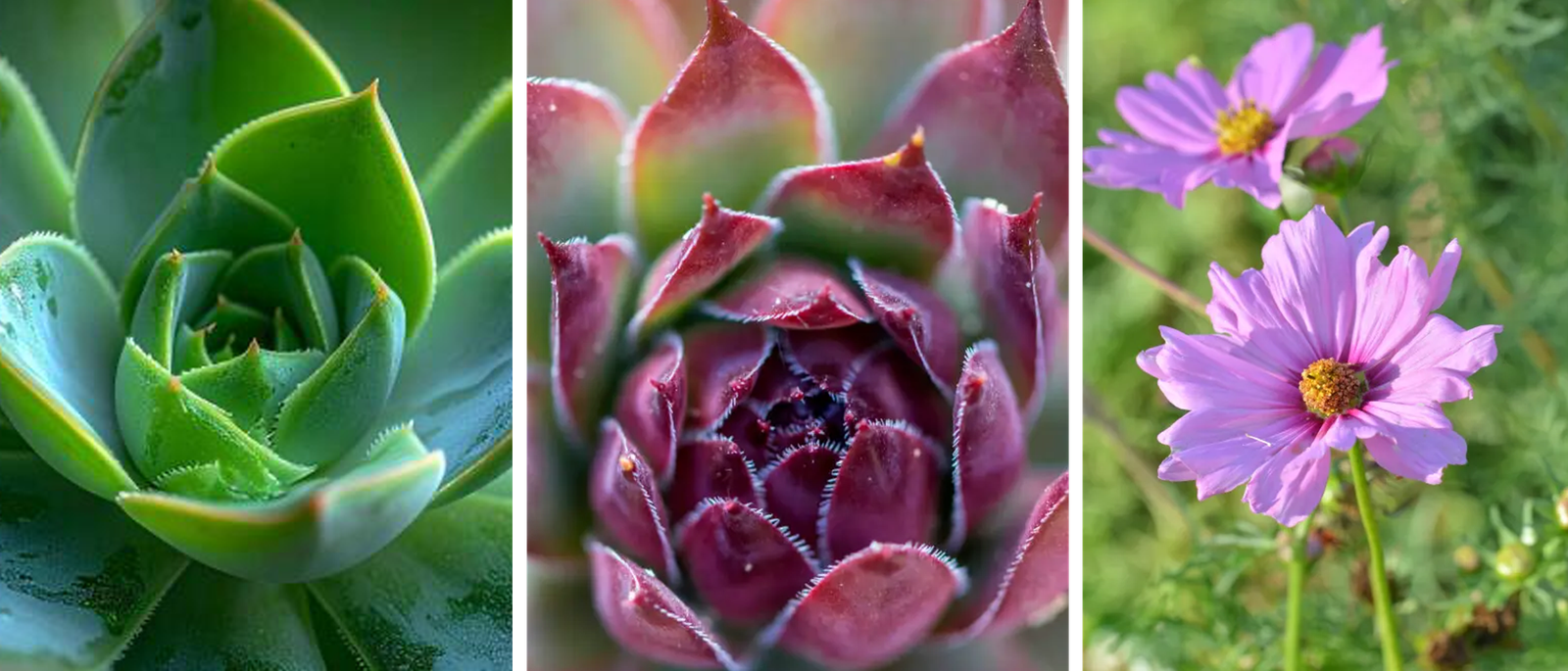
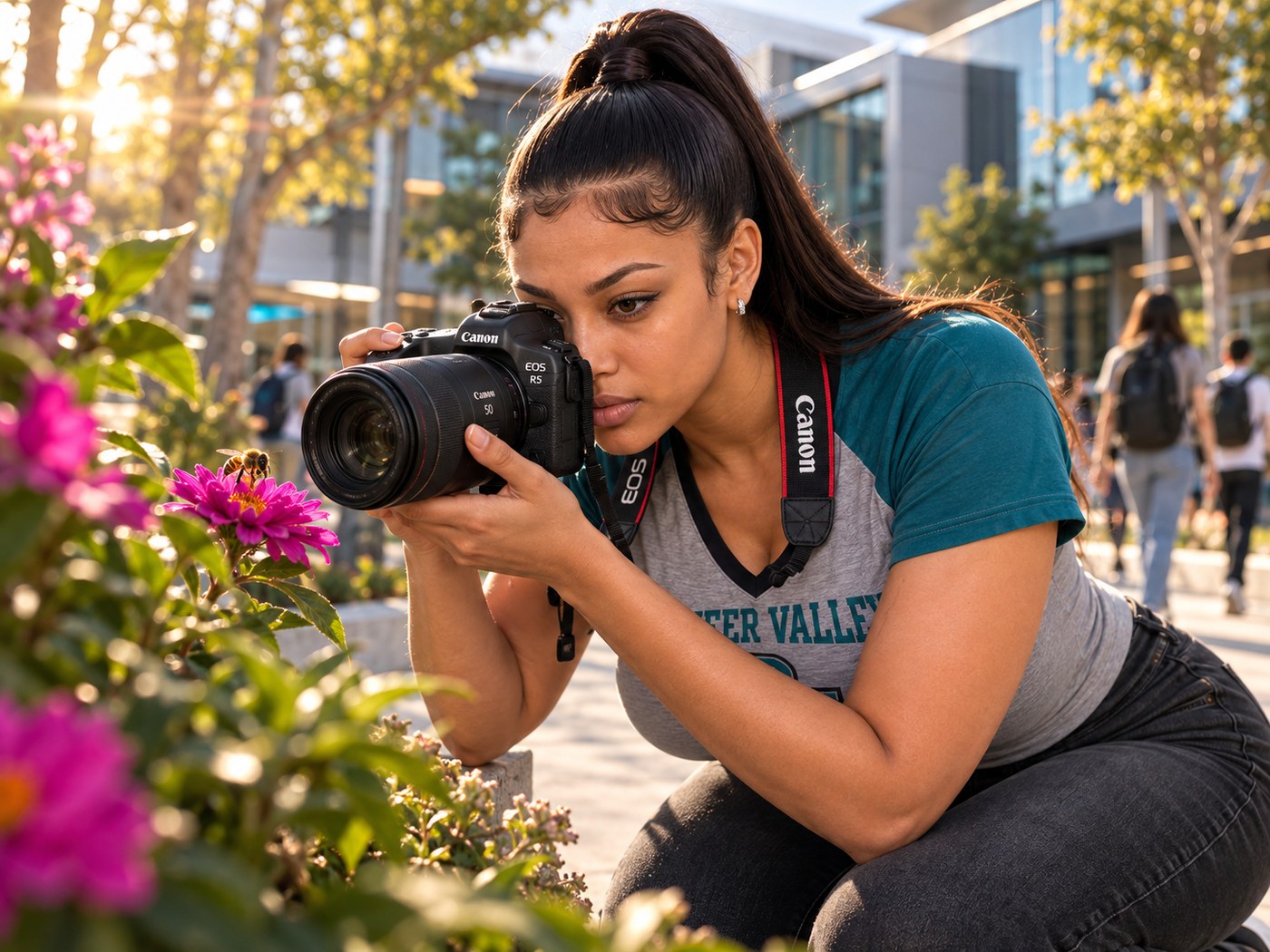
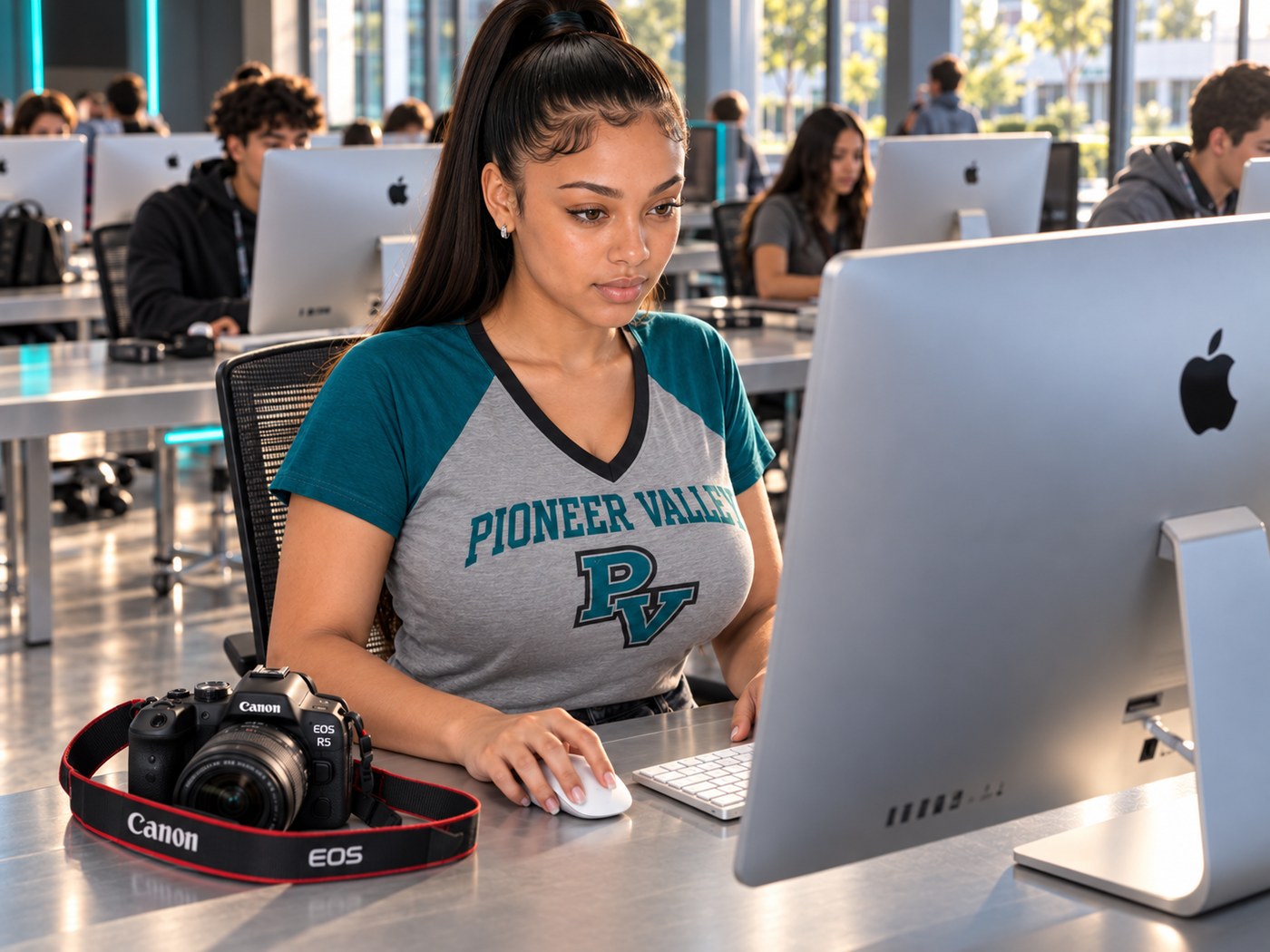
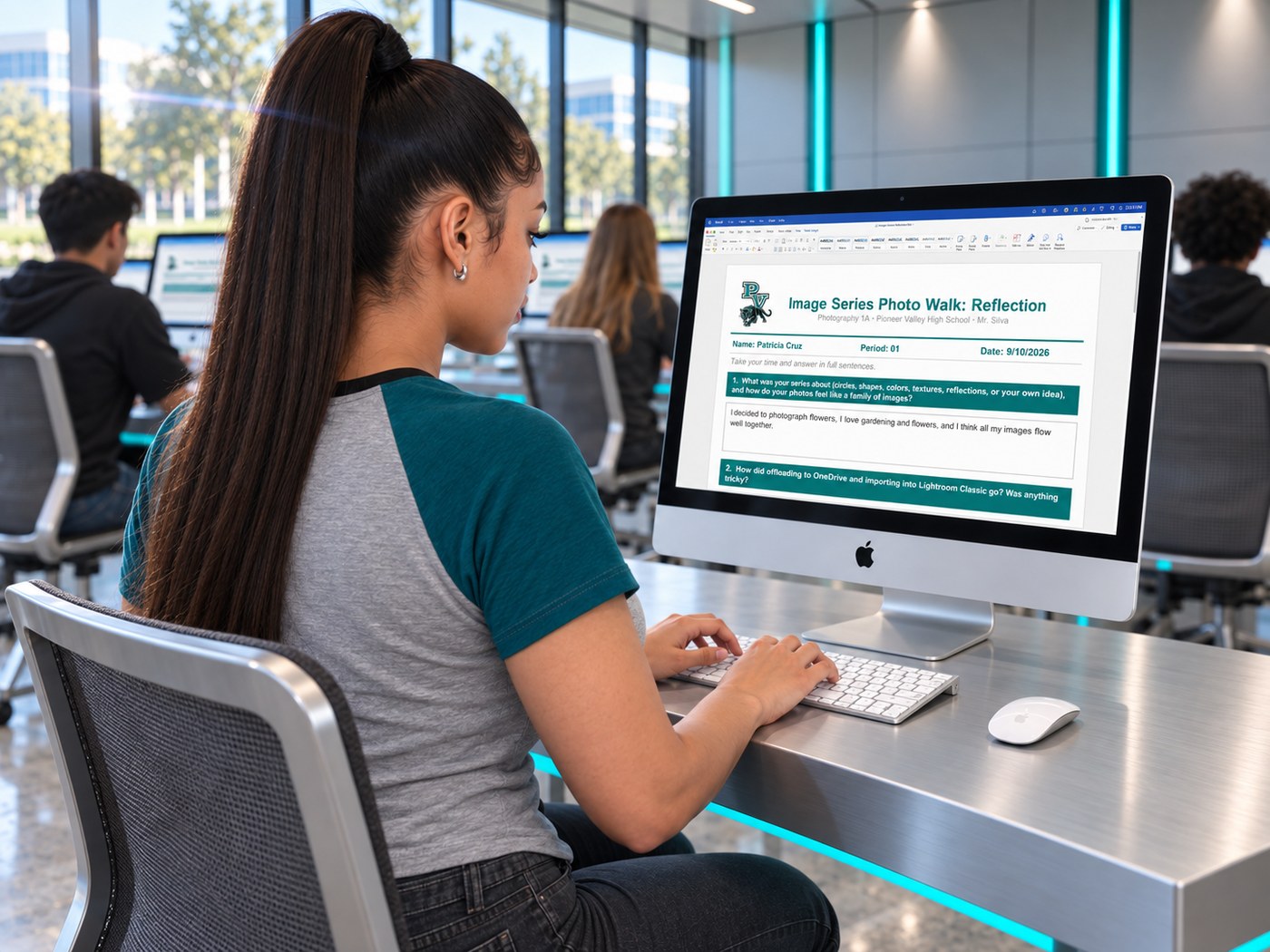
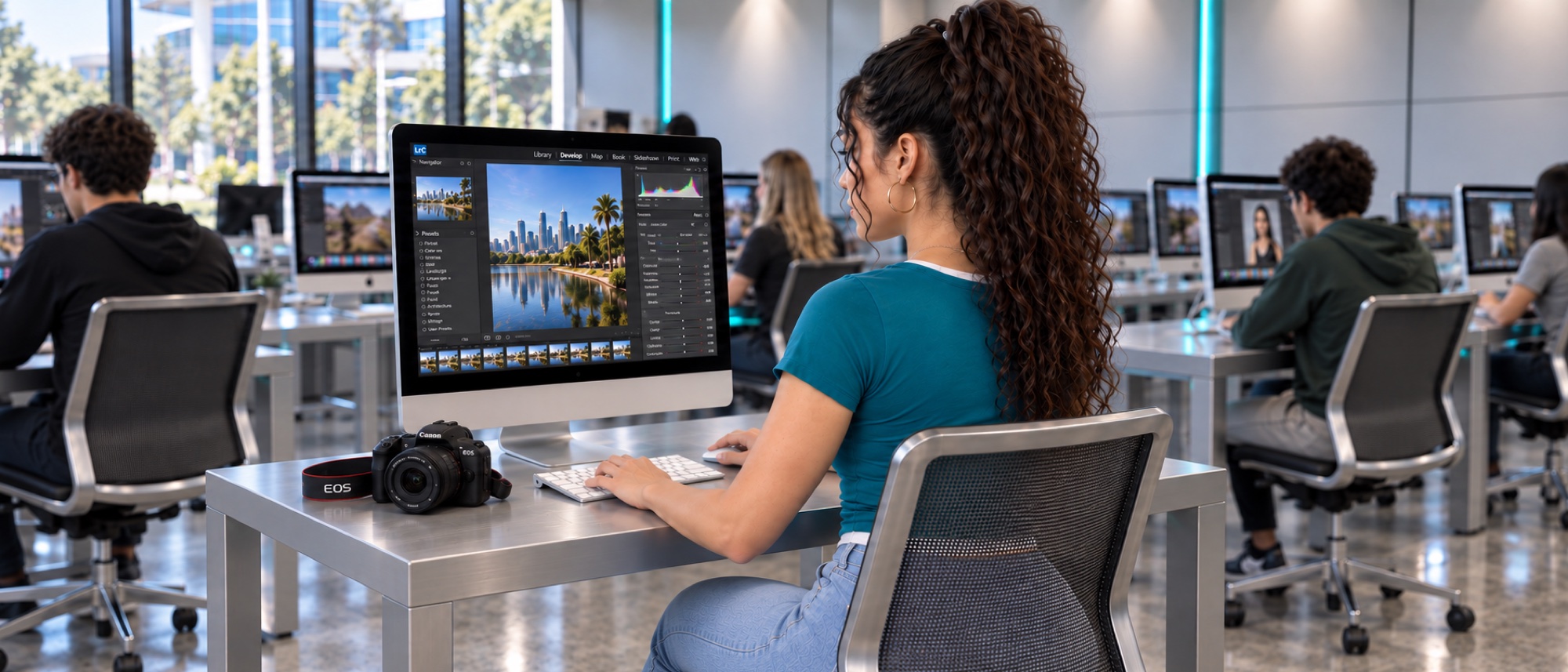
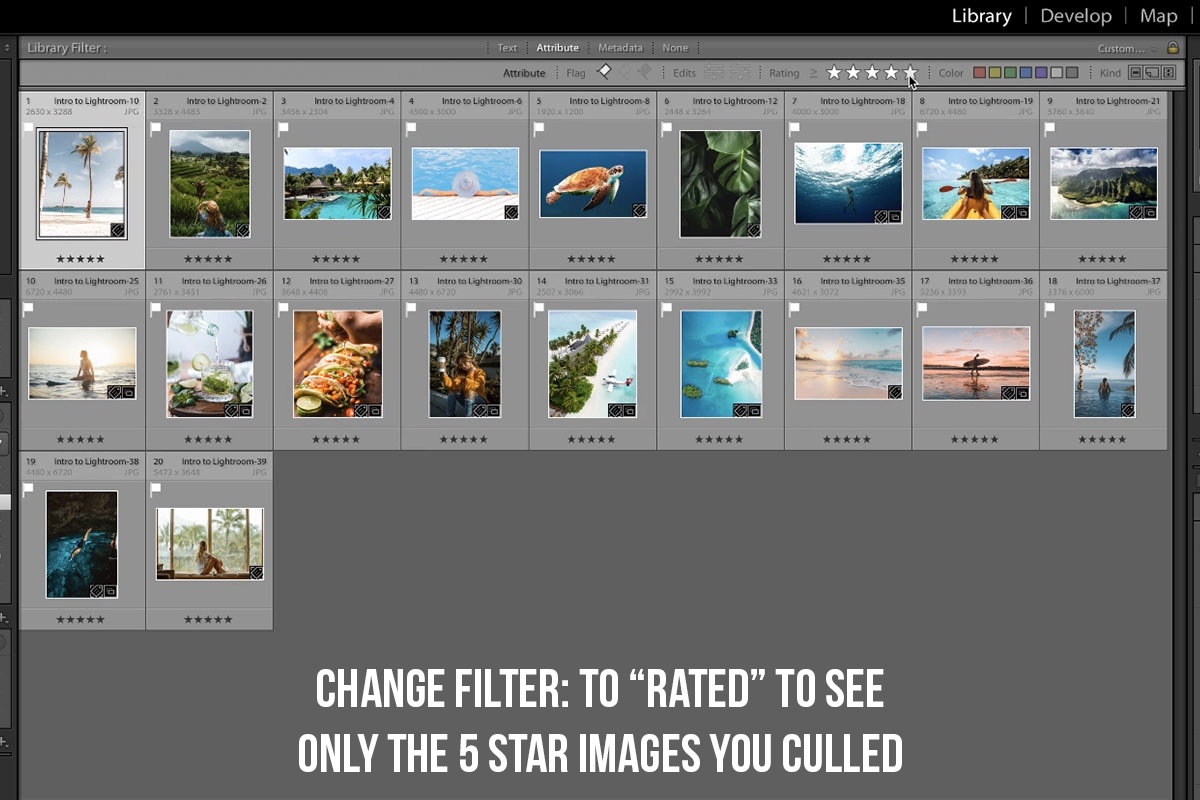
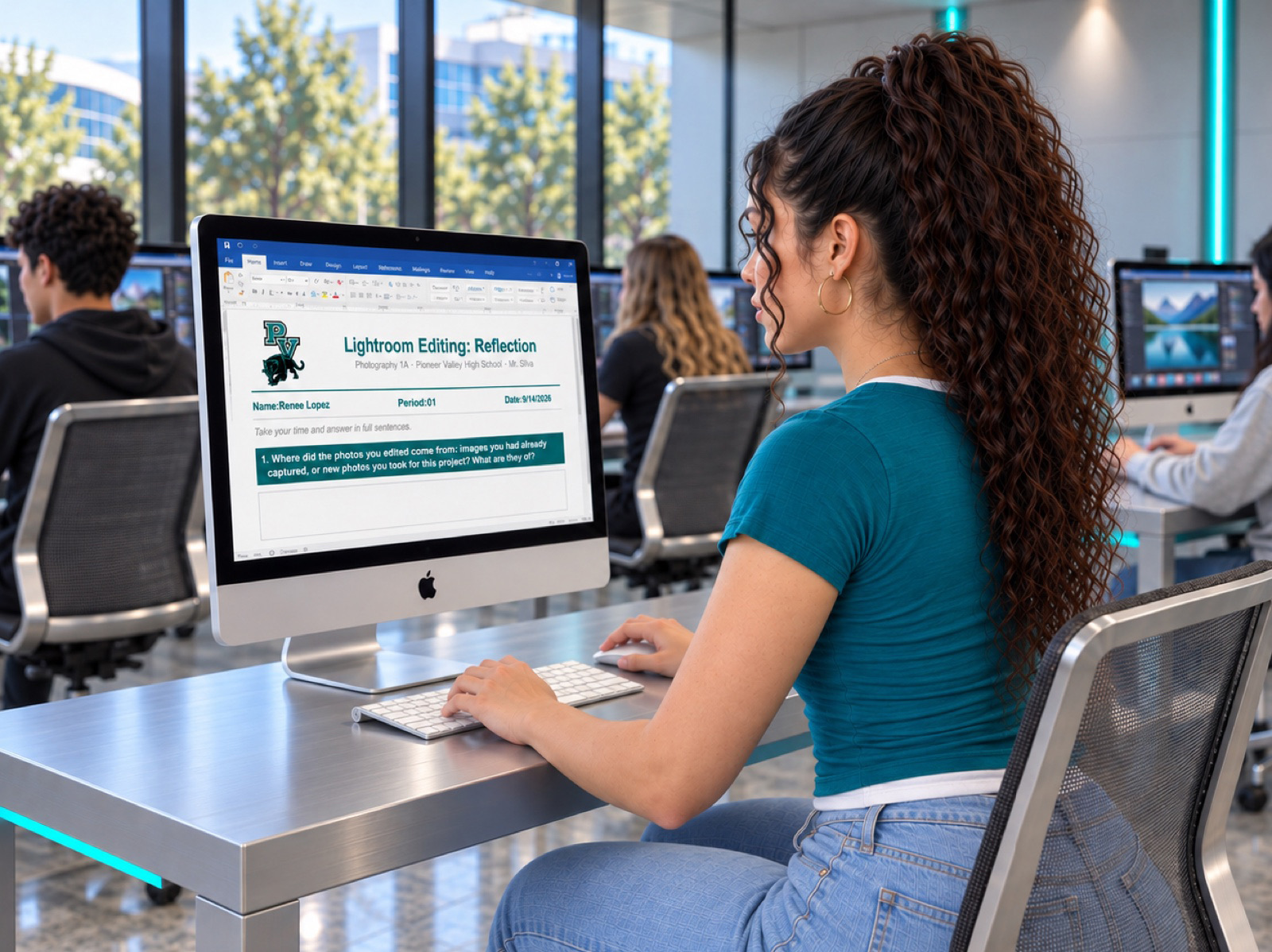
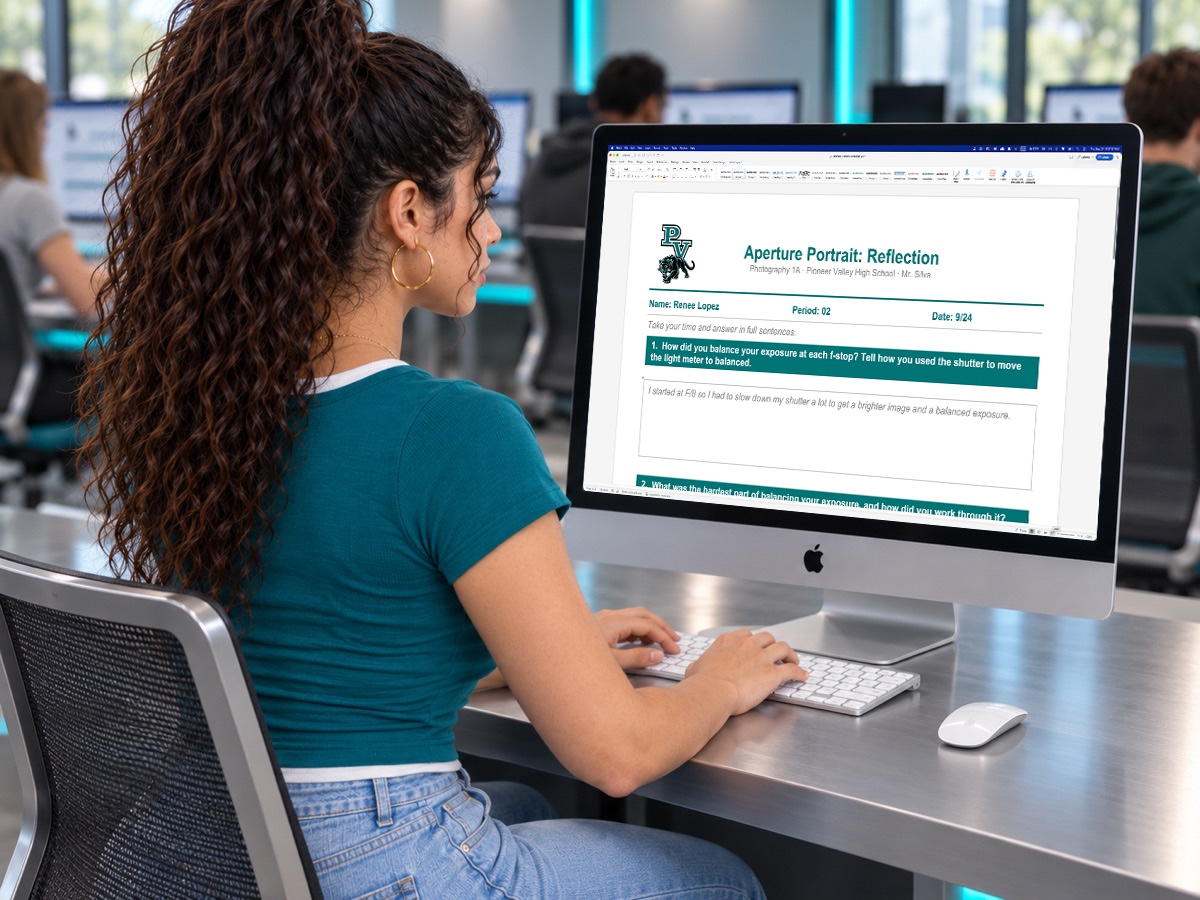
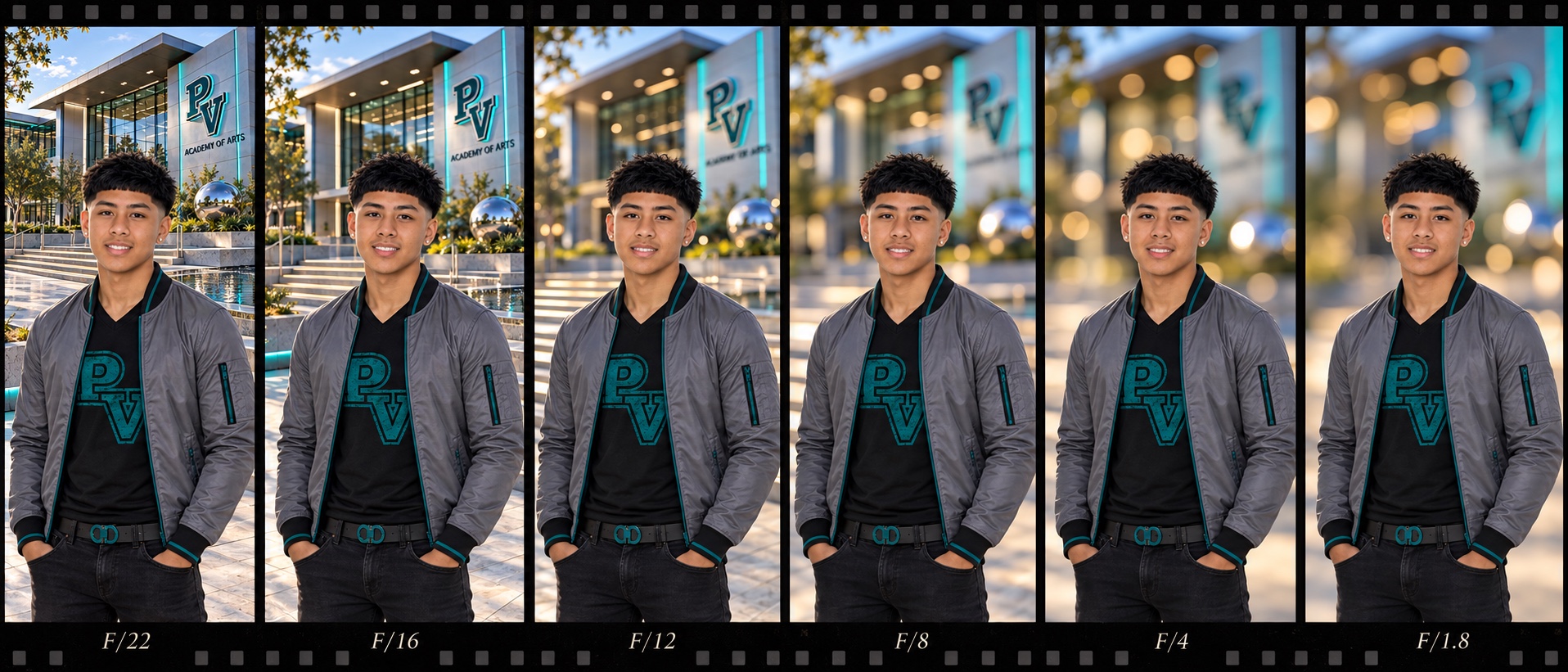
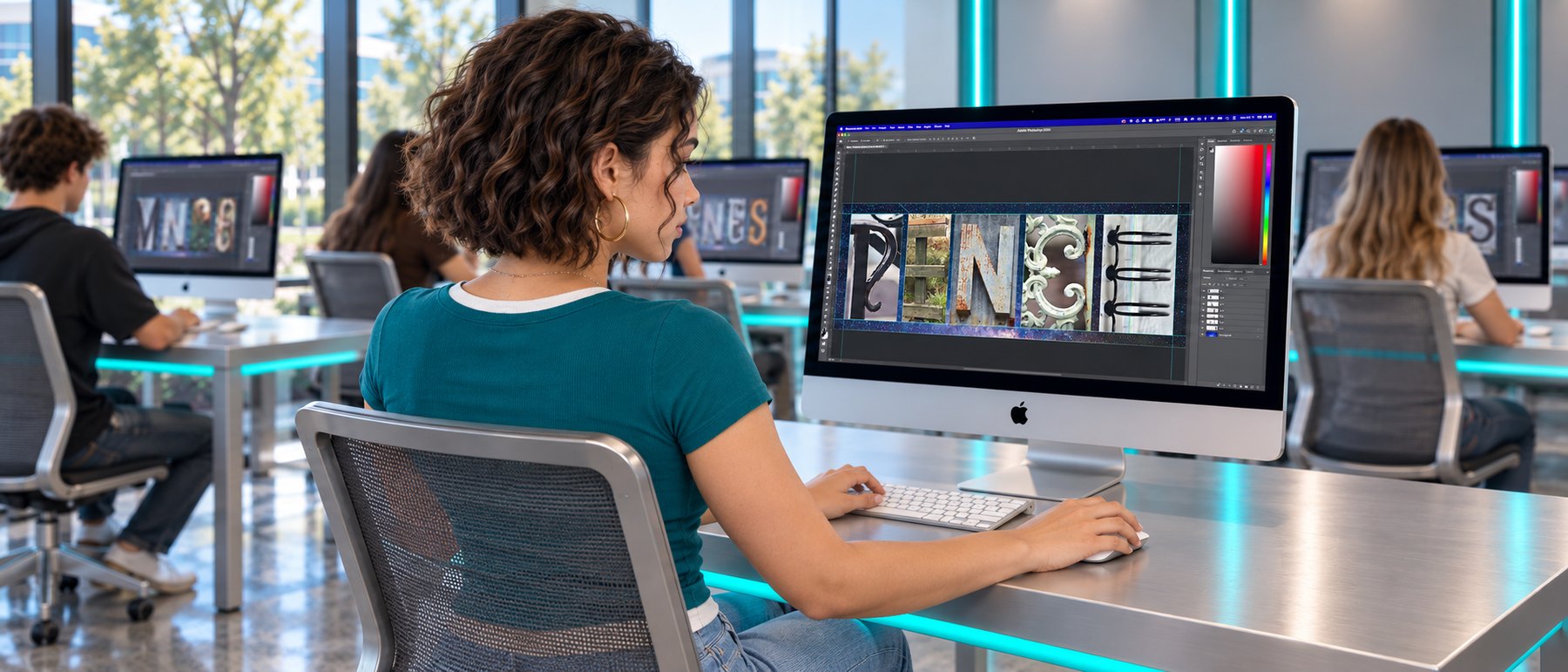
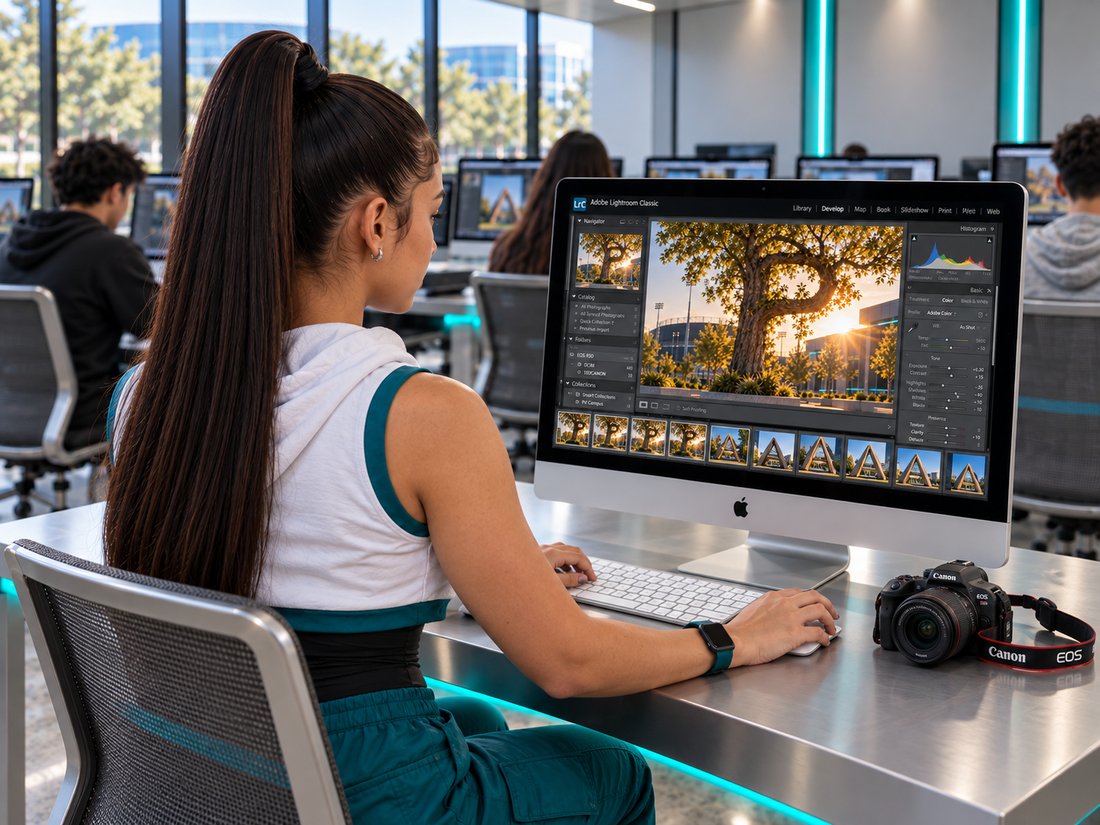
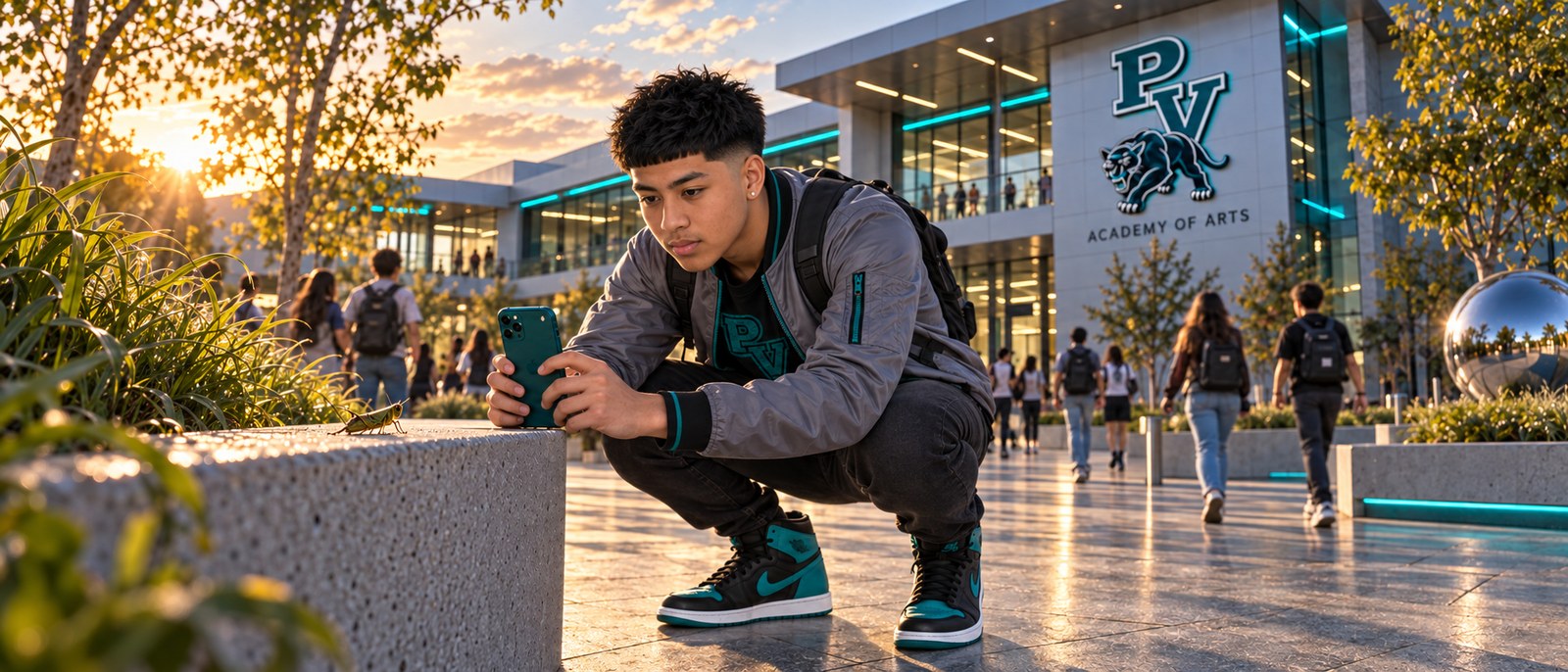
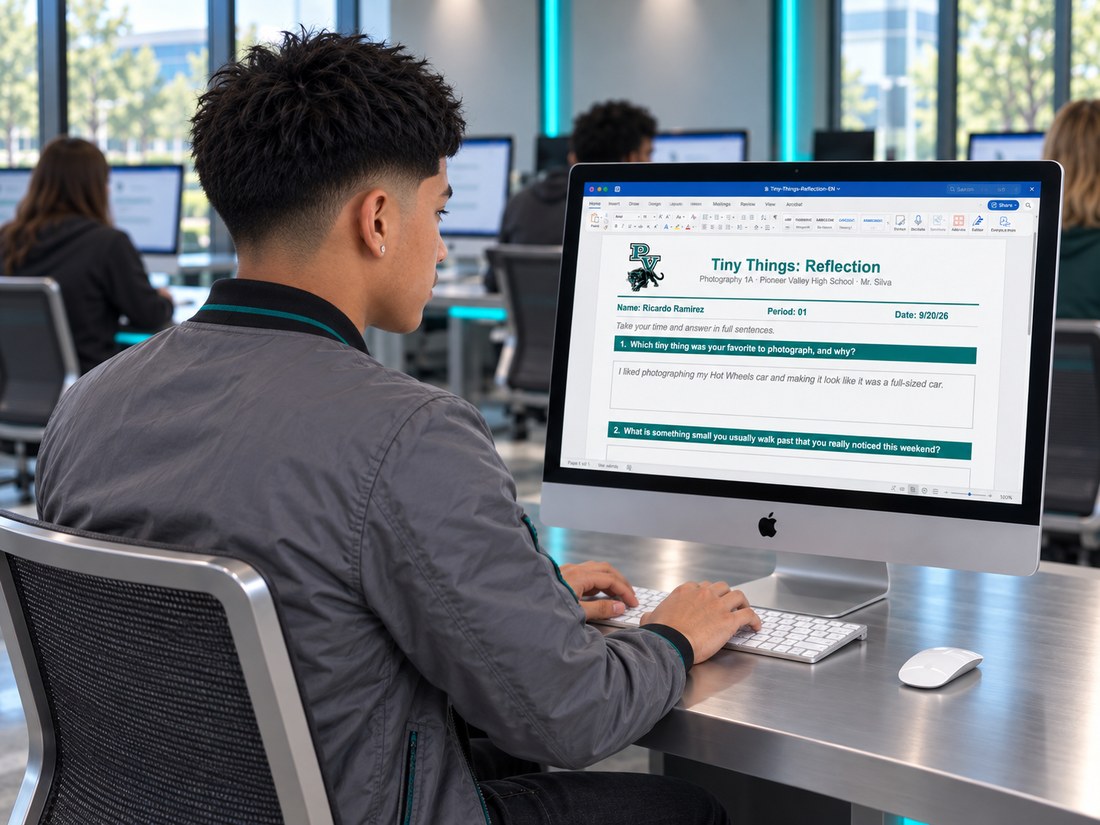
Photography 2A (19)
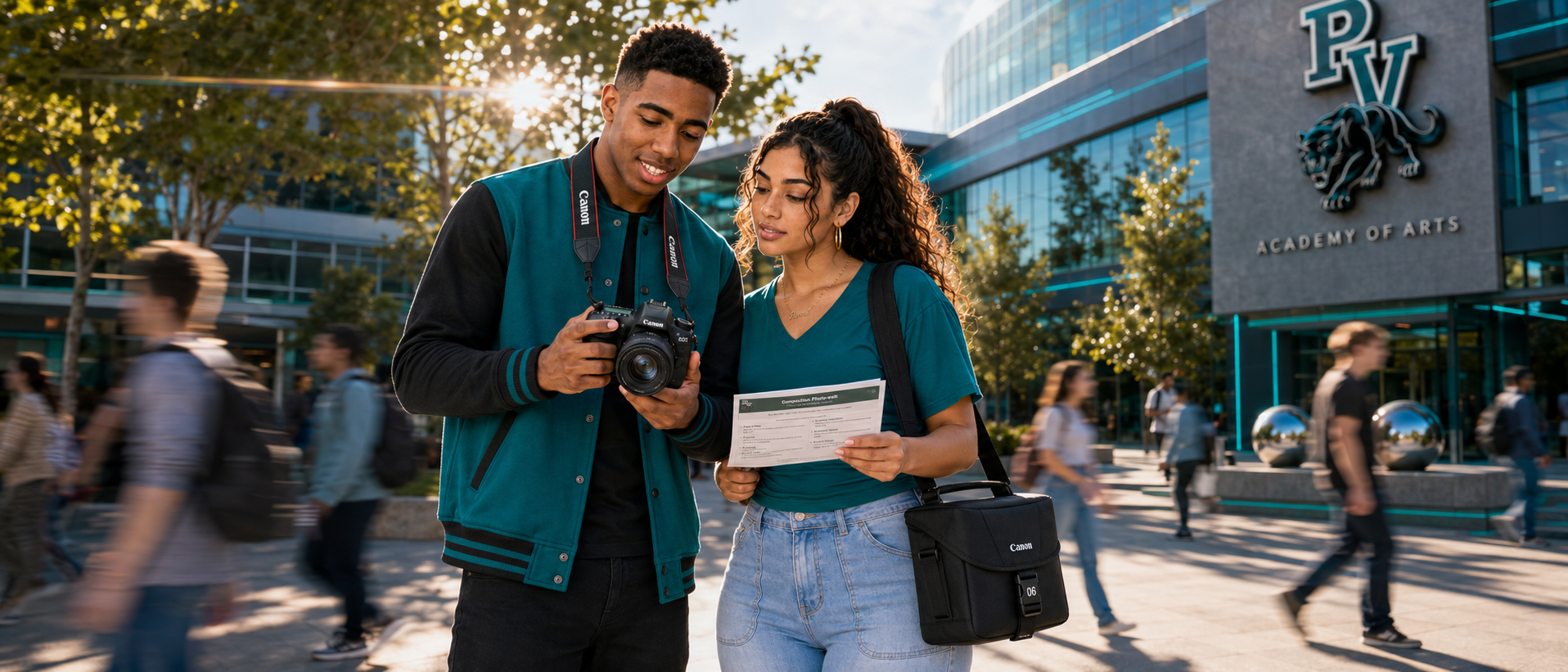
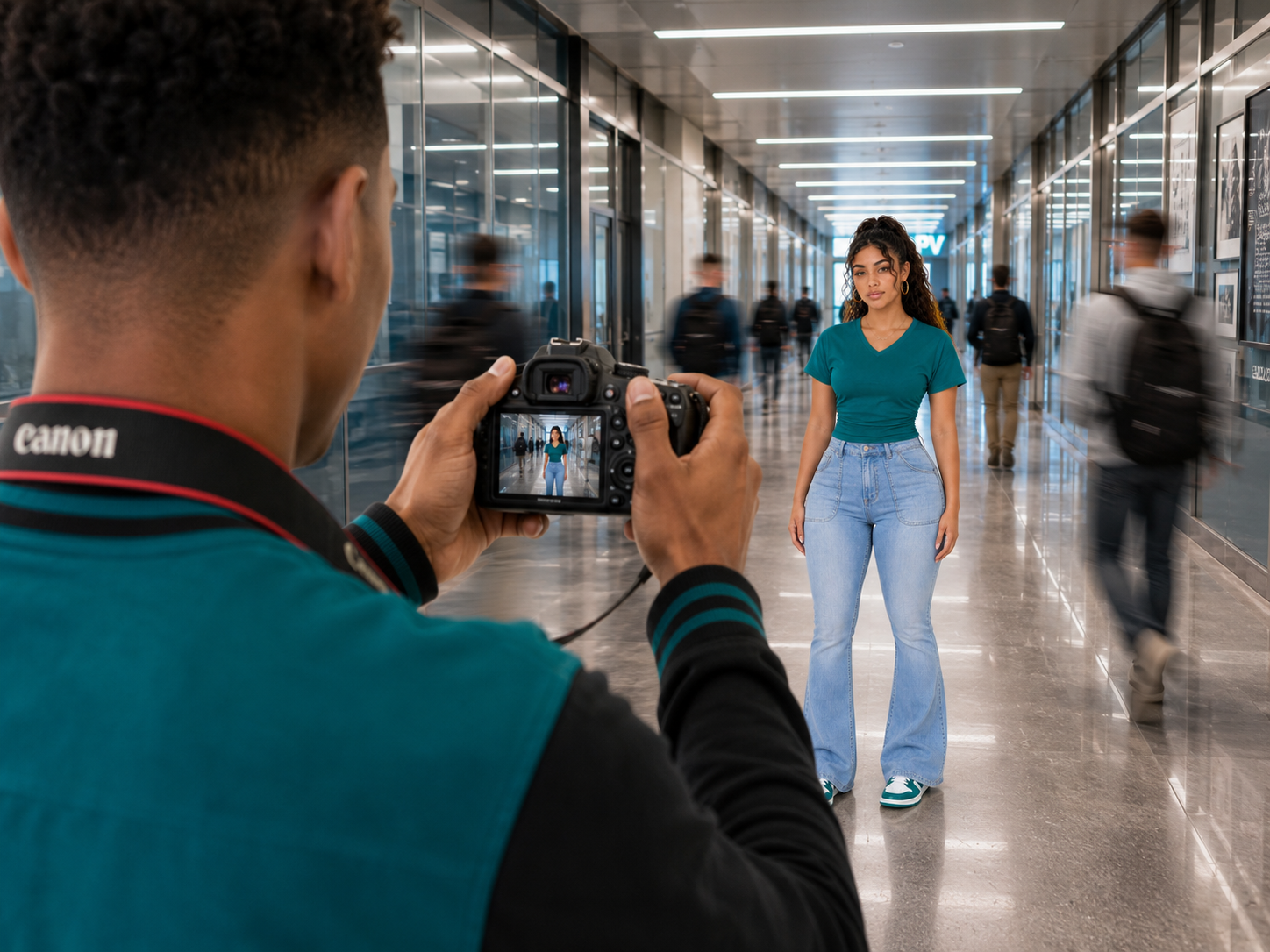
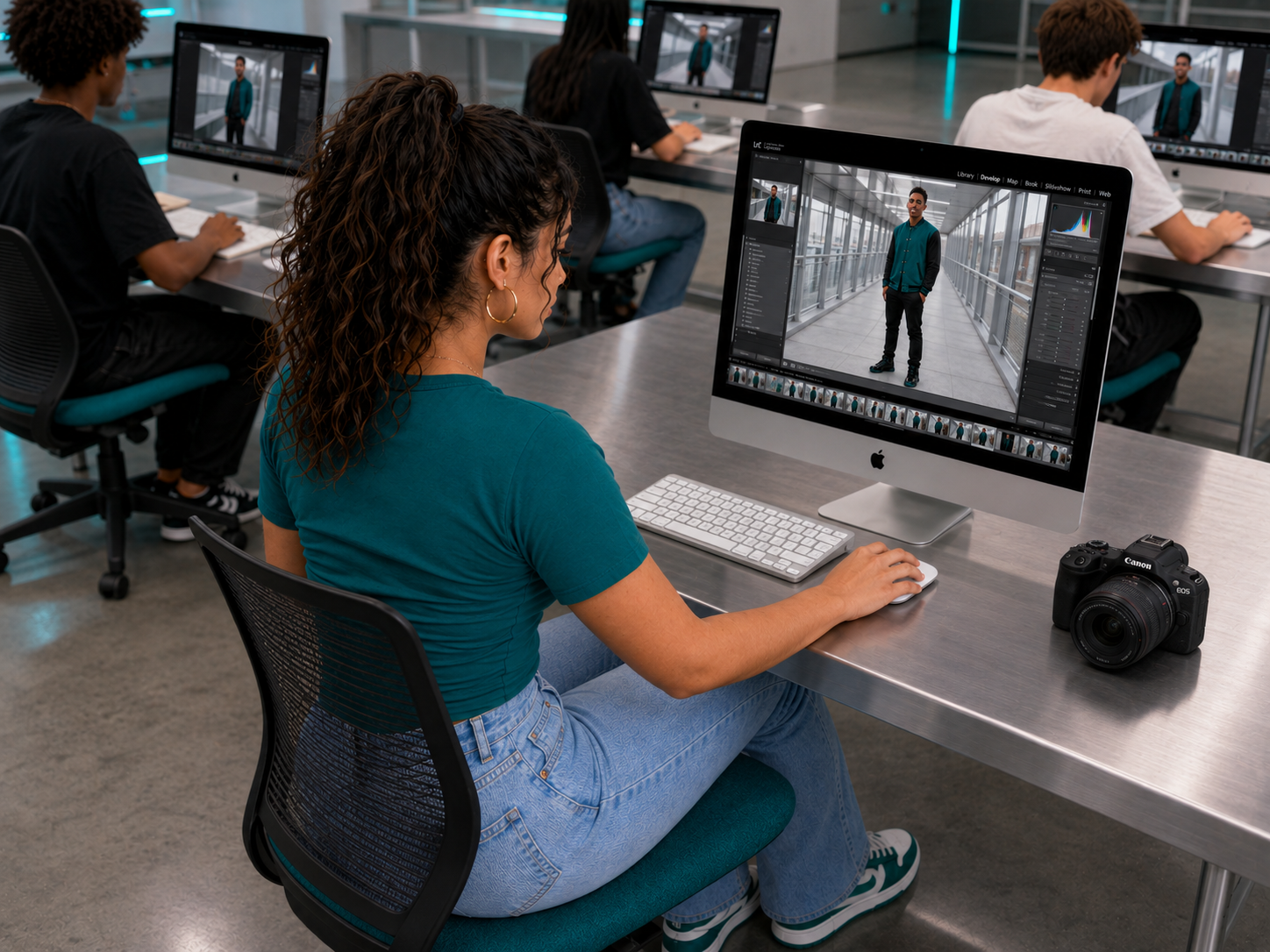
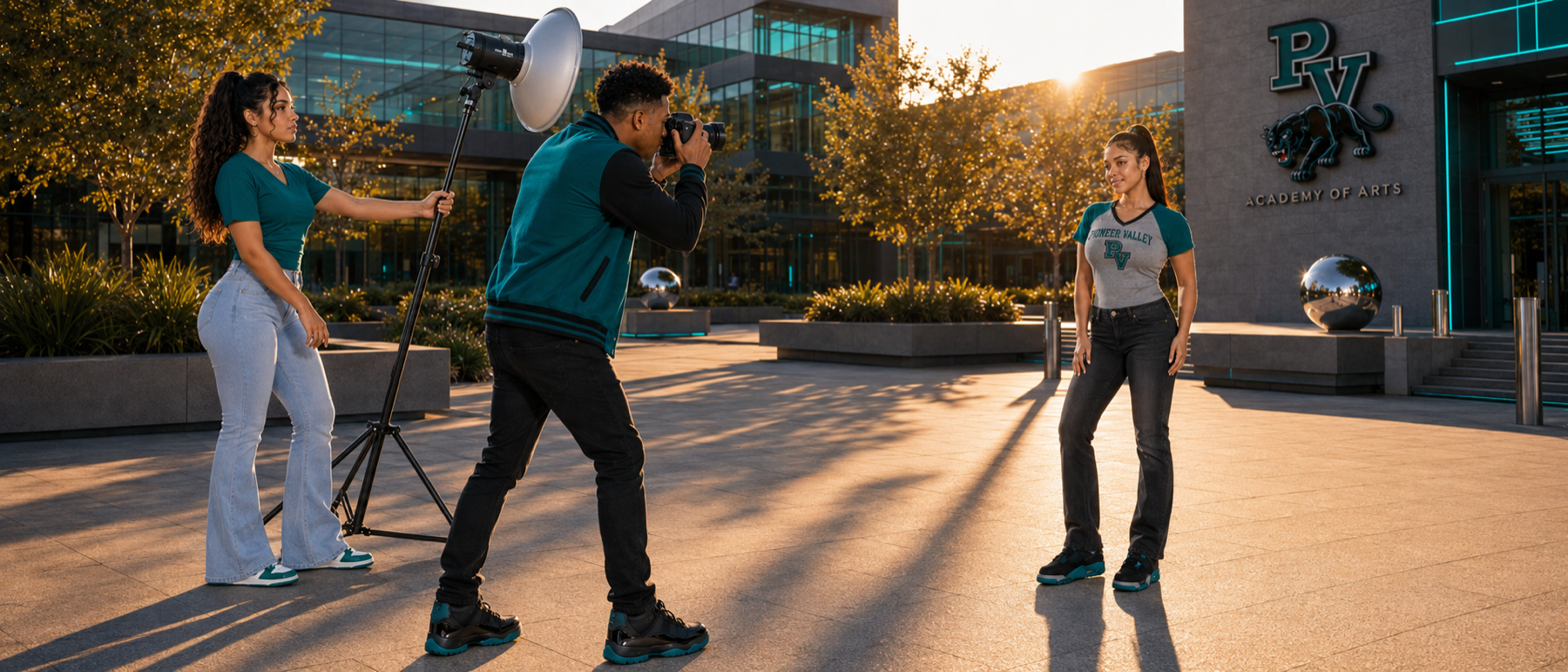
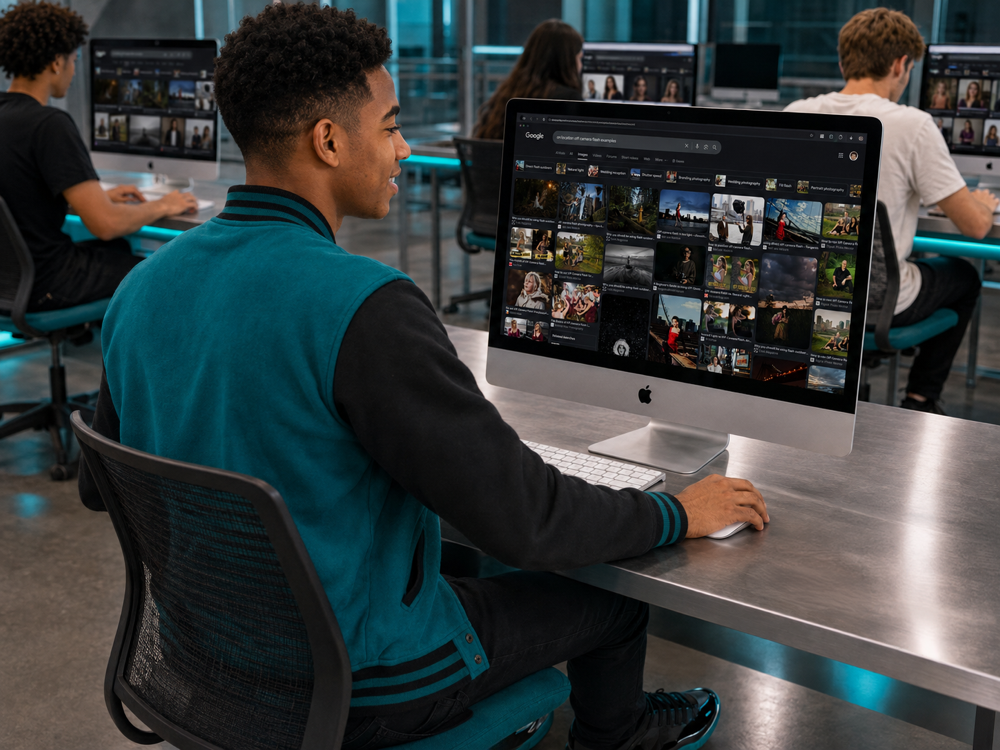
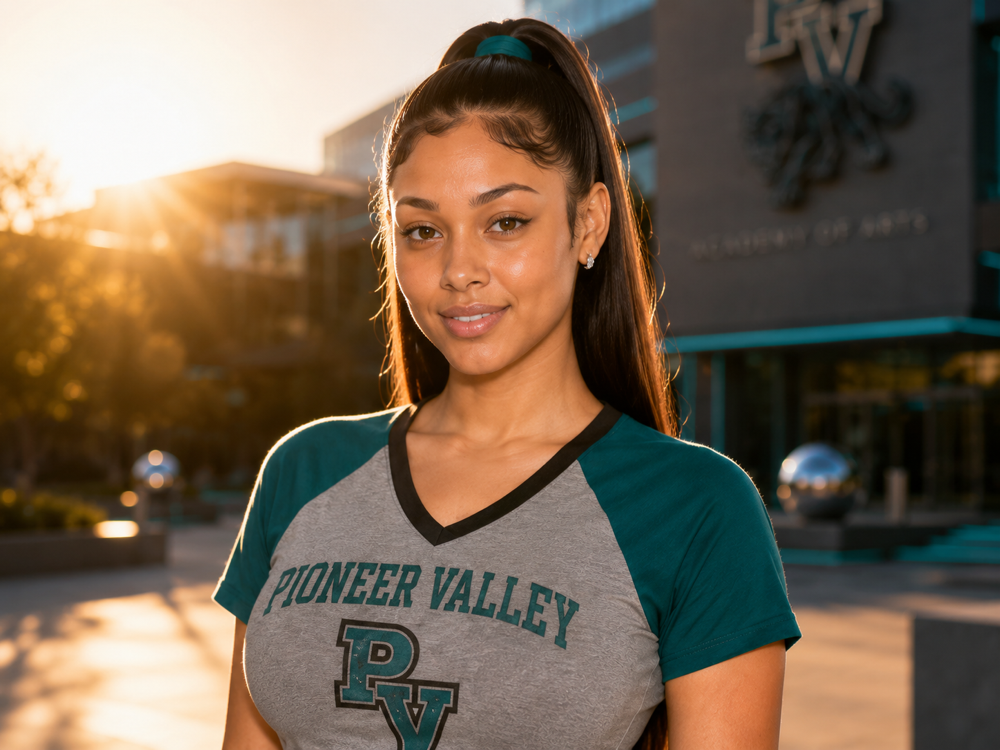
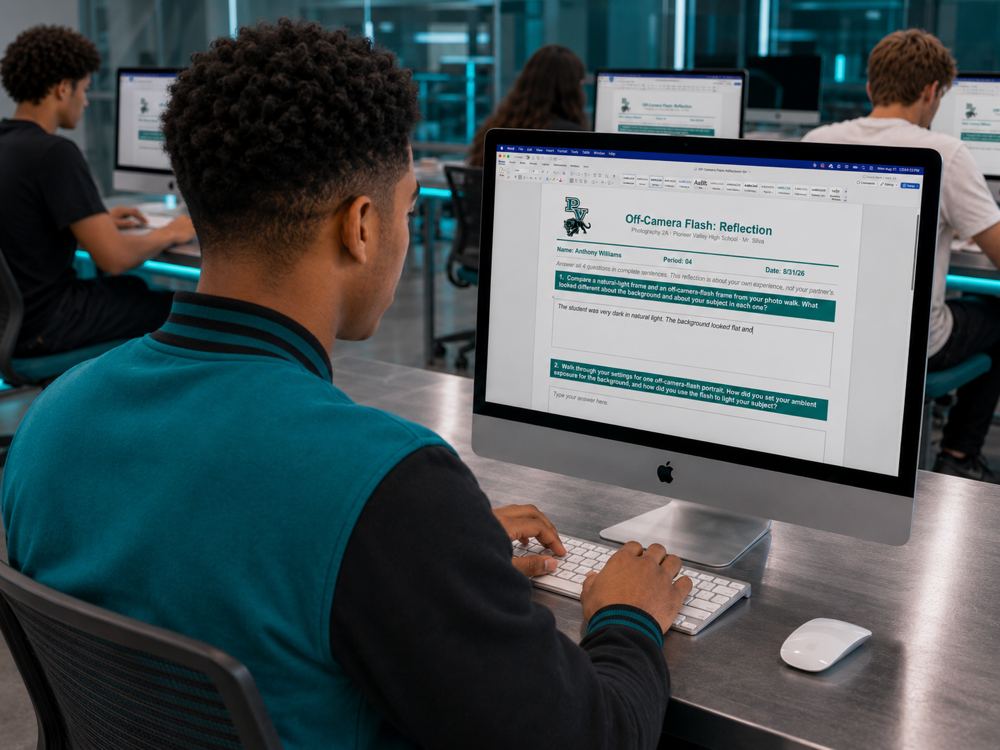
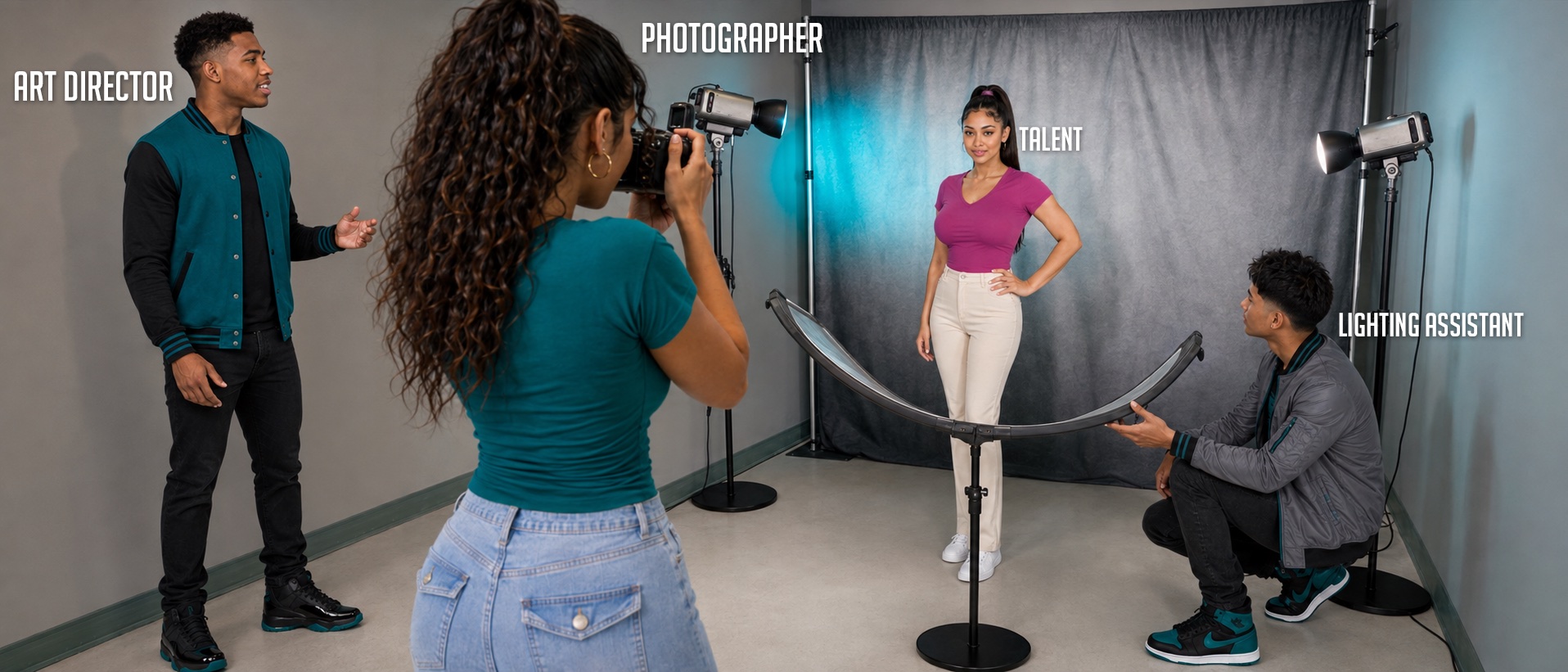
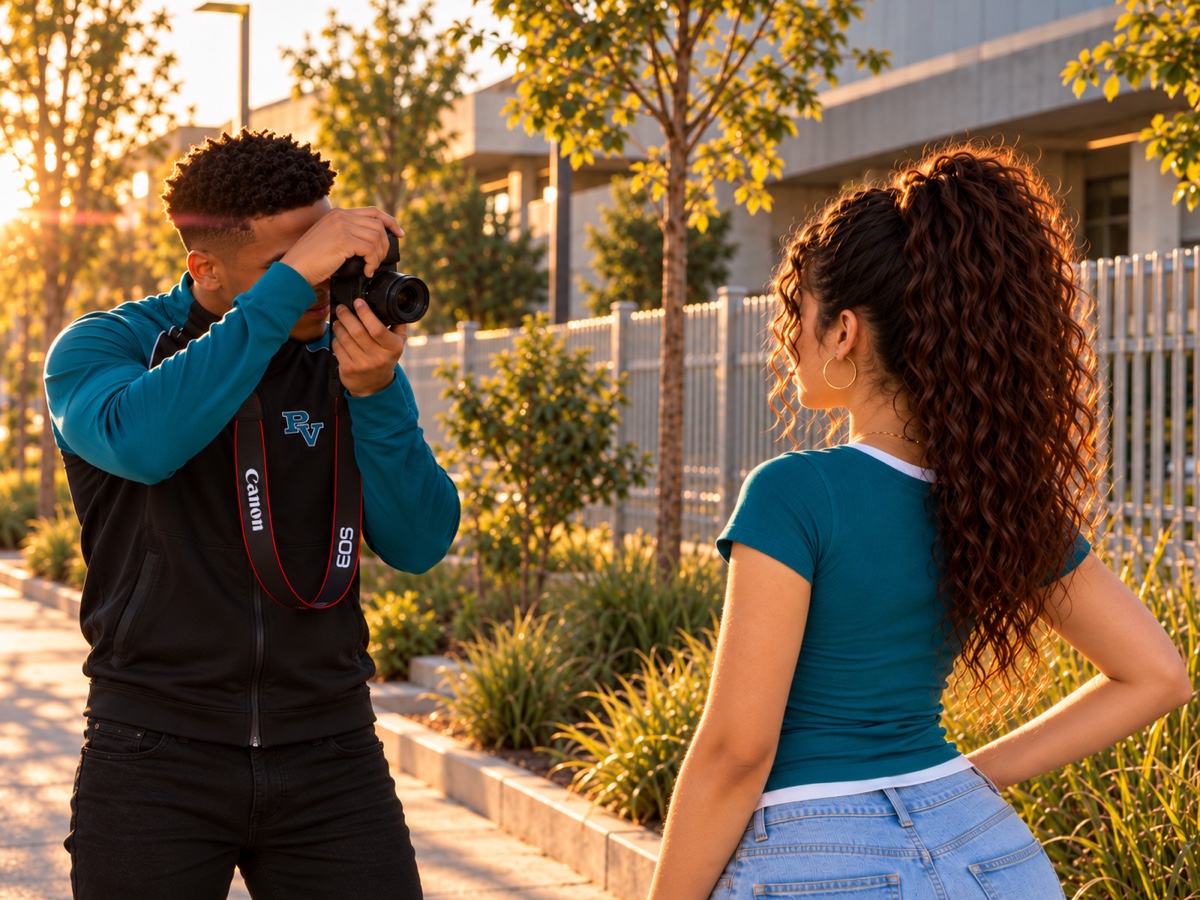
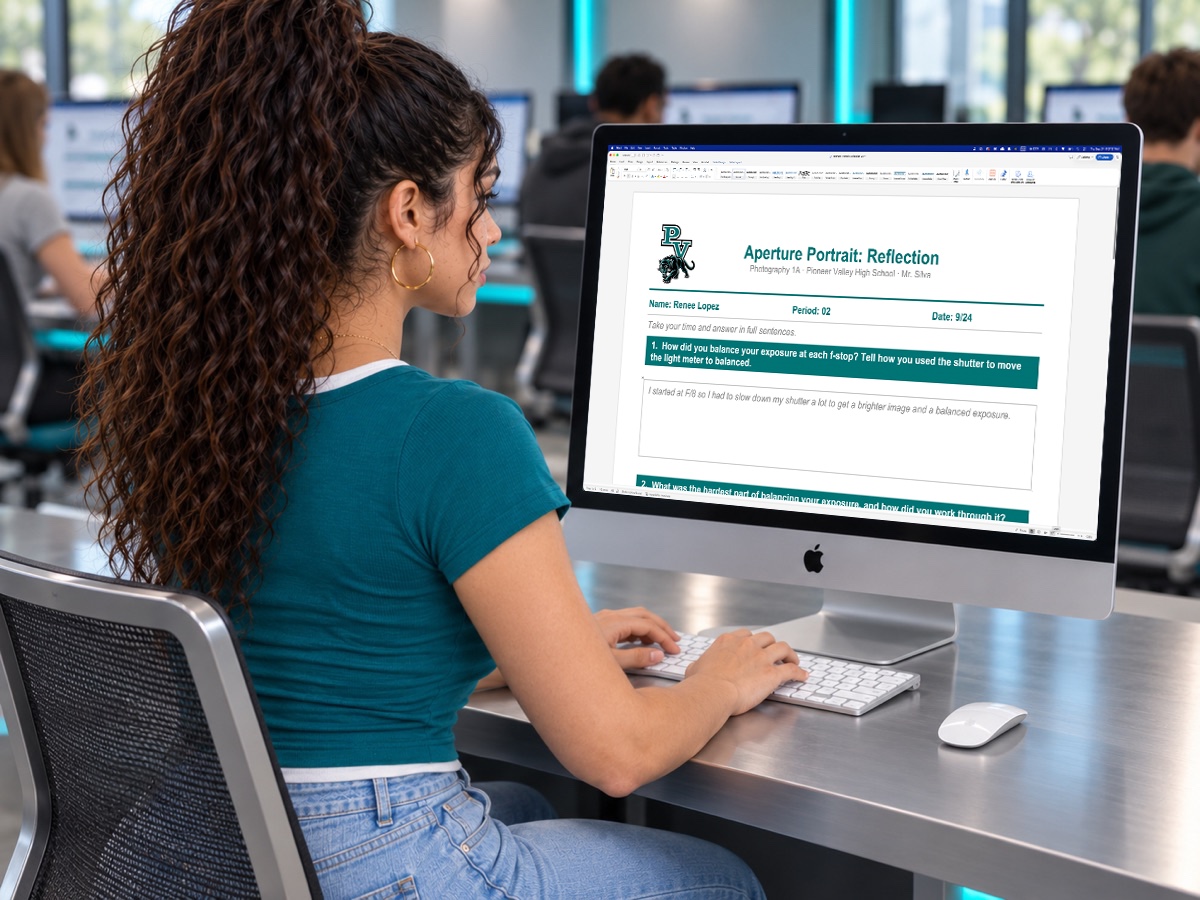
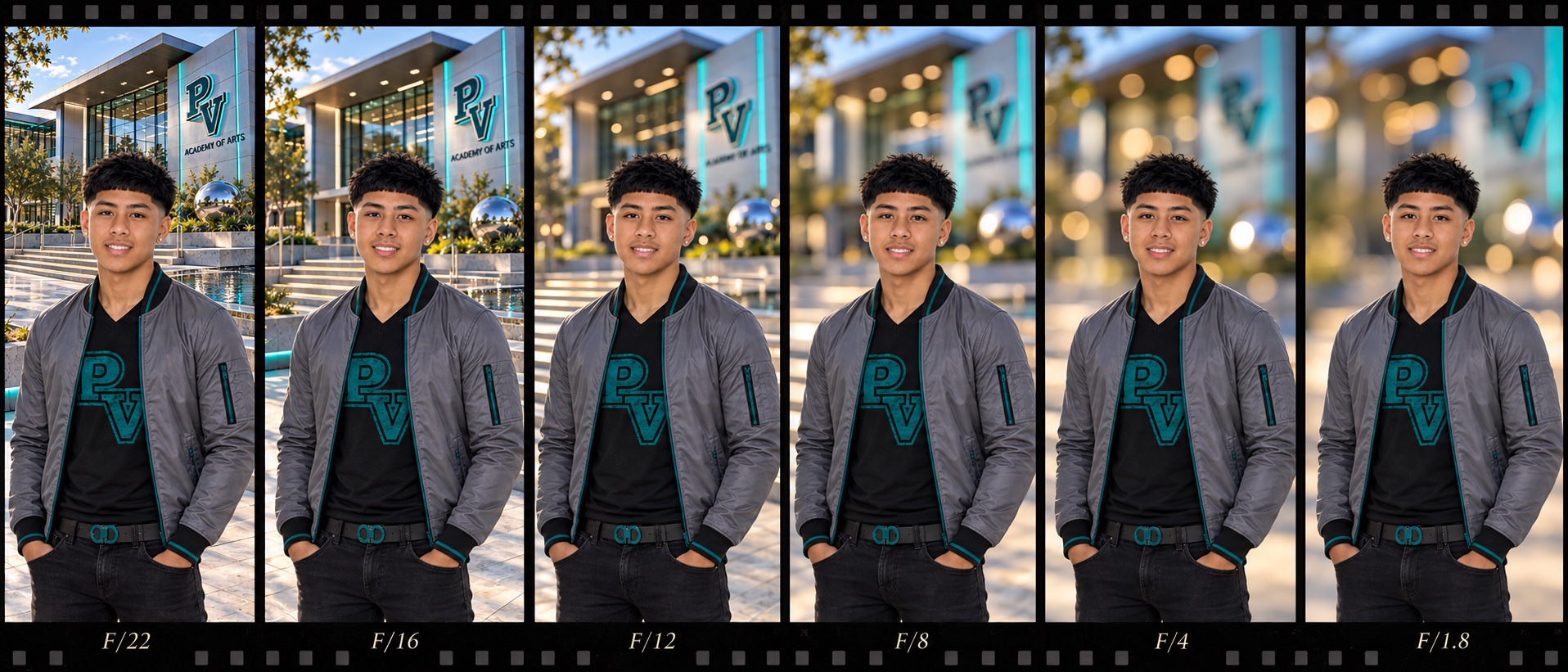
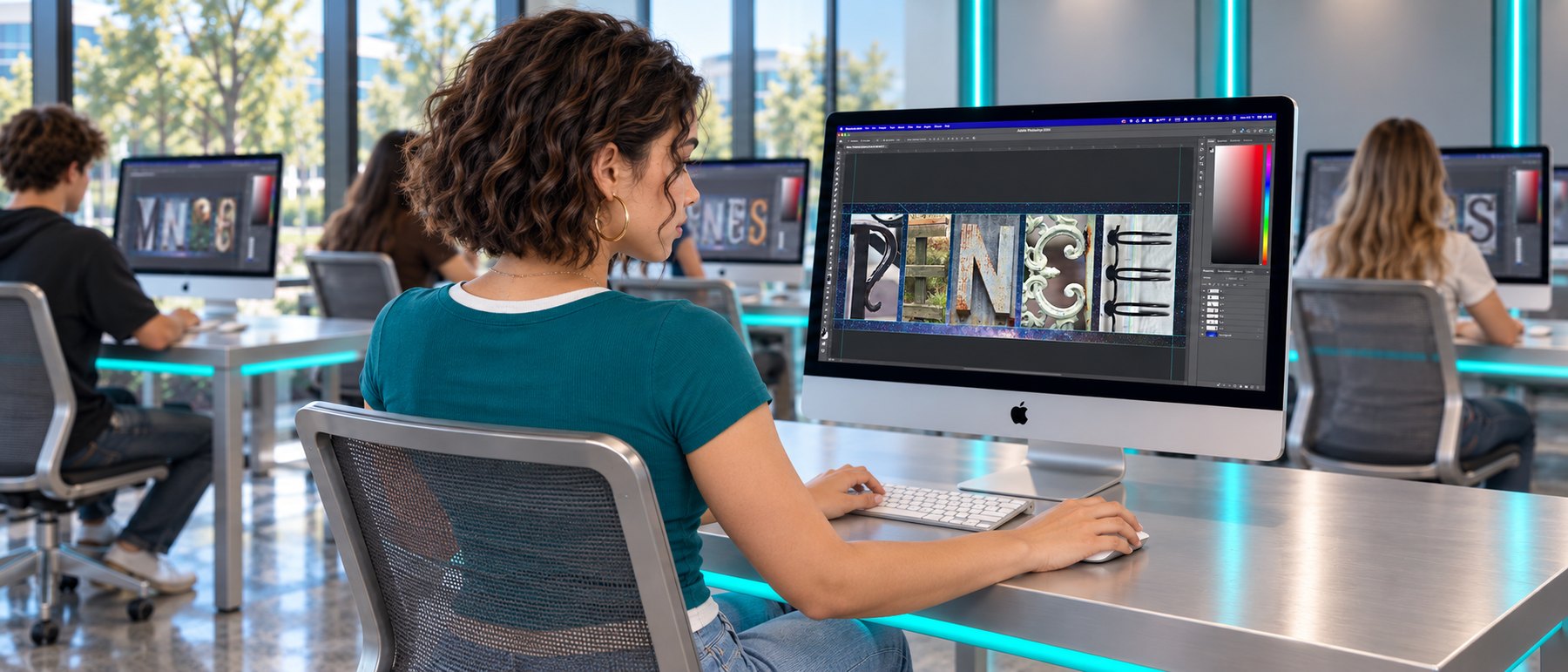
Image Generation Tools
Cast & Campus
Items
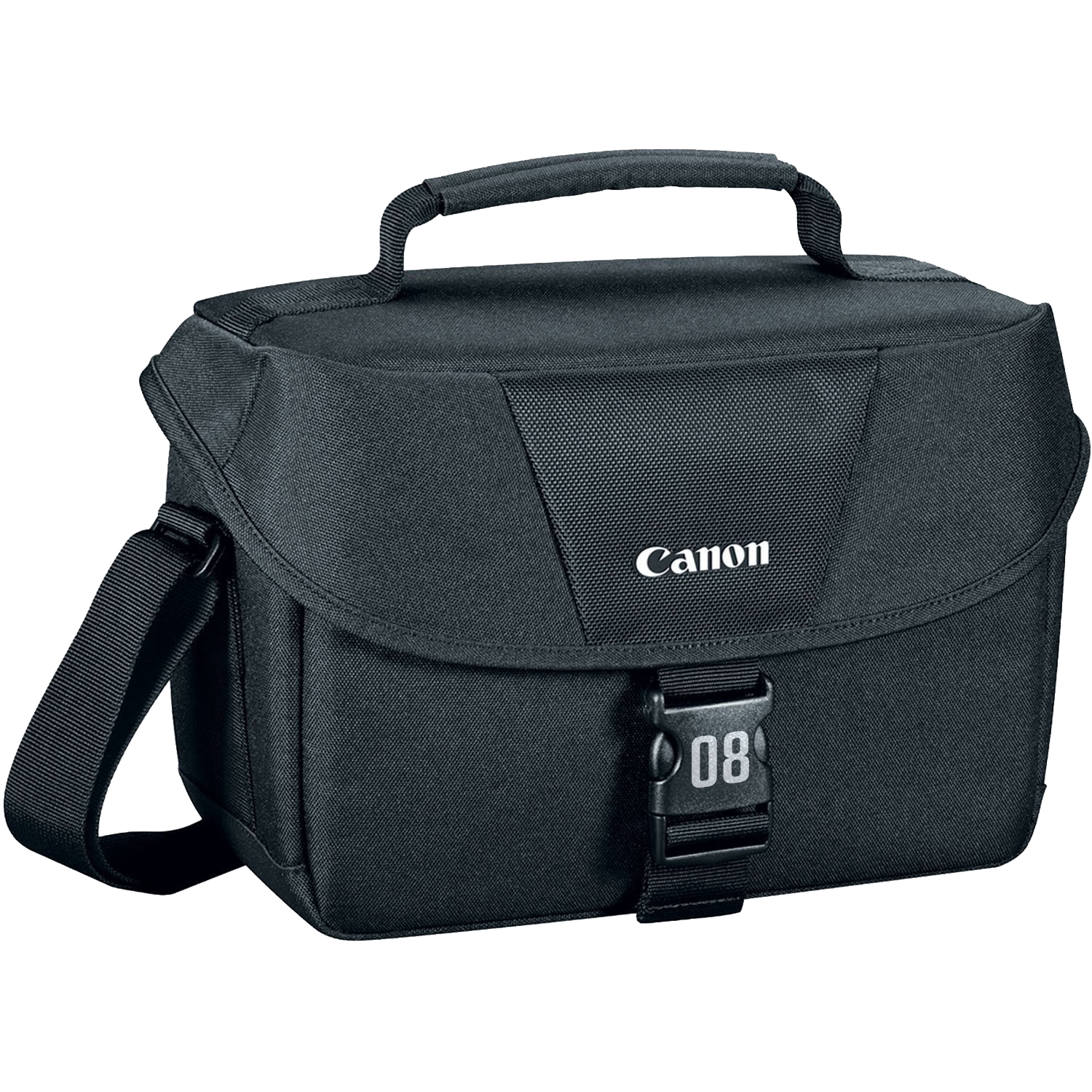
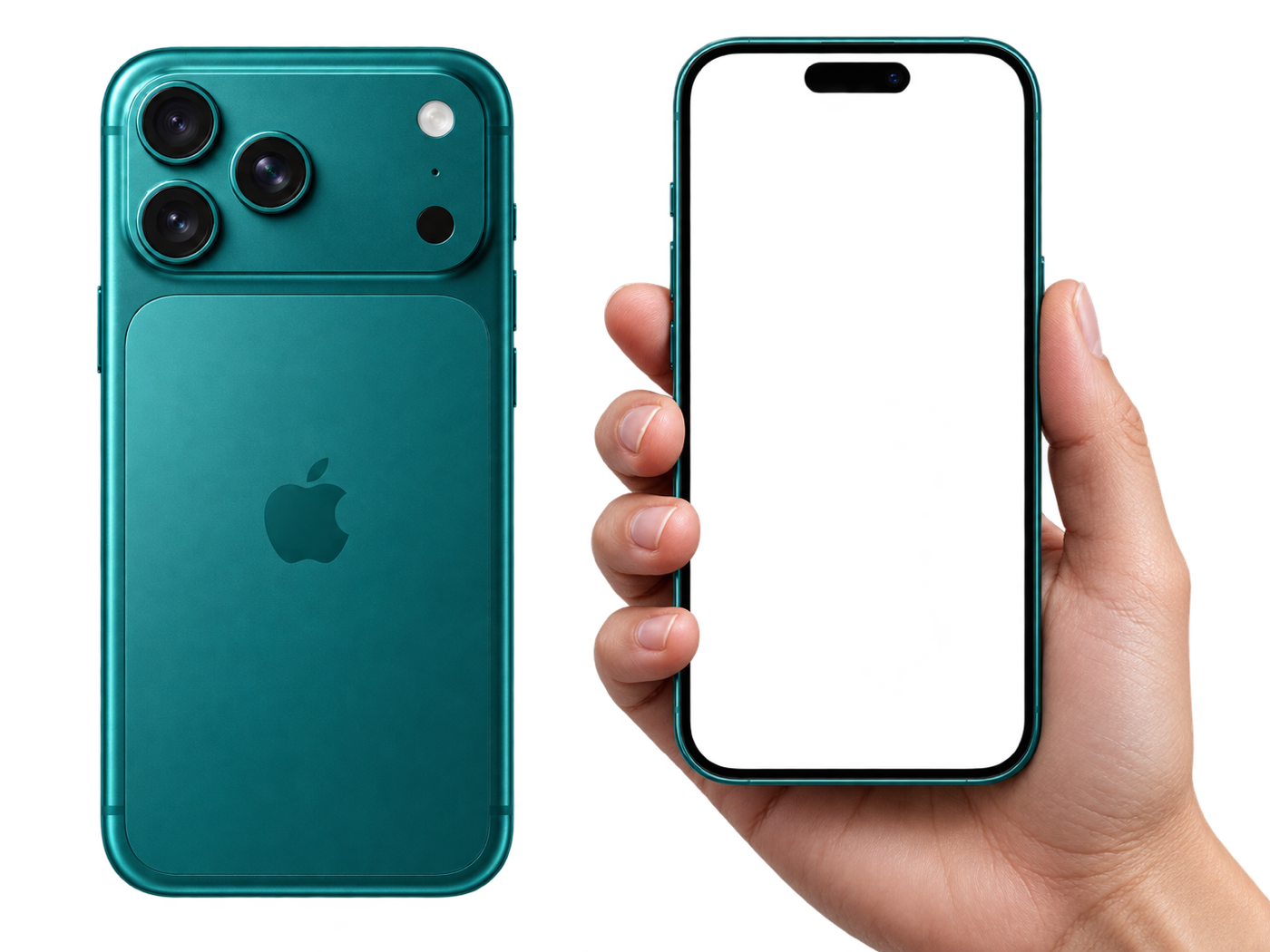
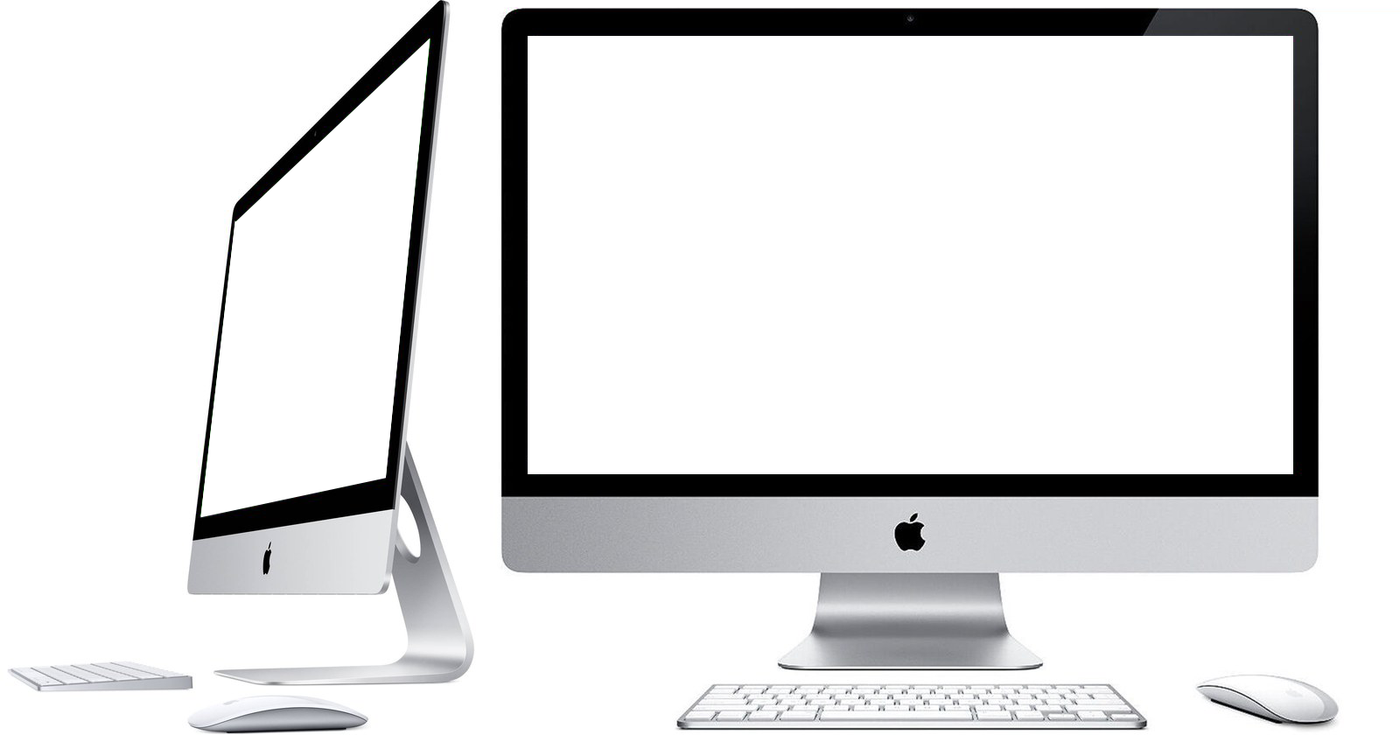
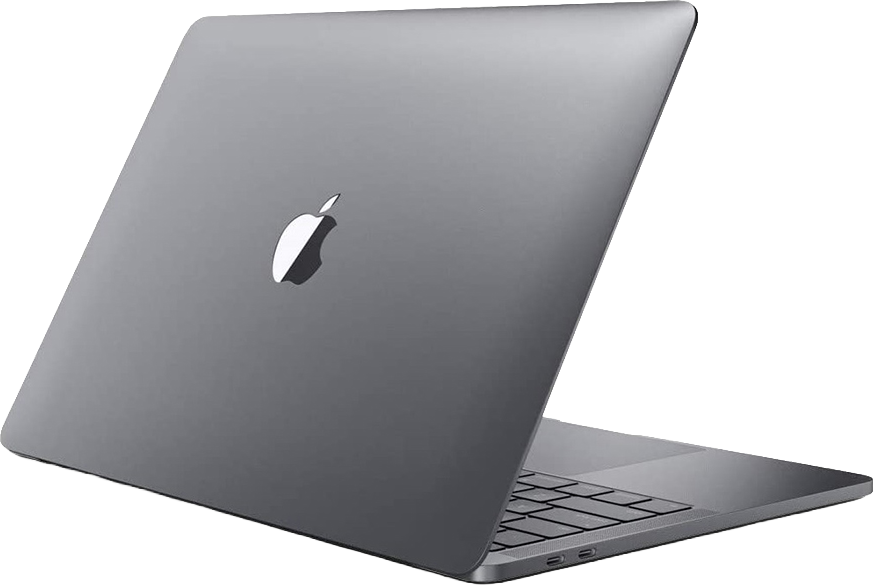
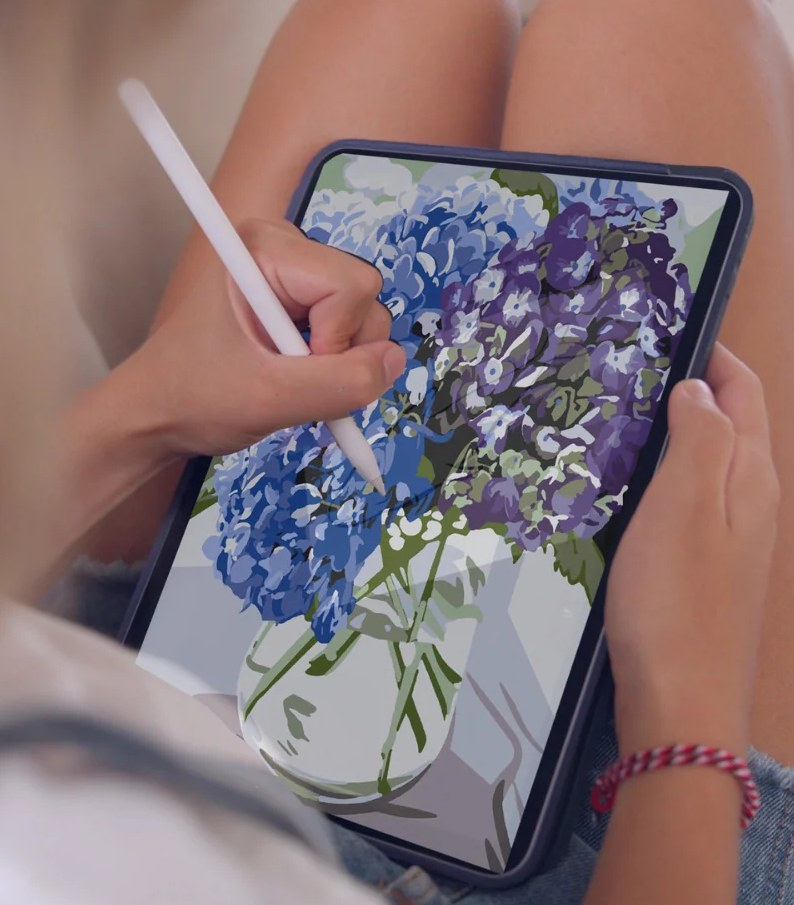
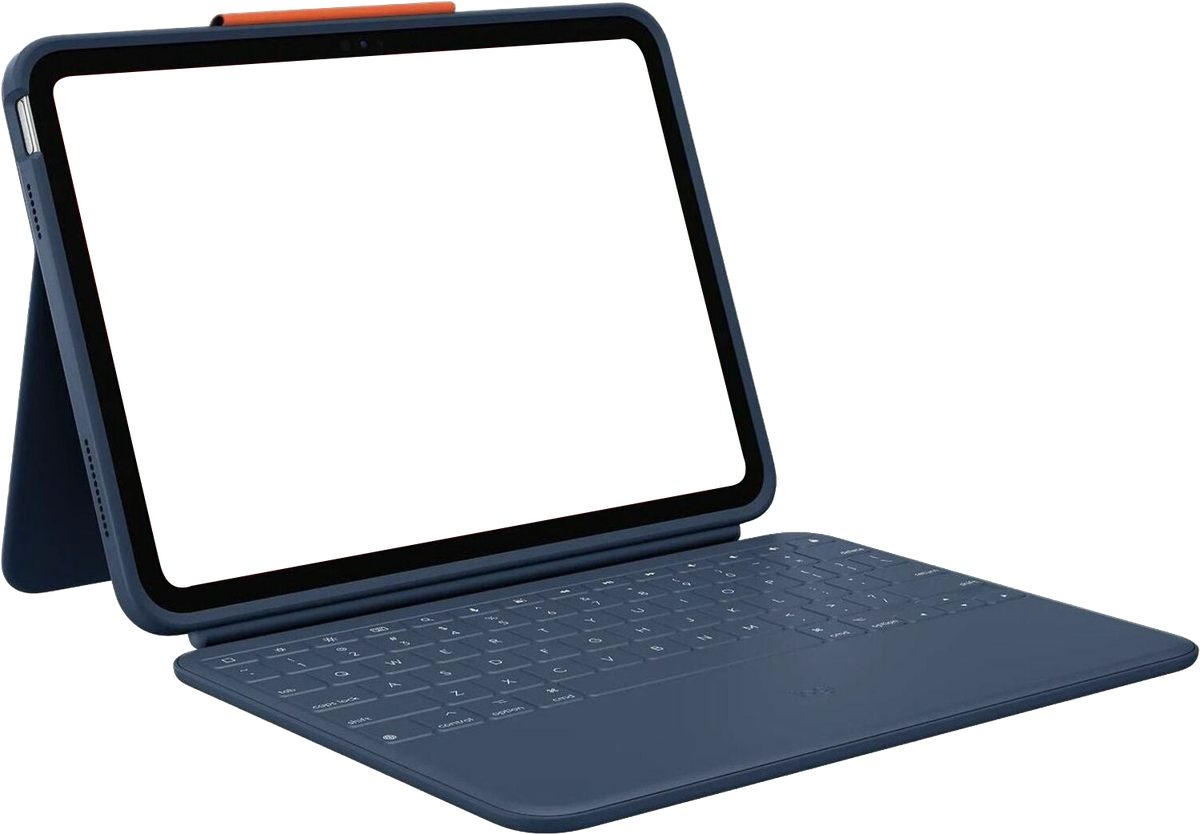
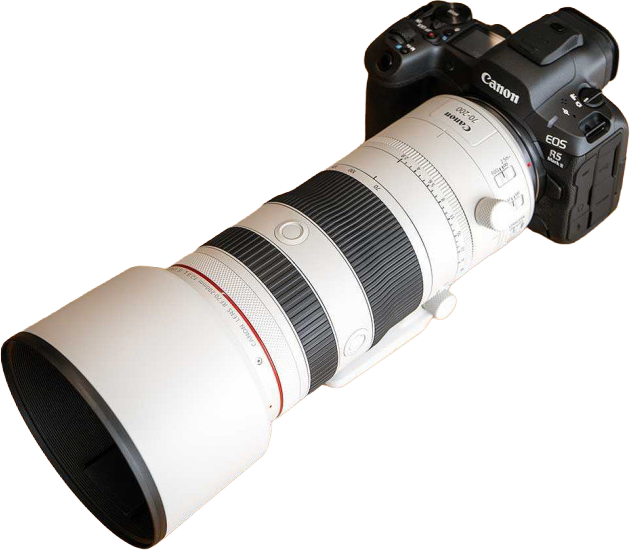
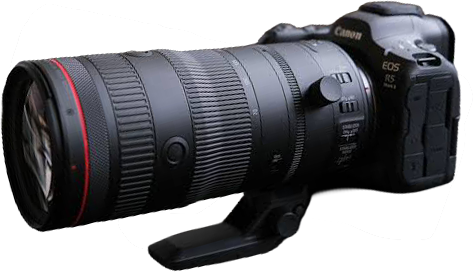
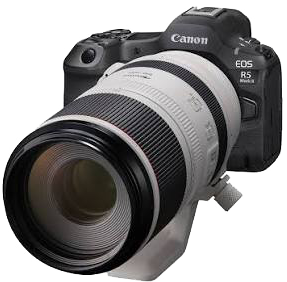
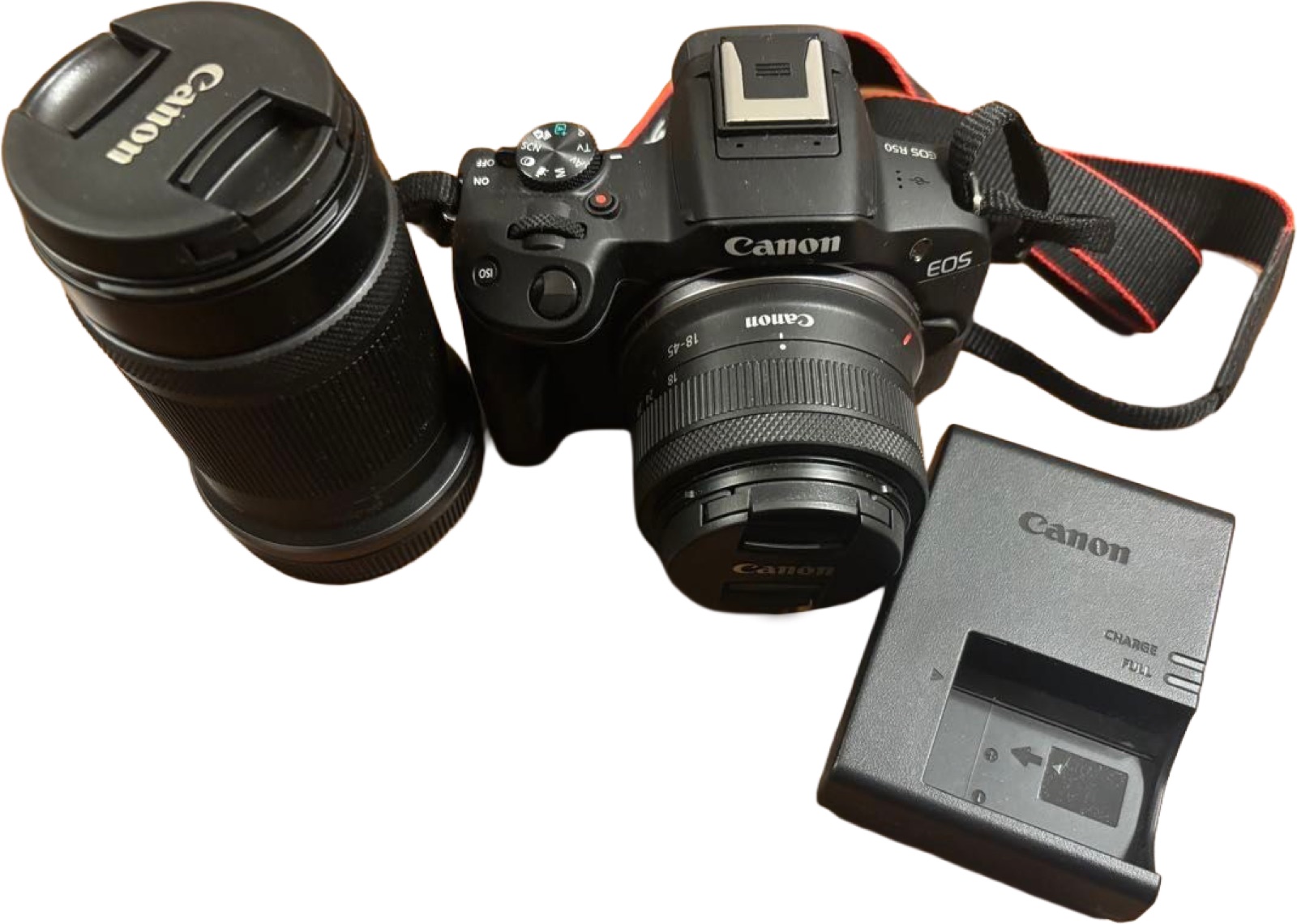
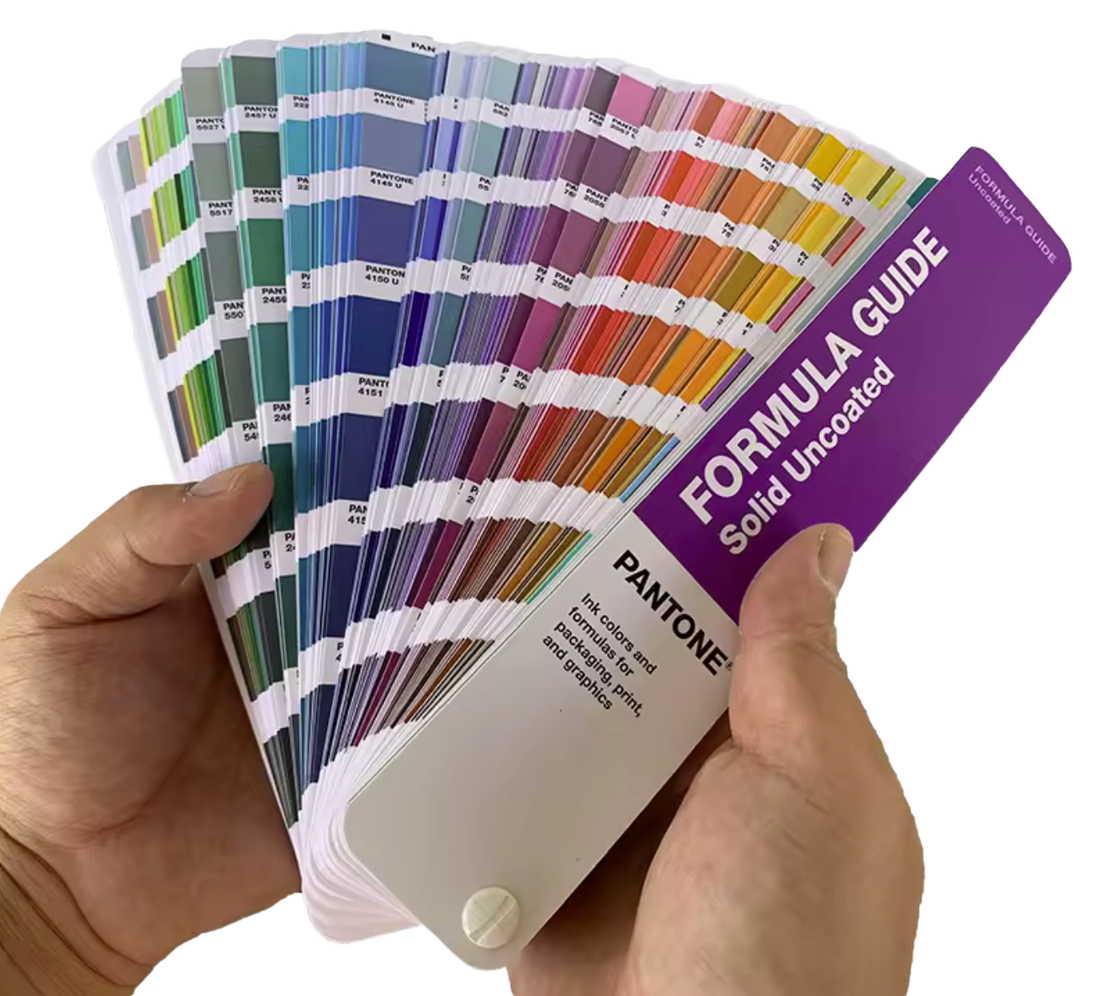
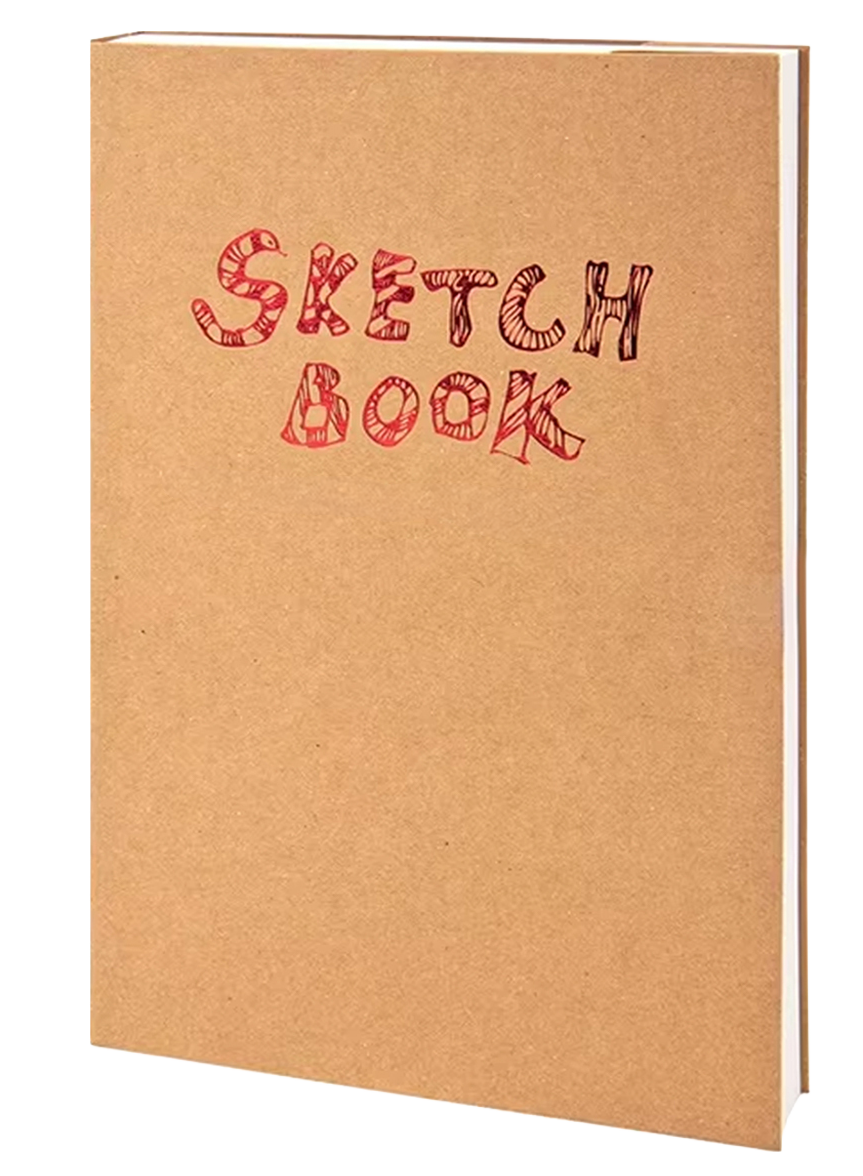
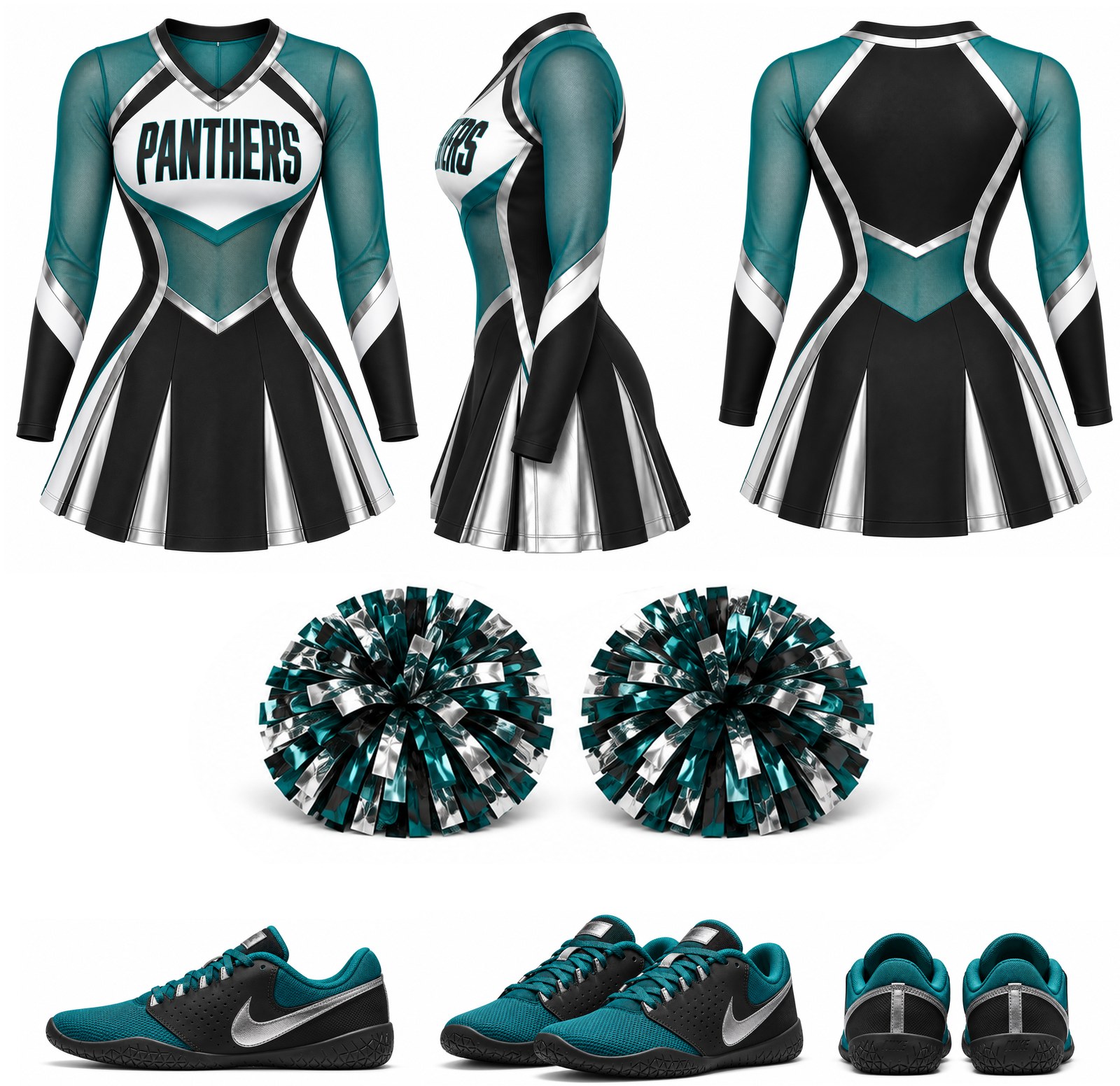
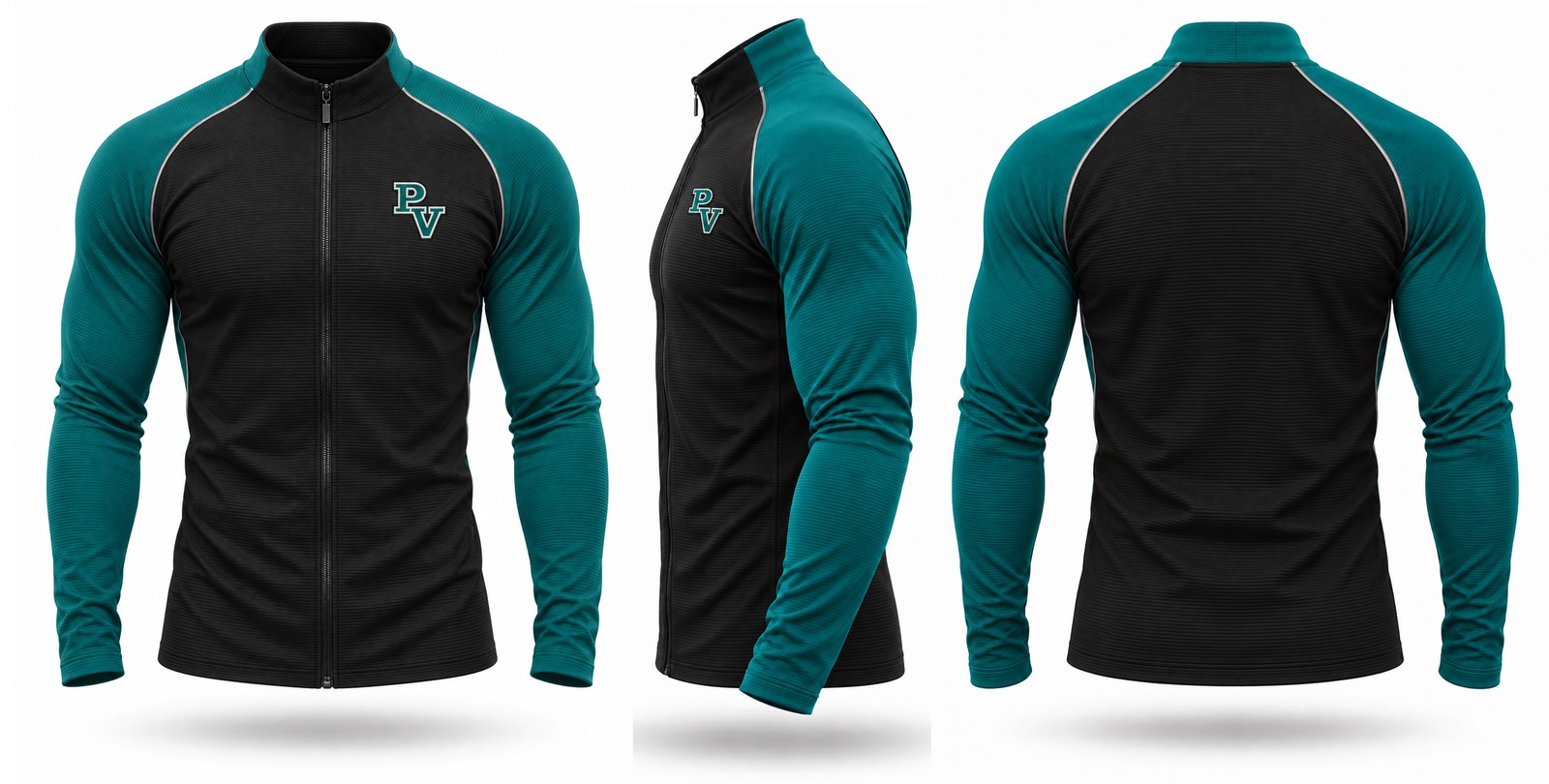
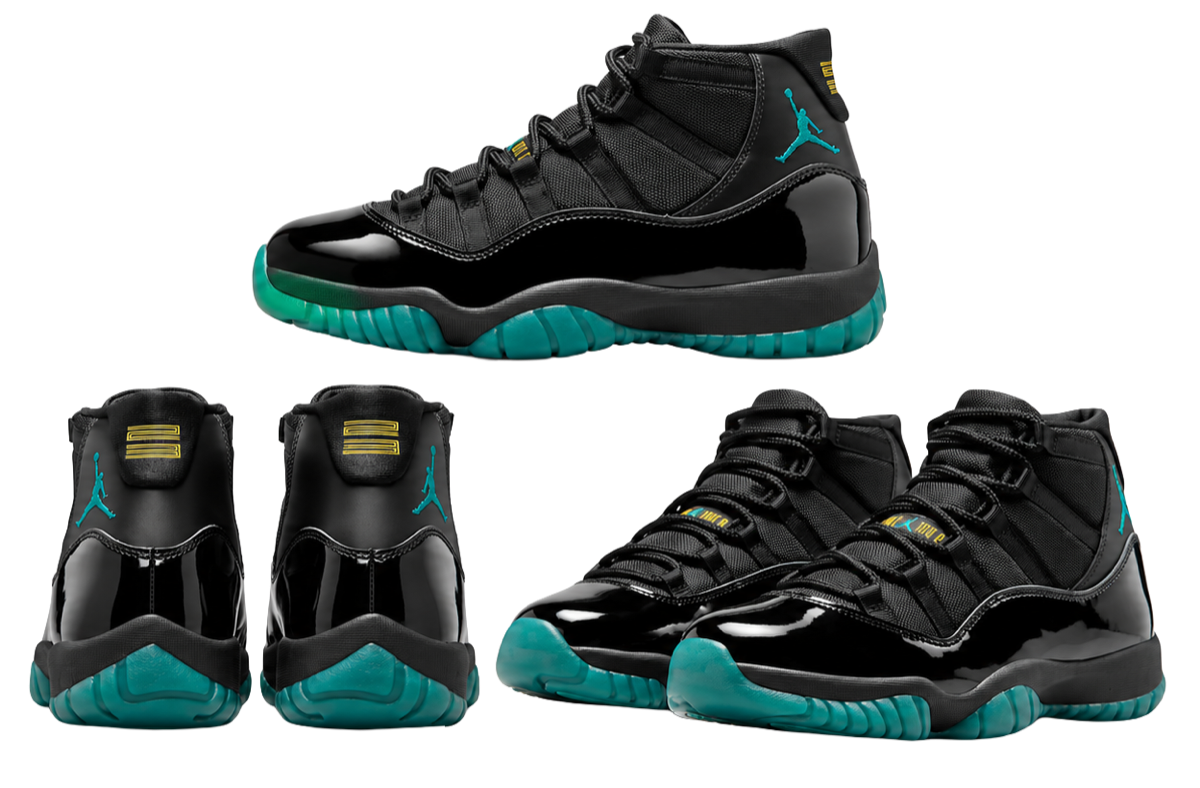
Campus


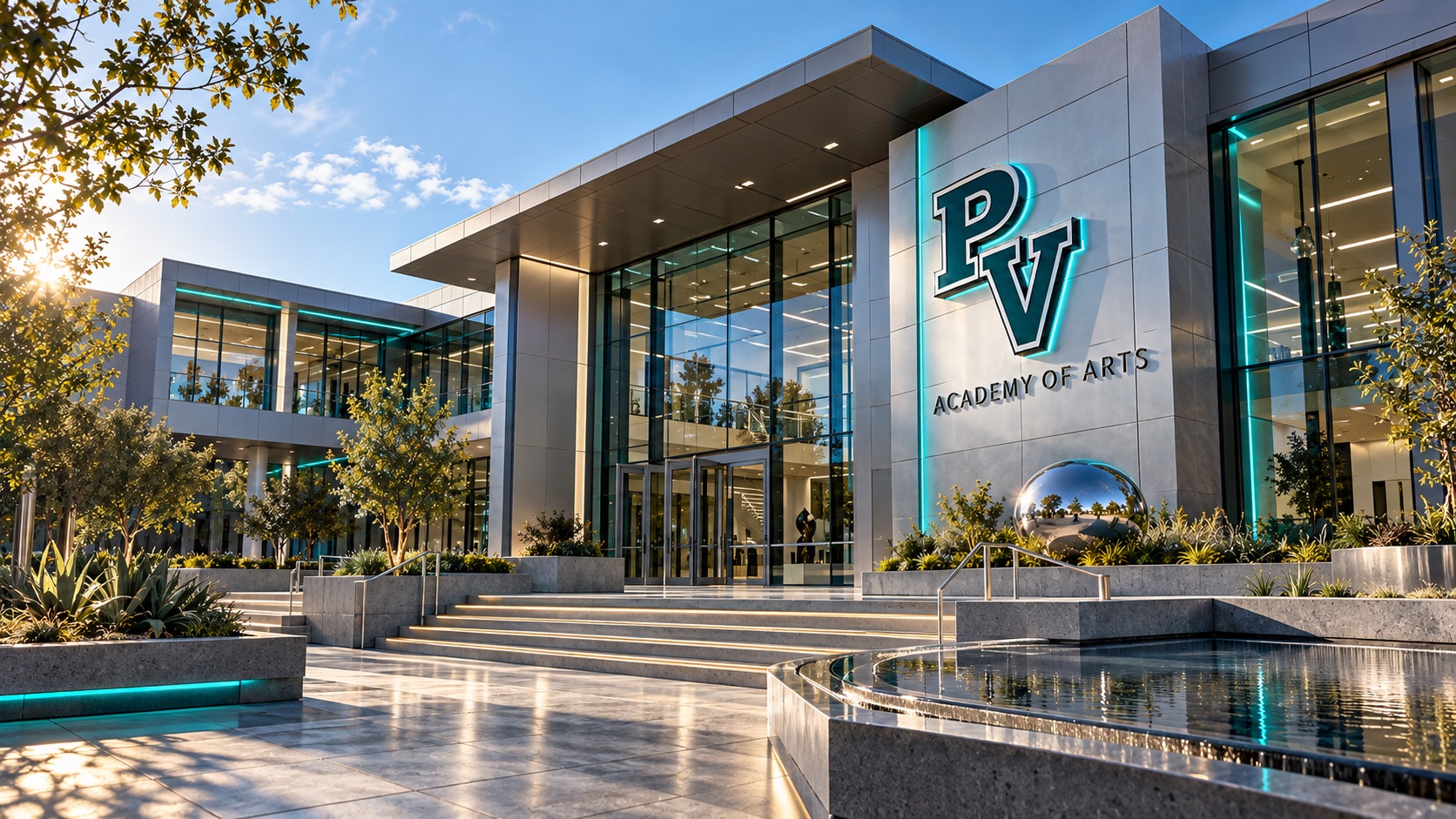
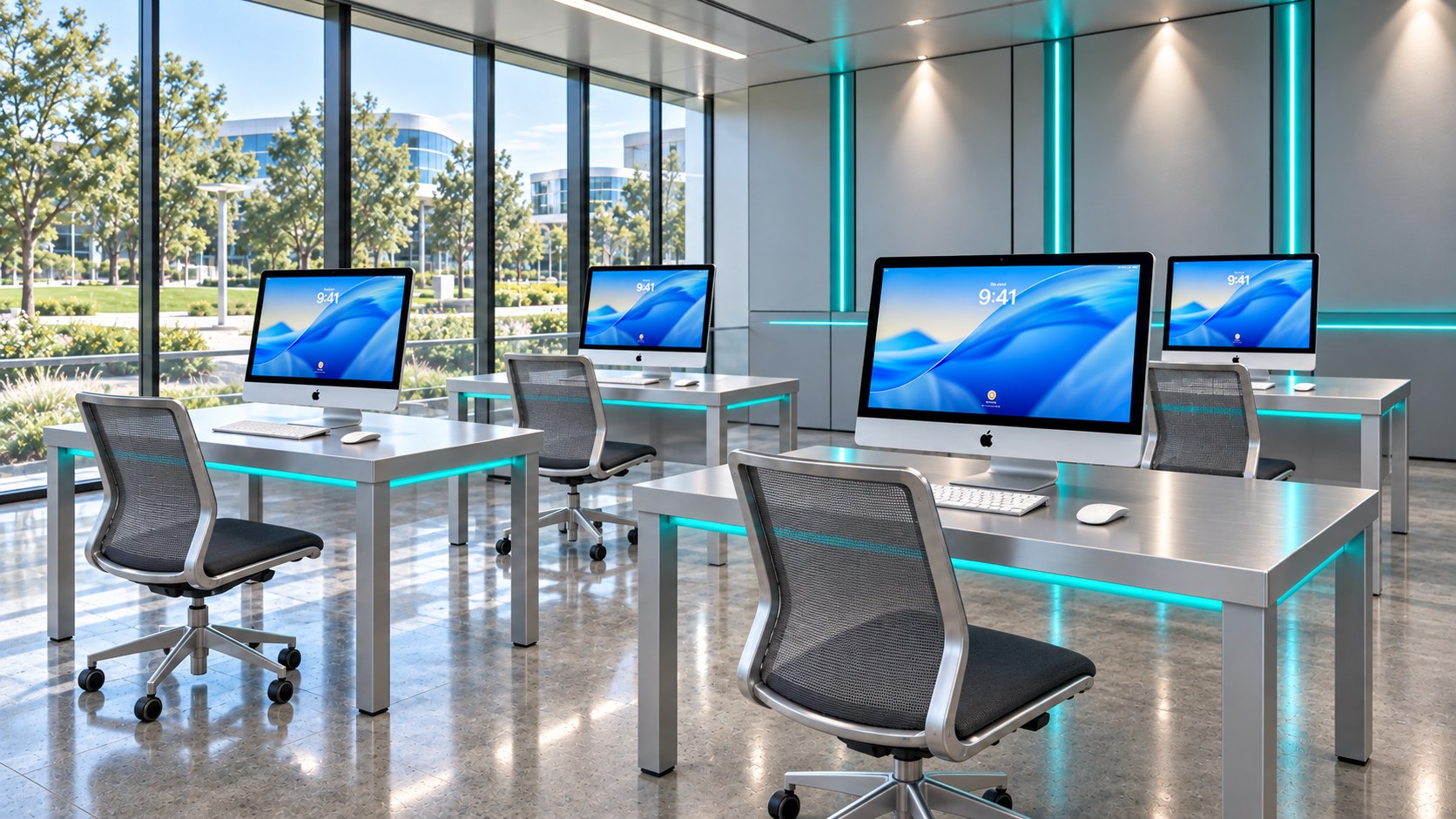
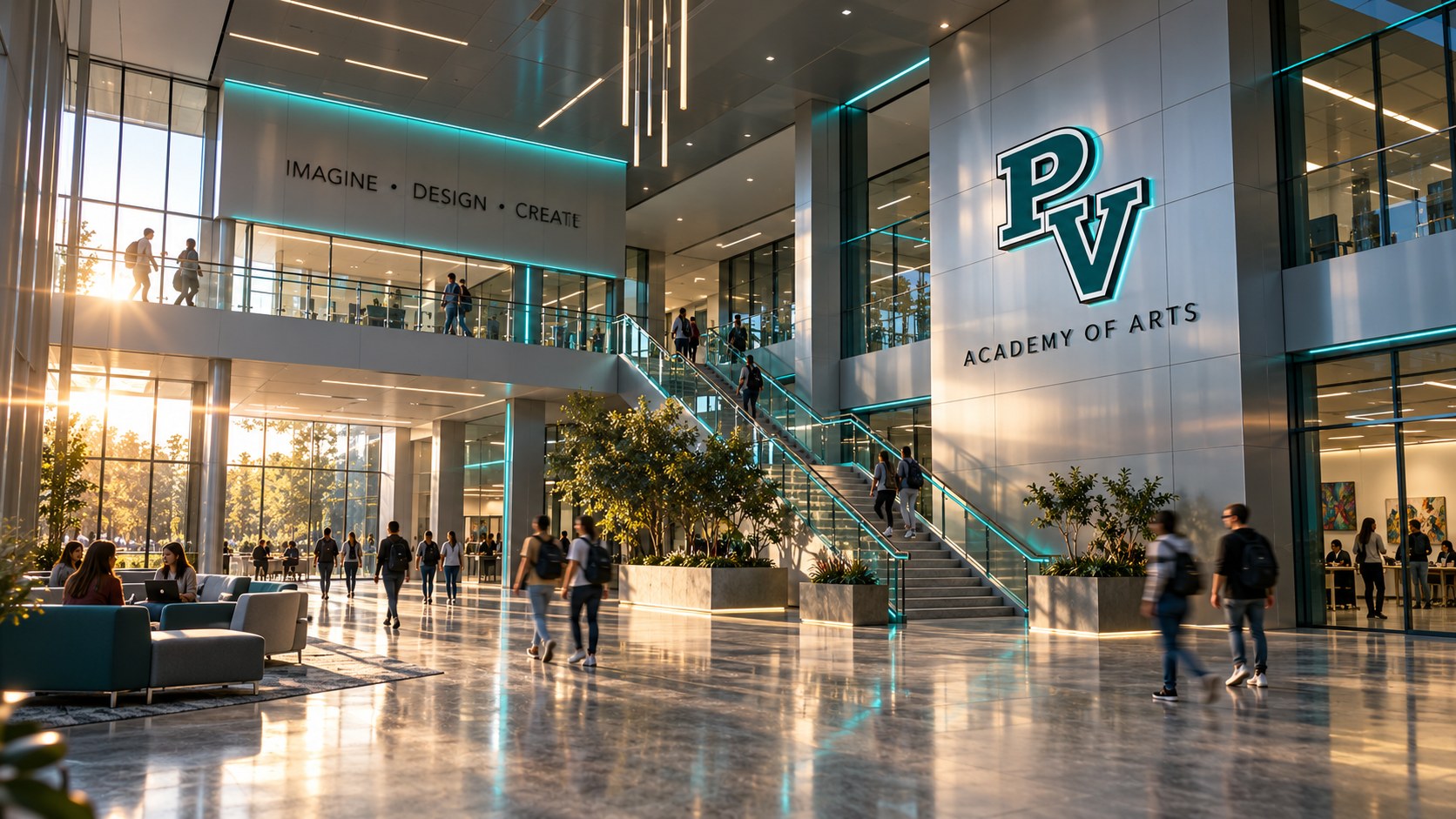
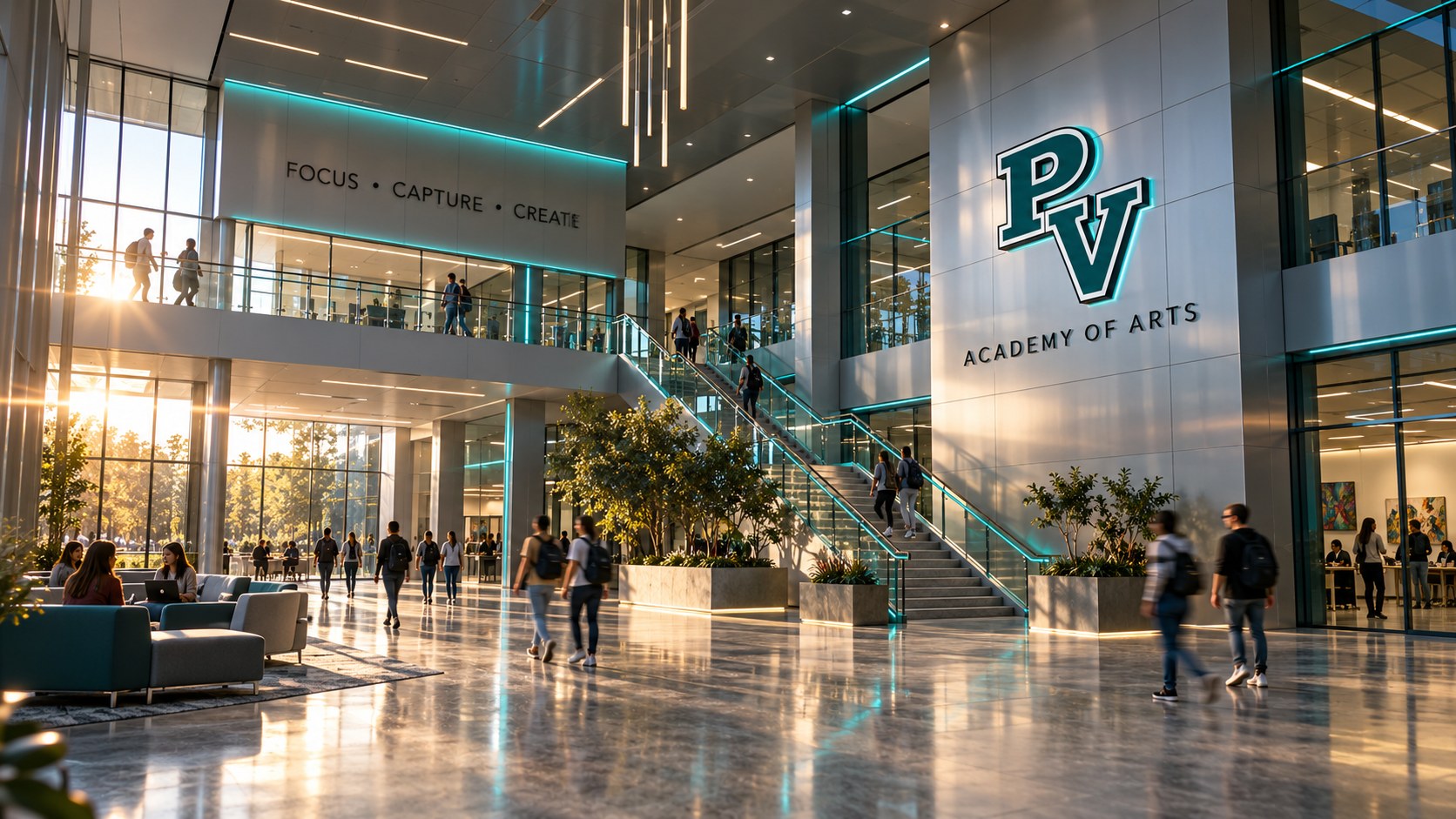
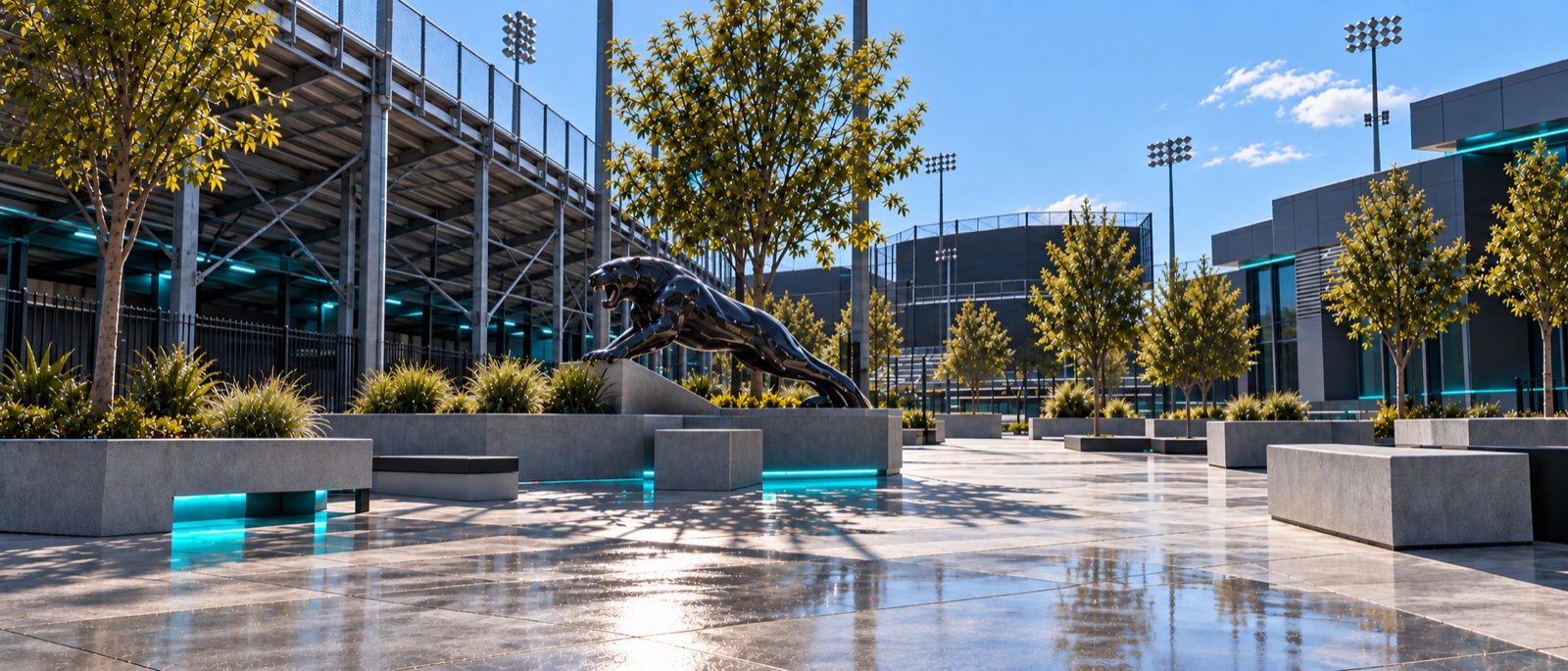
PNG Templates
Digital Arts 1A (2)
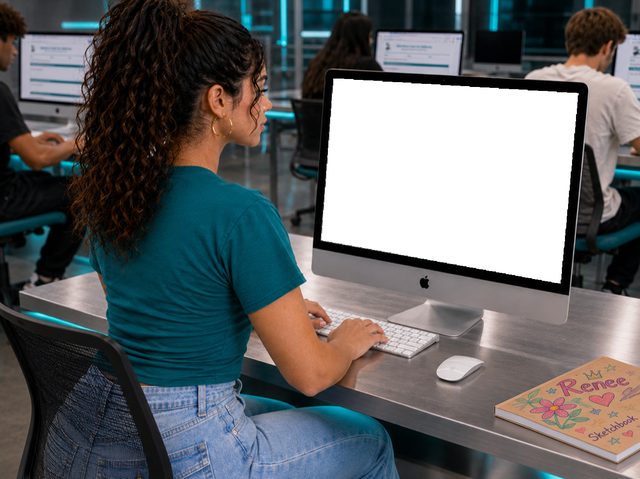
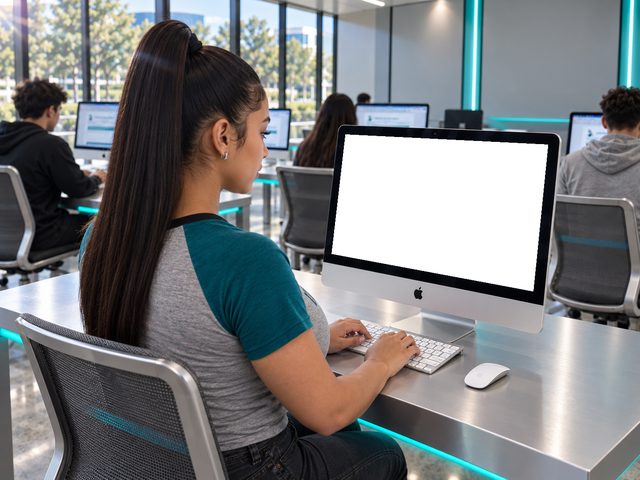
Photography 1A (5)
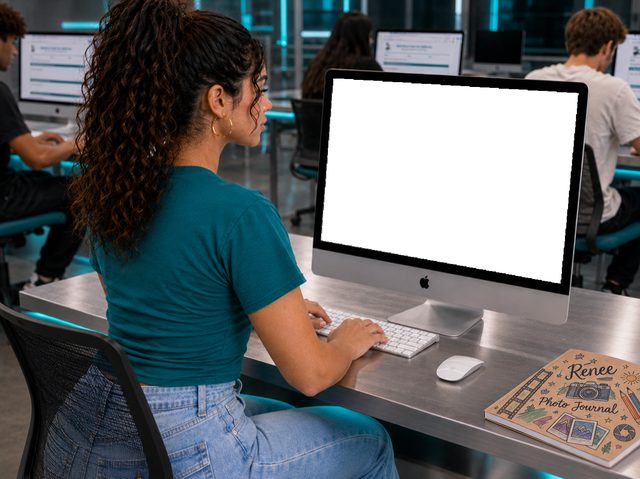
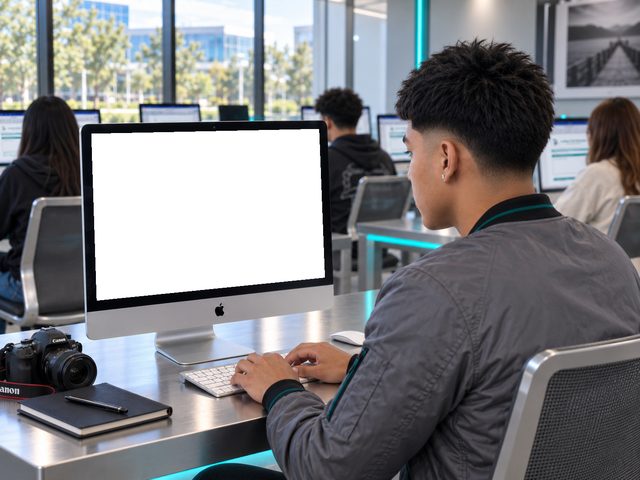

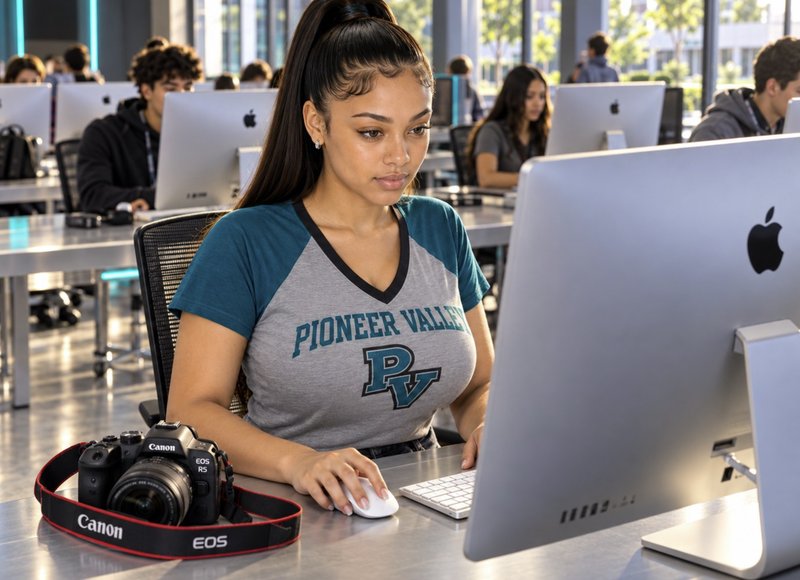
Photography 2A (5)
Graphics
Color Palette
Click a hex button to copy the code (without the #).
Logos
Pioneer Valley HS



Course Titles



Personal





Equipment

Student Brands


Icons
Navigation: Teal





Navigation: White





Calendar: Colors (PNG)






Calendar: Colors (SVG)






Utility
 book
book
 bookmark
 flag
flag
 gear
gear
 paper
paper
 book (SVG)
 bookmark (SVG)
 flag (SVG)
 gear (SVG)
 paper (SVG)
 lightbulb-orange
Contact & Brand (SVG)


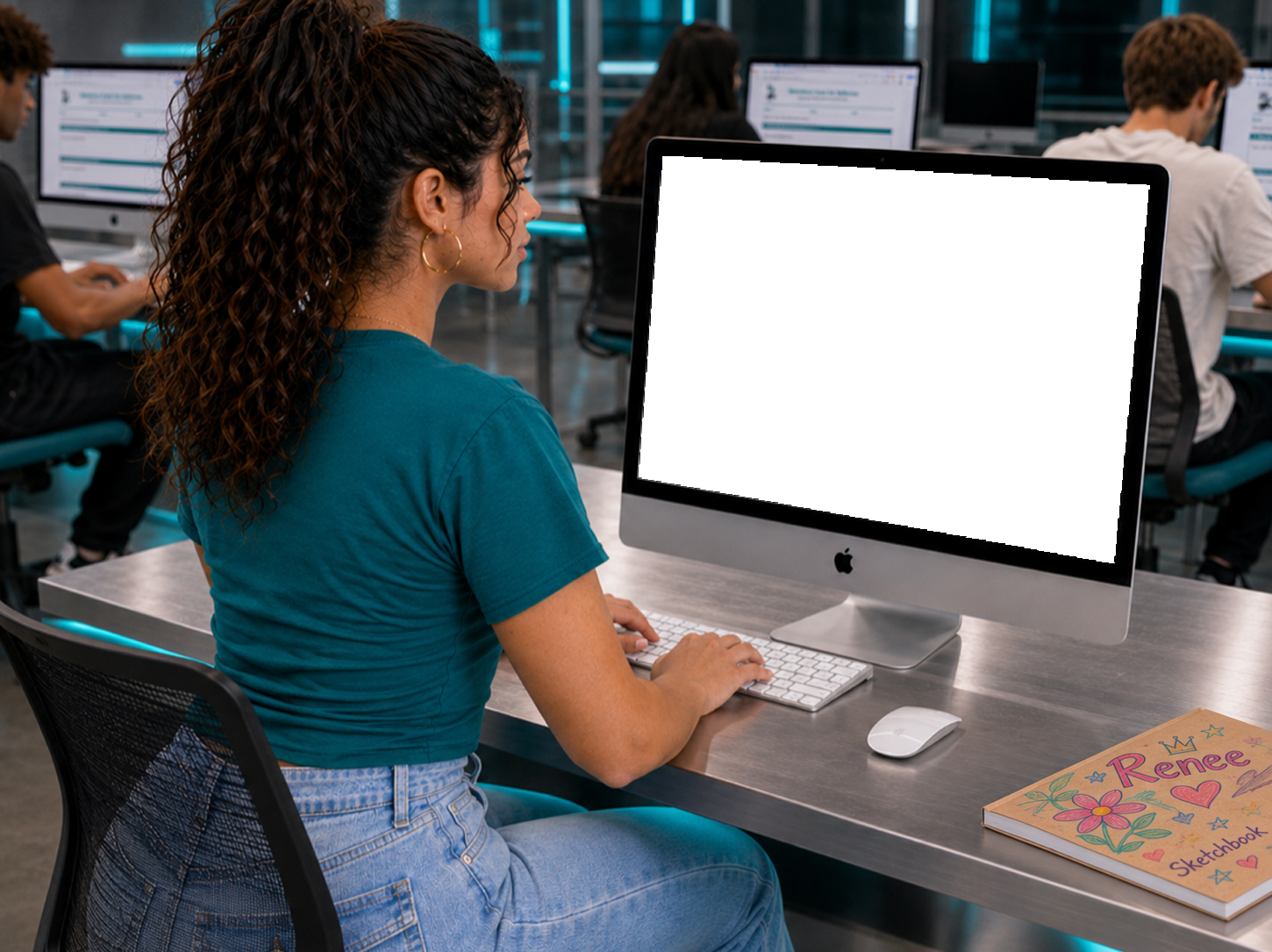
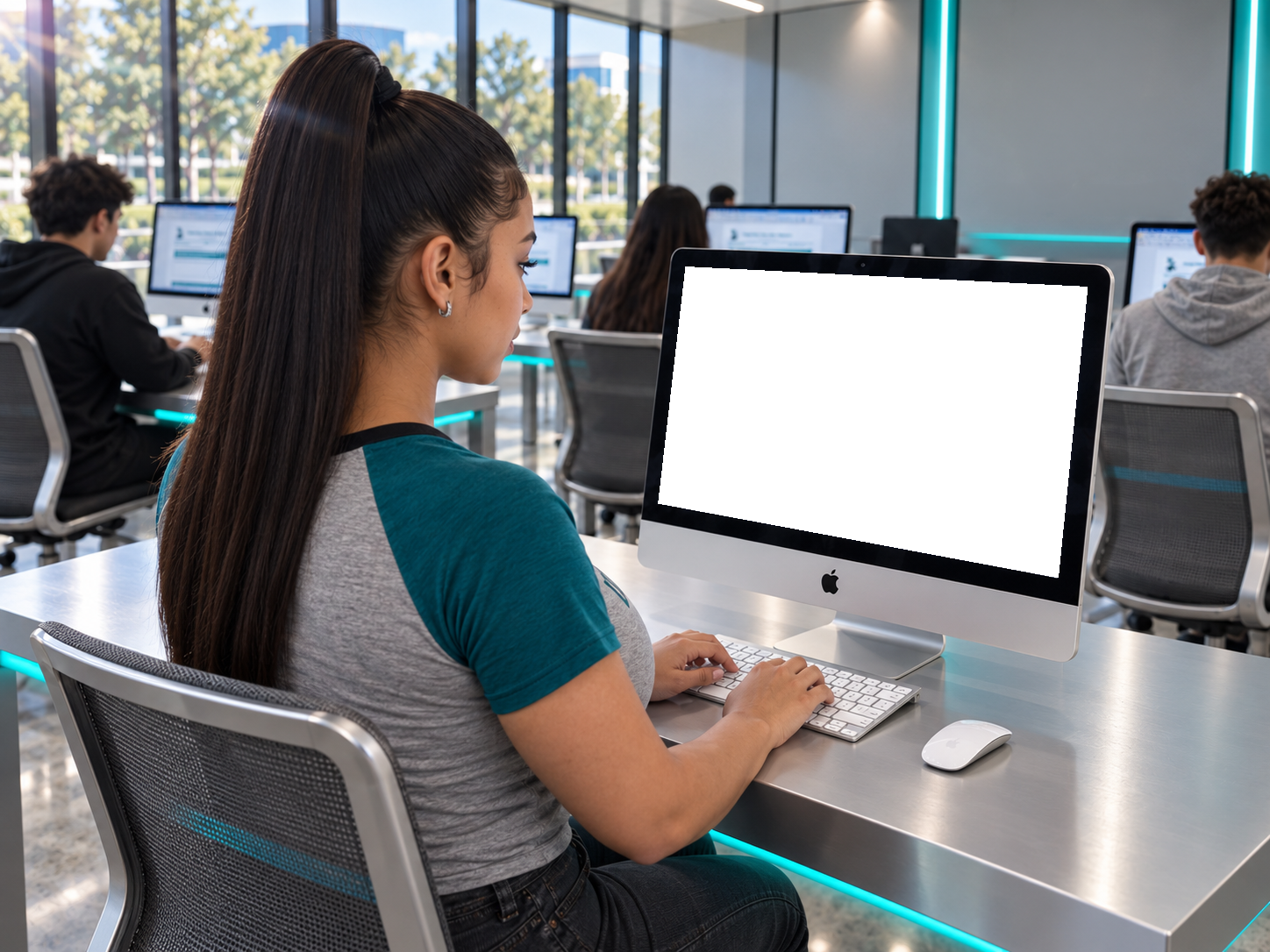
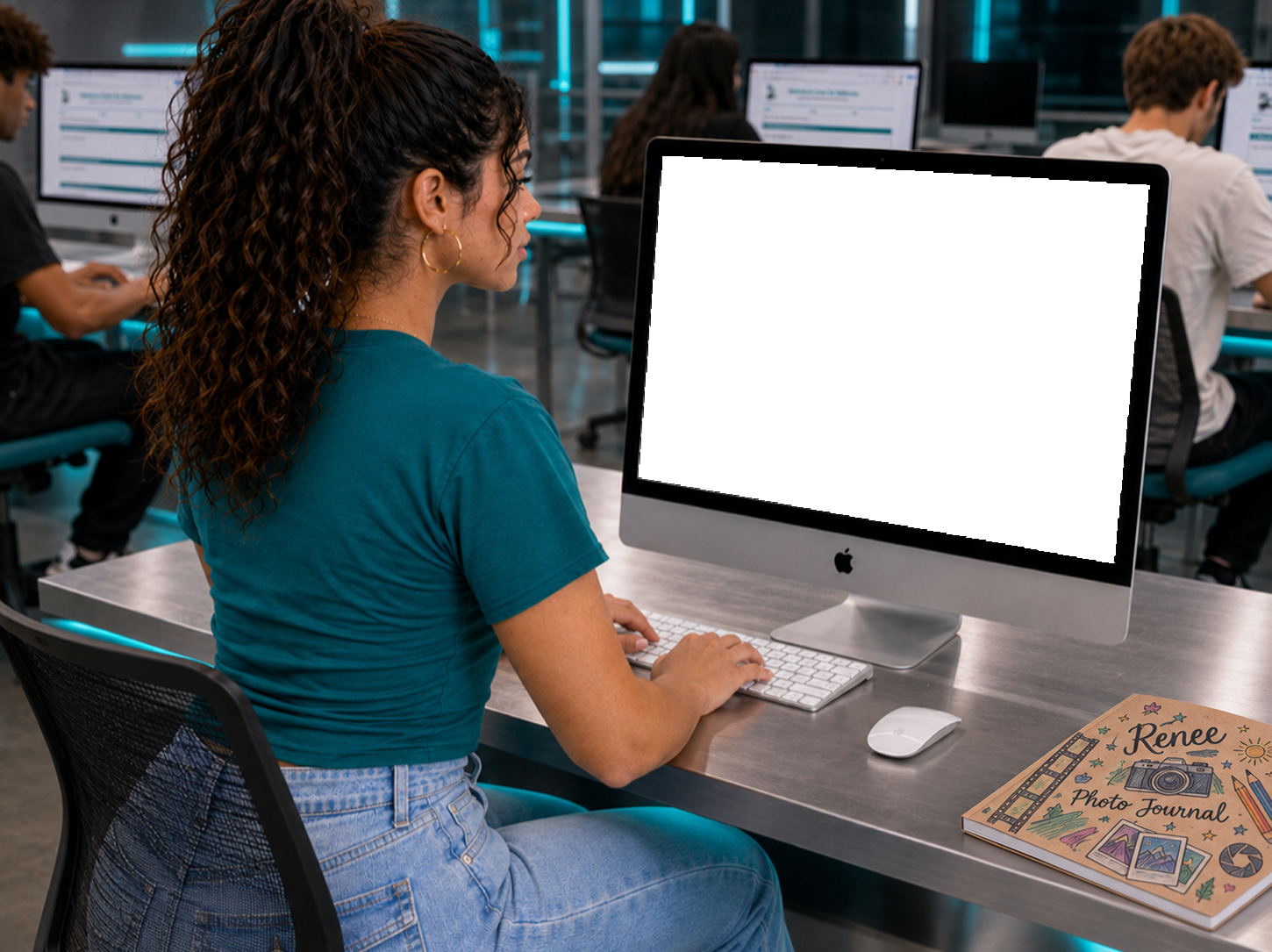


Module Icons





















Social Media
Instagram Story
Frameworks
Living framework docs. Each links to its source file, so any edit you push updates the hosted, viewable, and downloadable copy instantly: one running framework, always current.